How to Clean AirPods and the Charging Case

By Suraj Giri, Founder & Publisher. Reviewed by Suraj Giri on .
Published · 5 min read
How this page was made
- Sources. Checked against 6 official pages from Apple, most recently on . See the sources.
- No device testing. We don't test fixes on physical devices, so nothing on this page is a hands-on result. A fact counts as verified only when it matches an official source page.
- AI use. As with every page on Gadget247News, AI tools helped research, outline, draft and edit this page, and re-read the official pages to flag facts that didn't match. The illustration at the top was generated with Runway and is labelled under the image.
- Human sign-off. Suraj Giri, Founder & Publisher, read this page and signed it off on . The site won't publish a page without that sign-off.
- Changes. The published and updated dates move only when the content changes, and every change gets a dated note. Spot an error or a fix that didn't work? Email info@gadget247news.com.
Read our AI use policy, editorial policy and corrections policy.
To clean AirPods and the charging case, wipe them with a soft, dry, lint-free cloth, and clean the speaker meshes only with Apple's micellar-water and toothbrush method. Never run AirPods under water. Cleaning is one of the fixes our guide to wireless earbuds not working points to.
Apple's fixes for one quiet AirPod and for a case that won't charge both include clearing debris (see AirPods case not charging).
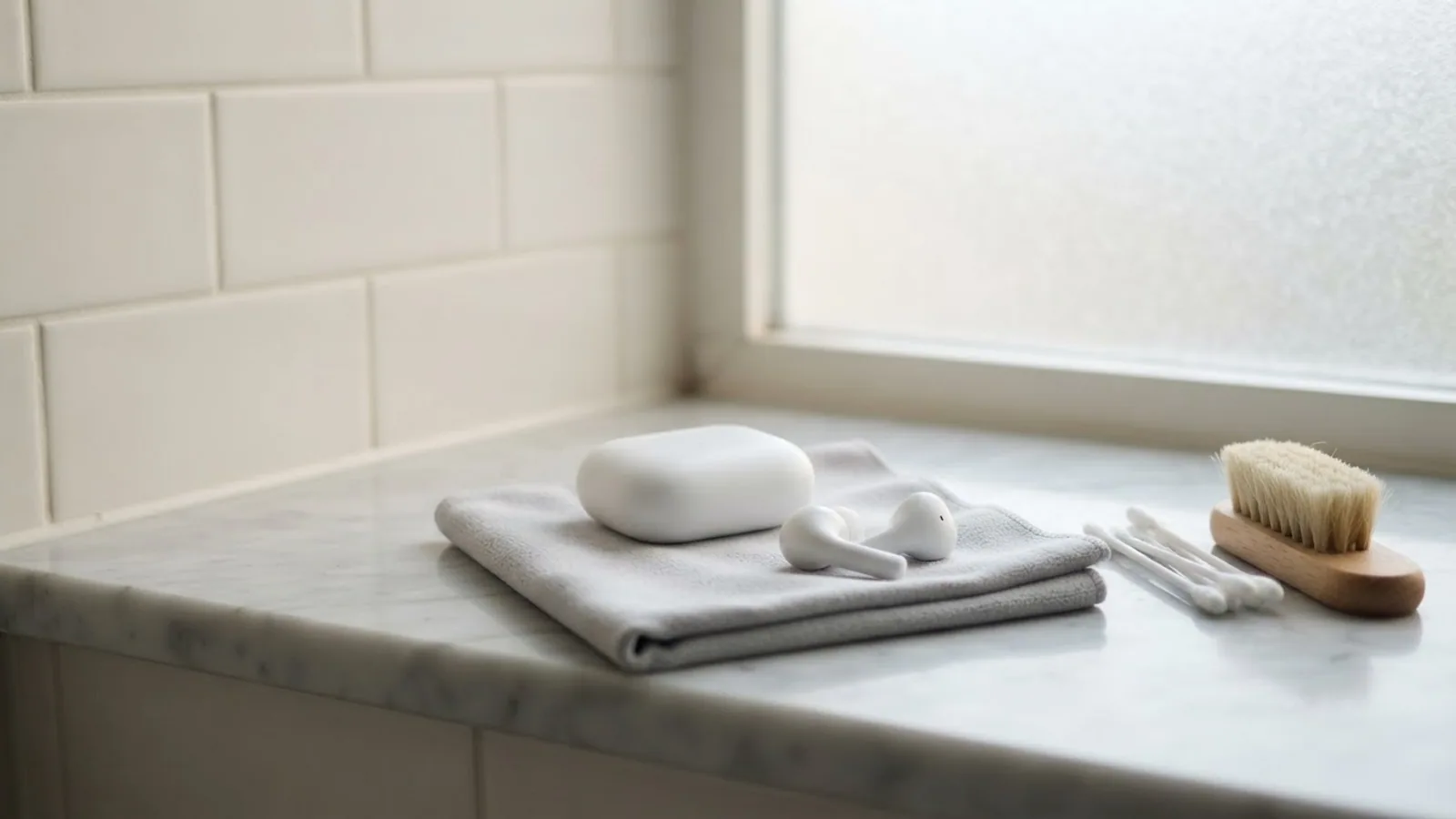
How to Clean the Outside of Your AirPods
To clean the outside of your AirPods after soap, lotion, sunscreen or oil, use fresh water:
- Wipe your AirPods clean with a cloth slightly dampened with fresh water, then dry them with a soft, dry, lint-free cloth.
- Let them dry completely, for at least two hours, before you put them in the charging case or use them.
Don't run your AirPods under water. The same two steps apply to AirPods Pro.
How to Clean Earwax Out of the Speaker Mesh
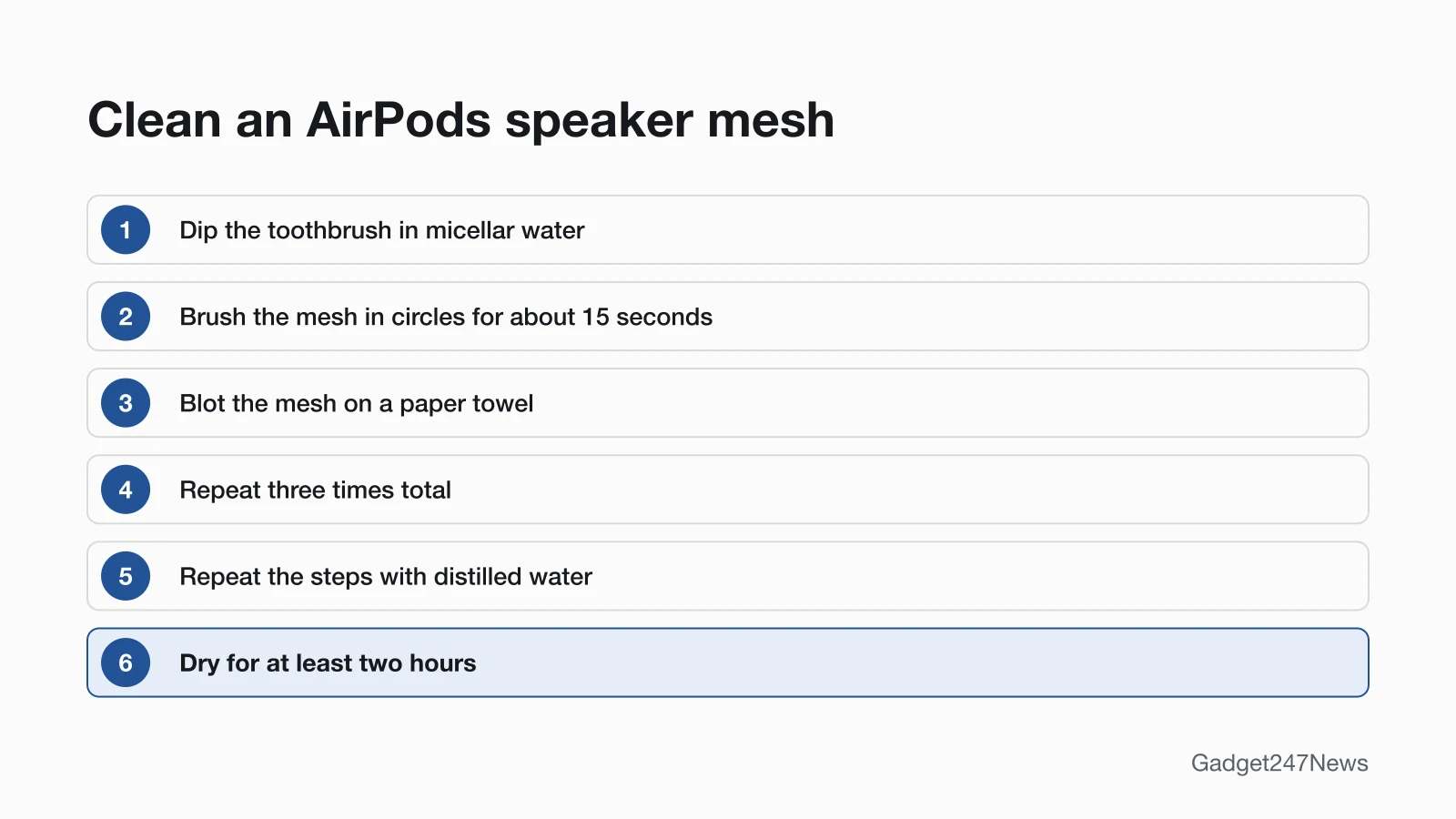
To clean earwax and debris out of the speaker mesh, brush it with micellar water three times, then repeat with distilled water. This is for AirPods 3, 4 and 5 and AirPods Pro 2 and 3 only, and only on the meshes Apple circles for your model (on AirPods Pro 3, including the bottom mic). On AirPods Pro, pull the ear tips off at the base first.
- Add a small amount of micellar water to a cup.
- Dip the toothbrush in the cup until the bristles are fully saturated.
- Hold your AirPod with the mesh facing up.
- Brush the mesh in circles for about 15 seconds.
- Turn the AirPod over and blot it on a paper towel, so the towel touches the mesh.
- Repeat steps 2 to 5 two more times, three times total for each mesh.
- Rinse the brush with distilled water, then repeat steps 1 to 5 with distilled water.
- Let your AirPods dry for at least two hours before you put them in the case or use them.
How to Clean AirPods Pro Ear Tips
To clean AirPods Pro ear tips, rinse them in plain water:
- If water has collected in an ear tip, tap the AirPod on a lint-free cloth, tip opening facing down.
- Pull the ear tips off each AirPod and rinse them with water. Don't use soap or other household cleaners.
- Wipe the tips with a soft, dry, lint-free cloth and let them dry completely.
- Click the ear tips back on. They're oval, so line them up first.
AirPods Pro 3 only: Apple allows an optional 10-second rinse in a bowl of water, with a finger sealing the ear tip hole, then at least two hours to dry. Don't submerge AirPods Pro 1, AirPods Pro 2, AirPods 3 or AirPods 4.
How to Clean the Charging Case
To clean the charging case, brush the port and wipe the outside:
- Remove any debris from the charging port with a clean, dry, soft-bristled brush.
- Wipe the case with a soft, dry, lint-free cloth. If necessary, dampen the cloth slightly with isopropyl alcohol.
- Let the charging case dry.
Keep liquid out of the charging ports and don't put anything inside them, to avoid damaging the metal contacts. The AirPods Pro case gets the same care.
How to Clean AirPods Max and the Ear Cups
To clean AirPods Max cushions and the headband, use a laundry-detergent solution:
- In a clean container, mix 1 tsp. (5 mL) of liquid laundry detergent into 1 cup (250 mL) of water.
- Remove the cushions from the ear cups.
- For the headband, hold AirPods Max upside down so liquid can't reach the headband attachment point.
- Dip a lint-free cloth in the solution, wring it out slightly, and gently rub the cushions and headband for 1 minute each.
- Wipe them with a separate cloth slightly dampened with fresh water.
- Dry them with a soft, dry, lint-free cloth.
- Lay your AirPods Max flat to dry for at least a day before you reattach the cushions and use them.
Wipe the rest of AirPods Max with a soft, dry, lint-free cloth. For disinfecting, Apple allows 70 percent isopropyl alcohol wipes, 75 percent ethyl alcohol wipes or Clorox Disinfecting Wipes on the exterior only, never on the knit mesh canopy or ear cushions.
What Not to Use
Apple's support articles rule out six things:
- Running water
- Sharp objects or abrasive materials
- Liquid in the charging ports, or anything pushed into them
- Soap or other household cleaners on AirPods Pro ear tips
- Heat or compressed air to dry AirPods
- Products with bleach or hydrogen peroxide on AirPods Max
Still Having Problems After Cleaning?
A case that still won't charge needs the charging fixes linked above. If one AirPod stays quiet or silent, follow the steps for a right AirPod not working. If your AirPods got wet rather than dirty, see What to Do If AirPods Get Wet.
More Care Guides
- How to Clean Earbuds Safely
- How to Wear AirPods So They Don't Fall Out
- What to Do If AirPods Get Wet
- How to Change an Apple Watch Band
- How to Clean an Apple Watch Band
- Oura Ring owners: Oura Ring Sizing
Cleaning Questions
Quick answers from Apple's cleaning articles.
Can I use alcohol to clean AirPods?
Only on some parts: Apple allows a cloth slightly dampened with isopropyl alcohol on the charging case and the AirPods Max Smart Case, plus alcohol wipes on the AirPods Max exterior. For the earbuds, Apple names fresh water and, for meshes, micellar water.
How long should AirPods dry after cleaning?
AirPods and AirPods Pro need at least two hours after the mesh method or a fresh-water wipe. AirPods Max cushions and the headband need at least a day.
Can I clean the mesh on AirPods 1 or AirPods 2?
Not with Apple's method: it lists AirPods 3, 4 and 5 and AirPods Pro 2 and 3, and no older models. For AirPods 1 or AirPods 2, use the outside and case steps above and don't improvise.
Sources
We checked this page against the pages below, most recently on . How we verify fixes
- How to clean your AirPods (Apple, support.apple.com)Official
- How to clean your AirPods Pro (Apple, support.apple.com)Official
- How to clean your AirPods Max (Apple, support.apple.com)Official
- About the sweat and water resistance of AirPods Pro, AirPods 3, AirPods 4, and AirPods 5 (Apple, support.apple.com)Official
- If your AirPods won't charge (Apple, support.apple.com)Official
- If your left or right AirPod isn't working (Apple, support.apple.com)Official