How to Clean Earbuds Safely

By Suraj Giri, Founder & Publisher. Reviewed by Suraj Giri on .
Published · 4 min read
How this page was made
- Sources. Checked against 6 official pages from Apple, Google and Samsung, most recently on . See the sources.
- No device testing. We don't test fixes on physical devices, so nothing on this page is a hands-on result. A fact counts as verified only when it matches an official source page.
- AI use. As with every page on Gadget247News, AI tools helped research, outline, draft and edit this page, and re-read the official pages to flag facts that didn't match. The illustration at the top was generated with Runway and is labelled under the image.
- Human sign-off. Suraj Giri, Founder & Publisher, read this page and signed it off on . The site won't publish a page without that sign-off.
- Changes. The published and updated dates move only when the content changes, and every change gets a dated note. Spot an error or a fix that didn't work? Email info@gadget247news.com.
Read our AI use policy, editorial policy and corrections policy.
To clean earbuds safely, wipe the earbuds and ear tips with a soft, dry, lint-free cloth, and use only the liquids your earbuds' maker allows. Clear earwax from the tips and mesh with a dry brush or cotton swab, and let everything dry before charging. Samsung says earwax and debris can make audio seem muffled, so a clean mesh is often how you get full sound back in your headphones. AirPods owners can follow Apple's full method in How to Clean AirPods and the Charging Case.
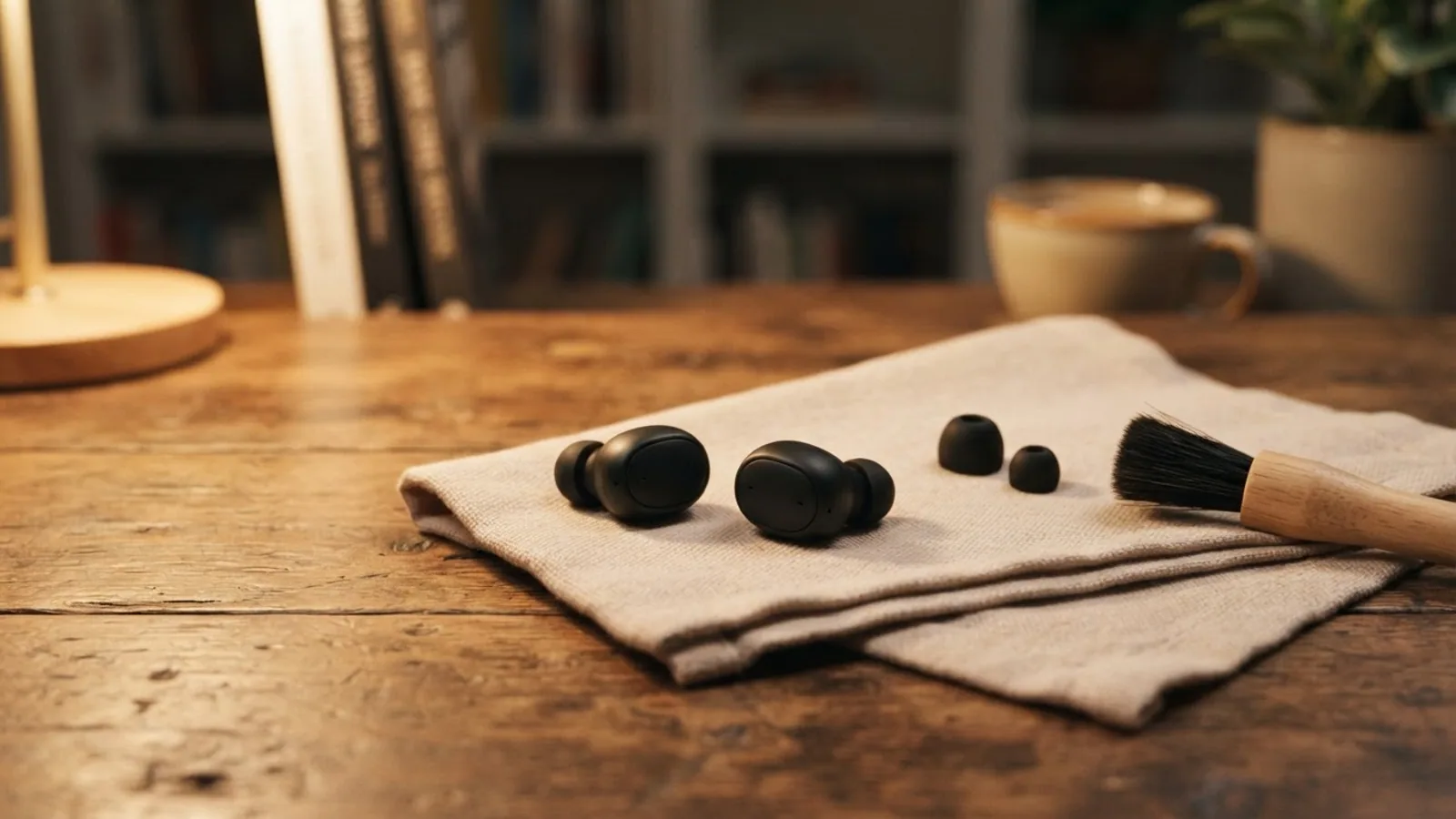
How to Clean Earbuds
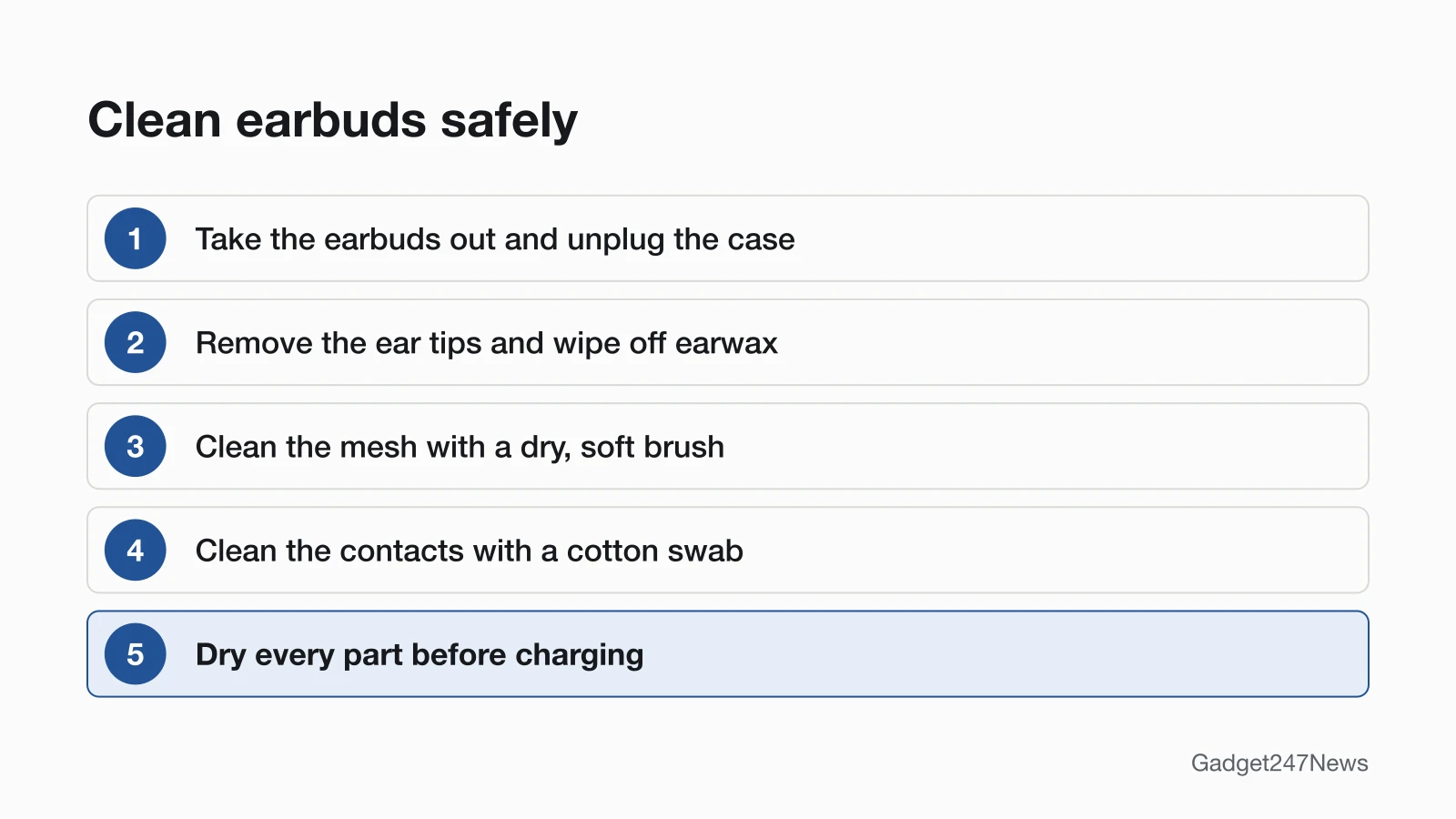
To clean earbuds, work dry and in this order. Each step comes from at least one maker's cleaning page, and none needs a liquid:
- Take the earbuds out of the case and unplug the case's charging cable.
- Remove the ear tips if they come off (Samsung: "carefully slide the rubber earbud tip" off), then wipe away earwax or lint.
- Clean the speaker mesh with a dry, soft brush or a soft, dry cloth. Samsung says not to hold the earbuds upright while you clean them, so debris doesn't fall inside.
- Clean the charging contacts with a cotton swab or a soft, dry cloth.
- Dry every part fully before the earbuds go back in the case or on the charger.
What Each Brand Allows
Each maker allows different tools and liquids for the mesh and the charging contacts:
| Brand | Mesh | Charging contacts | Liquids allowed | Source |
|---|---|---|---|---|
| AirPods (mesh method: AirPods 3, 4, 5, AirPods Pro 2, 3) | Micellar water and a soft toothbrush (full steps on our AirPods page) | Case port: clean, dry, soft-bristled brush; nothing inside | Fresh water on a cloth for the body; isopropyl alcohol on the case cloth if necessary | Apple 102672 |
| Beats earbuds (Studio Buds, Studio Buds +, Fit Pro, Powerbeats Fit) | No mesh step named; soft, dry, lint-free cloth for all other areas | Earbuds: cotton swab slightly dampened with warm water; case pins: lint-free cloth slightly dampened with warm water | 70 percent isopropyl alcohol on the swab or cloth if necessary | Apple 101597 |
| Google Pixel Buds (mesh method: Pro 2, 2a) | Extra soft toothbrush with regular or micellar water, 15-second circles, then air dry up to 2 hours | Soft, dry, lint-free cloth; case contacts: cloth or swab | No alcohol, benzene, detergents or powders; no liquid inside the case | Google 9112670 |
| Samsung Galaxy Buds | Soft, dry cloth; cotton swab and dry brush | Cotton swab | No liquids like alcohol or soapy water; no metal or wire brush | Samsung ANS10001320 |
On Pixel Buds 2a, Google's toothbrush method covers the rear vent and snout meshes only; for the 2a microphone mesh, Google names Blutak putty instead.
How to Clean the Charging Case
To clean the charging case, keep it dry and keep everything out of the port:
- Brush debris out of the charging port with a clean, dry, soft-bristled brush (Apple).
- Wipe the outside with a soft, dry, lint-free cloth (Apple, Google).
- Don't push anything into the USB-C connector (Beats), and don't use any liquid, including water, inside the case (Google).
How to Clean Over-Ear Headphones
To clean over-ear Beats headphones, Apple's care article allows a soapy cloth on the headband but not on the ear cups:
- Wipe away dust and oil with a dry cleaning cloth.
- Clean the headband cushions and sliders with a damp cloth with soap.
- Use a dry cloth on the ear cups and ear cup mesh; don't use a damp cloth there.
Skip aerosol sprays, solvents and abrasives. For other headphone brands, follow the care page for your model; we only list methods we've read on the maker's site.
What Not to Use
Each of these seven is ruled out by at least one maker's cleaning page:
- Running water on AirPods (Apple)
- Sharp objects or abrasive materials (Apple, Beats)
- Aerosol sprays or solvents (Beats)
- Compressed air or cleaning products (Beats)
- A hair dryer or other external heat source (Beats)
- Alcohol, benzene, detergents or powders on Pixel Buds (Google)
- Metal or wire brushes, and liquids like alcohol or soapy water, on Galaxy Buds (Samsung)
Still Muffled or Quiet After Cleaning?
If the mesh is clean and the sound is still dull, debris is ruled out and the settings checks in the muffled-sound fix above come next. If you still hear one earbud quieter than the other, work through that fix. If the contacts are clean and you still have one earbud not charging, use that charging fix next.
Related Care Guides
- How to Wear AirPods So They Don't Fall Out, for a better seal and fit
- How to Clean AirPods and the Charging Case, Apple's full mesh method (linked above)
- For Apple Watch owners: how to clean an Apple Watch band you wear every day
Cleaning Earbuds: Quick Answers
How do I get earwax out of earbuds?
Take the ear tips off, wipe the wax away with a dry cloth or cotton swab, and brush the mesh gently with a dry, soft brush. Samsung says not to hold the earbuds upright while you do this. Add a liquid only if your brand's row in the table above allows one.
Can I clean earbuds with alcohol?
It depends on the brand. Apple allows 70 percent isopropyl alcohol on Beats earbud contacts and case pins, and isopropyl alcohol on the AirPods case cloth. Google says no alcohol on Pixel Buds, and Samsung rules out liquids like alcohol on Galaxy Buds.
How do I clean the headphone jack on my phone?
For an iPhone or iPad, Apple says to check the headphone port for debris, then plug your headphones back in firmly. Apple's page gives no port-cleaning method: its advice to "gently brush all openings with a small, soft-bristled brush" is for the meshes on each earbud. For other phones, follow your phone maker's support page.
Sources
We checked this page against the pages below, most recently on . How we verify fixes
- How to clean your AirPods (Apple, support.apple.com)Official
- Clean and store your Beats earphones or headphones (Apple, support.apple.com)Official
- Clean your Beats Studio Buds, Beats Studio Buds +, Beats Fit Pro, and Powerbeats Fit (Apple, support.apple.com)Official
- Clean your Google Pixel Buds (Google, support.google.com)Official
- How to clean your Samsung Galaxy earbuds (Samsung, samsung.com)Official
- If your headphones don't work with your iPhone or iPad (Apple, support.apple.com)Official