How to Clean an Apple Watch Band

By Suraj Giri, Founder & Publisher. Reviewed by Suraj Giri on .
Published · 4 min read
How this page was made
- Sources. Checked against 3 official pages from Apple, most recently on . See the sources.
- No device testing. We don't test fixes on physical devices, so nothing on this page is a hands-on result. A fact counts as verified only when it matches an official source page.
- AI use. As with every page on Gadget247News, AI tools helped research, outline, draft and edit this page, and re-read the official pages to flag facts that didn't match. The illustration at the top was generated with Runway and is labelled under the image.
- Human sign-off. Suraj Giri, Founder & Publisher, read this page and signed it off on . The site won't publish a page without that sign-off.
- Changes. The published and updated dates move only when the content changes, and every change gets a dated note. Spot an error or a fix that didn't work? Email info@gadget247news.com.
Read our AI use policy, editorial policy and corrections policy.
To clean an Apple Watch band, take the band off your Apple Watch, then wipe it with a nonabrasive, lint-free cloth lightly dampened with fresh water. Apple says keeping the watch, its bands and your skin clean and dry maximizes comfort, especially after workouts or contact with sweat, soap, sunscreen and lotions. If you also own AirPods Max, our care section shows how to clean AirPods Max ear cushions.
If the watch stops pairing, syncing or responding properly after a wipe-down, start with our Apple Watch pairing and sync fixes.
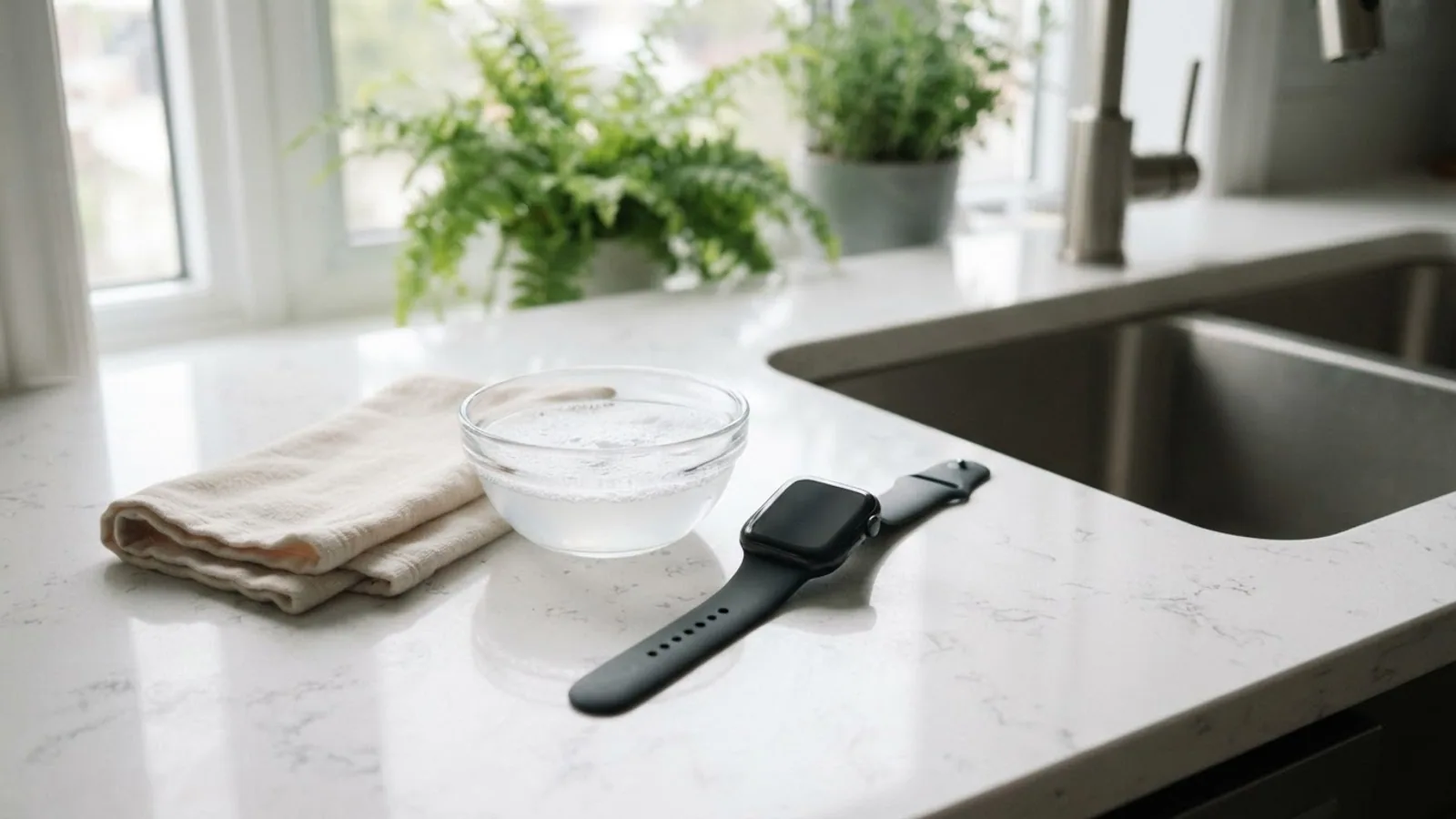
How to Clean an Apple Watch Band
To clean an Apple Watch band, remove it from the watch, wipe it, then dry it:
- Remove the band from your Apple Watch. See how to change an Apple Watch band.
- Wipe the band with a nonabrasive, lint-free cloth. If necessary, lightly dampen the cloth with fresh water.
- Dry the band with a nonabrasive, lint-free cloth before you attach it to your Apple Watch.
How to Clean Each Type of Band
Leather, FineWoven and Hermès bands need different care. This table follows Apple's cleaning article, published March 12, 2026:
| Band | How to clean it | Soap or detergent | Disinfectant wipes |
|---|---|---|---|
| Solo Loop, Sport Band, Ocean Band | Damp cloth, then dry | Mild hypoallergenic hand soap | Yes |
| Braided Solo Loop, Sport Loop, Alpine Loop, Trail Loop | Damp cloth, then dry | Mild hypoallergenic hand soap | Not listed |
| Leather | Damp cloth on the leather parts, air dry; don't soak | None in Apple's steps | No |
| FineWoven (Magnetic Link, Modern Buckle) | Detergent solution (steps below); don't soak | Liquid laundry detergent | Not listed |
| Hermès rubber, knit, woven | Soft cloth and fresh water; knit isn't swimproof | Soapy water on rubber, for stains | Not listed |
| Metal and all other bands | Damp cloth, then dry | None in Apple's steps | Yes (metal) |
Apple doesn't say whether wipes are safe on Hermès rubber bands. Keep leather bands out of direct sunlight, high temperatures and high humidity.
How to Clean a FineWoven Band
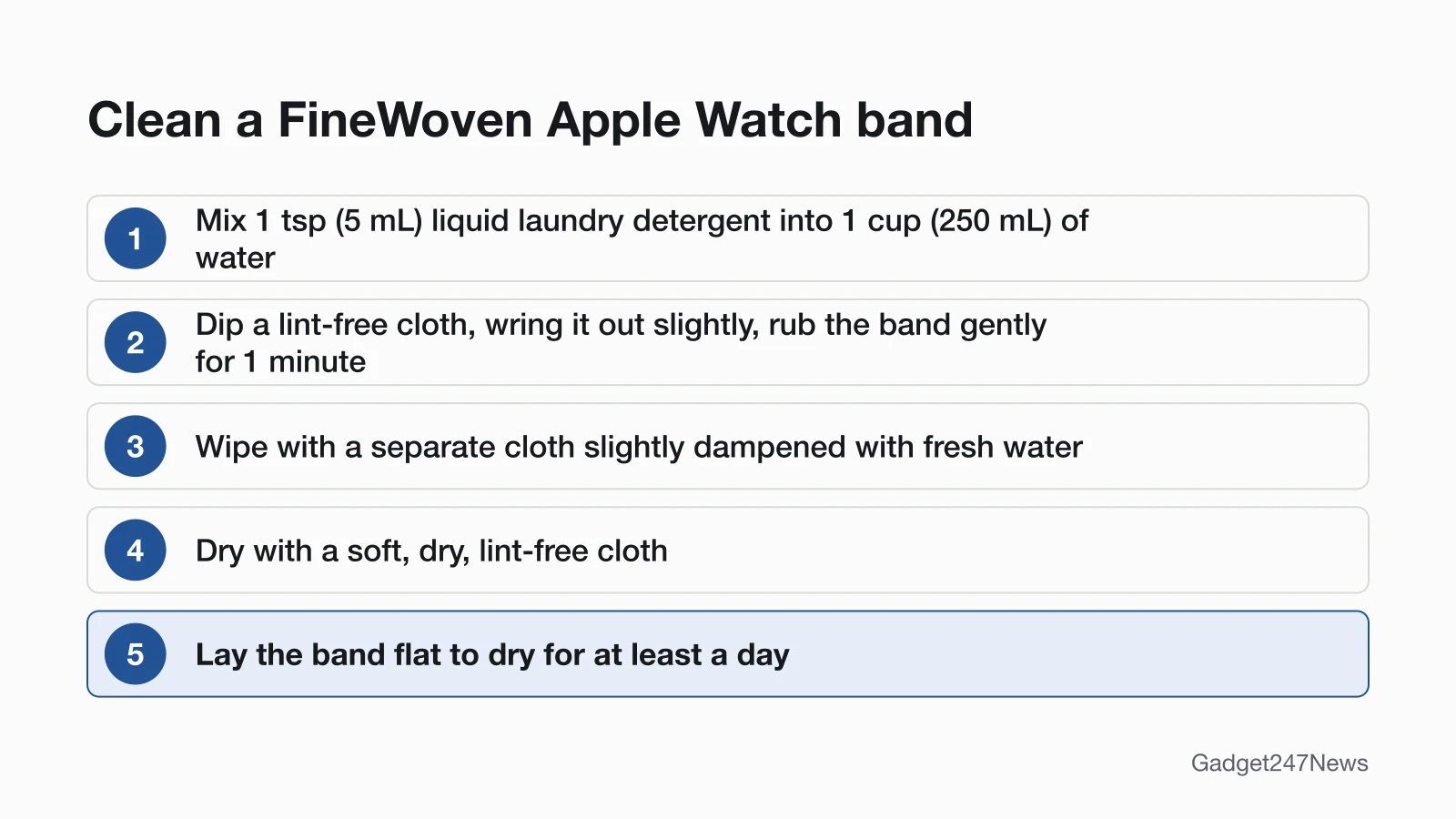
To clean a FineWoven band, such as a Magnetic Link or Modern Buckle, use a detergent solution:
- In a clean container, mix 1 tsp (5 mL) of liquid laundry detergent into 1 cup (250 mL) of water.
- Dip a lint-free cloth into the solution, wring it out slightly, and rub the band gently for 1 minute.
- Wipe the band with a separate cloth slightly dampened with fresh water. Don't soak it: FineWoven isn't water resistant.
- Dry the band with a soft, dry, lint-free cloth, removing any excess moisture.
- Lay the band flat to dry for at least a day before you use it again.
Apple stopped selling leather bands in September 2023; older ones follow the leather row above.
How to Clean Your Apple Watch
To clean your Apple Watch itself, turn it off and wipe it:
- Turn off your Apple Watch and remove it from the charger.
- Remove a leather band, if you have one.
- Wipe the watch with a nonabrasive, lint-free cloth. If necessary, lightly dampen the cloth with fresh water.
- If you see debris in places such as the speaker ports, hold the watch under lightly running, warm, fresh water until it's clean, without soap. On Series 10 and later, a soft-bristle brush can also clear the speaker ports.
- Dry the watch with a nonabrasive, lint-free cloth, including the surface of the back crystal.
Clean the watch regularly. Apple says a buildup of lotion or sunscreen on the back crystal can impact sensor functionality.
If the Digital Crown Is Sticky or Stuck
If the Digital Crown gets stuck or won't move, wipe the watch and check for debris, then rinse the crown, repeating as needed:
- Turn off your Apple Watch, remove it from the charger, and take off a leather band if you have one.
- Hold the Digital Crown under lightly running, warm, fresh water from a faucet, with no soap or cleaning products.
- Turn and press the Digital Crown continuously as the water runs over the small gap between the crown and the housing.
- Dry the watch with an absorbent, nonabrasive, lint-free cloth, rotating and pressing the Digital Crown as you dry it.
What Not to Use
Apple's cleaning article rules out these on your Apple Watch and its bands:
- Soaps and cleaning products on the watch itself
- Abrasive materials, including polishing or buffing the watch with abrasives
- Compressed air
- Ultrasonic cleaning
- External heat sources
- Products that contain bleach or hydrogen peroxide
- Submerging the watch in any cleaning agent
- Soaking a leather or FineWoven band in water
Still Having Problems After Cleaning?
If the speaker sounds muffled after the watch gets wet, use Water Lock. On Apple Watch Series 2 and later, press the side button to open Control Center, tap Water Lock, then press and hold the Digital Crown. Don't shake it or put anything into its openings. For pairing and sync faults, use the Apple Watch fixes hub linked above; for skin irritation, see our band-change guide.
Related Care Guides
Other Apple care guides:
- What to Do If AirPods Get Wet: Apple's drying steps for wet AirPods.
- How to Clean AirPods and the Charging Case: Apple's cleaning method for both.
Cleaning Questions
Short answers from Apple's own cleaning and water resistance articles.
Can I wash my Apple Watch band in water?
Most Apple Watch bands take a cloth lightly dampened with fresh water, and the sport and loop bands in the table also take mild hypoallergenic hand soap. Don't soak leather or FineWoven bands: Apple says neither is water resistant.
Can I use alcohol wipes on my Apple Watch?
Yes. Apple allows 70 percent isopropyl alcohol wipes, 75 percent ethyl alcohol wipes or Clorox Disinfecting Wipes, used gently, on the outside of your Apple Watch and on a Solo Loop, Sport Band, Nike Sport Band, Ocean Band or metal band. Never use them on fabric or leather bands.
Which Apple Watch bands aren't water resistant?
Apple lists the Magnetic Link, Modern Buckle (with FineWoven), Leather Link, Modern Buckle (with leather), Milanese Loop, Link Bracelet, and Hermès leather and knit bands as not water resistant. It also says stainless steel and leather bands shouldn't be exposed to liquids.
Sources
We checked this page against the pages below, most recently on . How we verify fixes
- How to clean your Apple Watch (Apple, support.apple.com)Official
- About Apple Watch water resistance (Apple, support.apple.com)Official
- Band care information for Apple Watch (Apple Watch User Guide) (Apple, support.apple.com)Official