Smartwatch Not Charging? Causes and Fixes

By Suraj Giri, Founder & Publisher. Reviewed by Suraj Giri on .
Published · 9 min read
How this page was made
- Sources. Checked against 13 official pages from Apple, Samsung, Google, Garmin and Oura, most recently on . See the sources.
- No device testing. We don't test fixes on physical devices, so nothing on this page is a hands-on result. A fact counts as verified only when it matches an official source page.
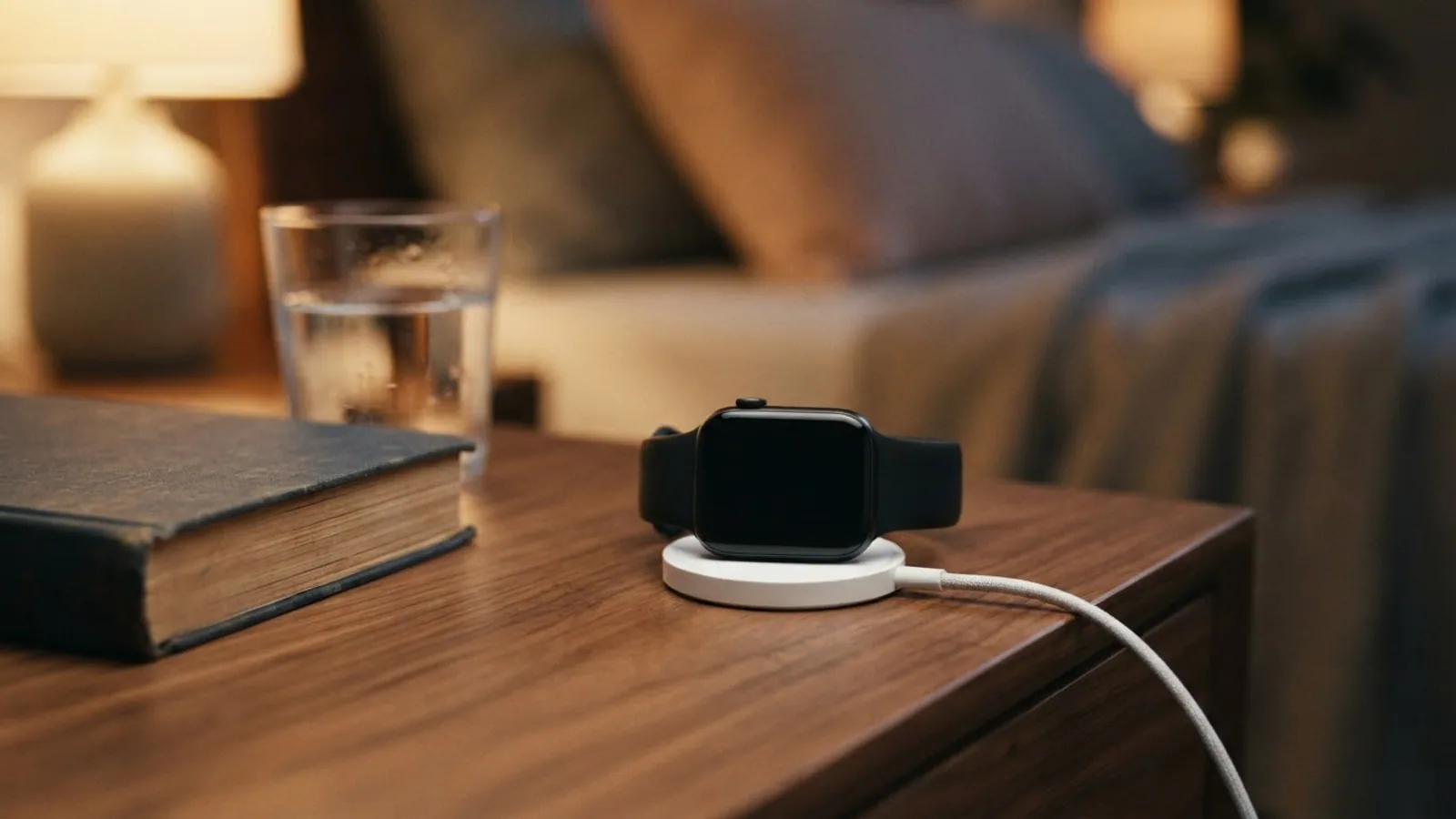
- AI use. As with every page on Gadget247News, AI tools helped research, outline, draft and edit this page, and re-read the official pages to flag facts that didn't match. The illustration at the top was generated with Runway and is labelled under the image.
- Human sign-off. Suraj Giri, Founder & Publisher, read this page and signed it off on . The site won't publish a page without that sign-off.
- Changes. The published and updated dates move only when the content changes, and every change gets a dated note. Spot an error or a fix that didn't work? Email info@gadget247news.com.
Read our AI use policy, editorial policy and corrections policy.
The makers' charging pages point to three common reasons a smartwatch won't charge: it sits slightly off the charger, its contacts are dirty, or it's on the wrong cable. Use the charger that came with your watch, line it up so a charging sign appears, and clean both surfaces. A fully drained watch can take a while to show that sign. Find your brand below; Apple Watch owners can go straight to Apple Watch Not Charging.
This hub covers smartwatches, fitness trackers and smart rings, starting with Apple Watch and then Galaxy Watch, Pixel Watch, Fitbit, Garmin and Oura Ring. A watch that charges but empties too fast has a different fault, covered under smartwatch battery drain. Pairing, sync and other faults start from the smartwatch Not Working hub.
Find Your Problem: Brand, Cause and First Fix
The table matches each watch to a cause its maker's support page points to and a first fix from that page, with a link to the full steps.
| Watch | Most likely cause | First fix | Full steps |
|---|---|---|---|
| Apple Watch, no bolt on the charger | Alignment, the cable or dirt | Use the Apple magnetic charging cable, remove any plastic wrap, clean the watch back and charger, then charge for up to 30 minutes. | Apple Watch Not Charging |
| Apple Watch showing a red lightning bolt | Battery too low to turn on | Leave it on its Apple magnetic charger for up to 30 minutes; the red bolt means the battery is too low to turn on. | Apple Watch Stuck on the Red Lightning Bolt |
| Samsung Galaxy Watch | Wrong dock, or the watch isn't seated | Use the Samsung charger made for your model, place the watch face-up on it, and charge it for at least 1 hour. | Samsung Galaxy Watch charging fixes |
| Pixel Watch | Watch placed the wrong way on the dock | Take the watch off the charger, then set it back so the charging points meet the pins and the crown faces the same way as the cable. | Pixel Watch Not Charging |
| Fitbit | Dirty contacts | Clean the gold contacts and charger pins with a cotton swab and rubbing alcohol, then charge your Fitbit from a wall outlet for a full hour. | Fitbit Not Charging |
| Garmin | Dirty contacts or a damaged cable | Clean the watch's charging contacts and the cable pins with rubbing alcohol on a cotton swab, let them dry, then try a different wall outlet. | Garmin Watch Not Charging |
| Oura Ring | Cable, power source or the wrong charger | Plug in the charger without the ring; if its light stays dark, flip the cable's connectors and try another power source or cable. | Oura Ring Not Charging |
| Apple Watch, first charge or a routine charge | No fault | Set the back of the watch on its magnetic charger until the charging icon shows on the watch face. | How to Charge an Apple Watch |
Every time figure in the table belongs to its own brand: Apple's 30 minutes, Samsung's hour and Fitbit's hour are not general smartwatch rules.
Why Your Smartwatch Isn't Charging
Five causes run through the charging pages of Apple, Google and Samsung, and the first three are physical:
- The watch isn't seated on the charger. Apple, Google and Samsung all tell you to reposition the watch, and a Pixel Watch 2 or 3 fits its dock only one way.
- A dirty back, dirty contacts or leftover plastic wrap. Apple asks you to clean the watch back and the charger and remove the wrap; Google's Fitbit page and Samsung list cleaning too.
- The wrong cable or dock. Apple names the cable that came with your watch, and Google the Pixel Watch charger in the box. Samsung warns that unapproved chargers can cause damage.
- A fully drained battery. The charging sign takes time: up to 30 minutes on an Apple Watch, and 10 more minutes on a Pixel Watch whose screen stays dark. Samsung asks for at least 1 hour on the dock.
- Software that needs a restart or an update. Apple's last charging step is a force restart, and Google lists a firmware update among its Pixel Watch charging fixes.
Cleaning, seating and the right charger cost nothing to check, so they come first.
Check These First on Any Smartwatch
Three checks apply to every watch on this page, and none of them needs a settings menu:
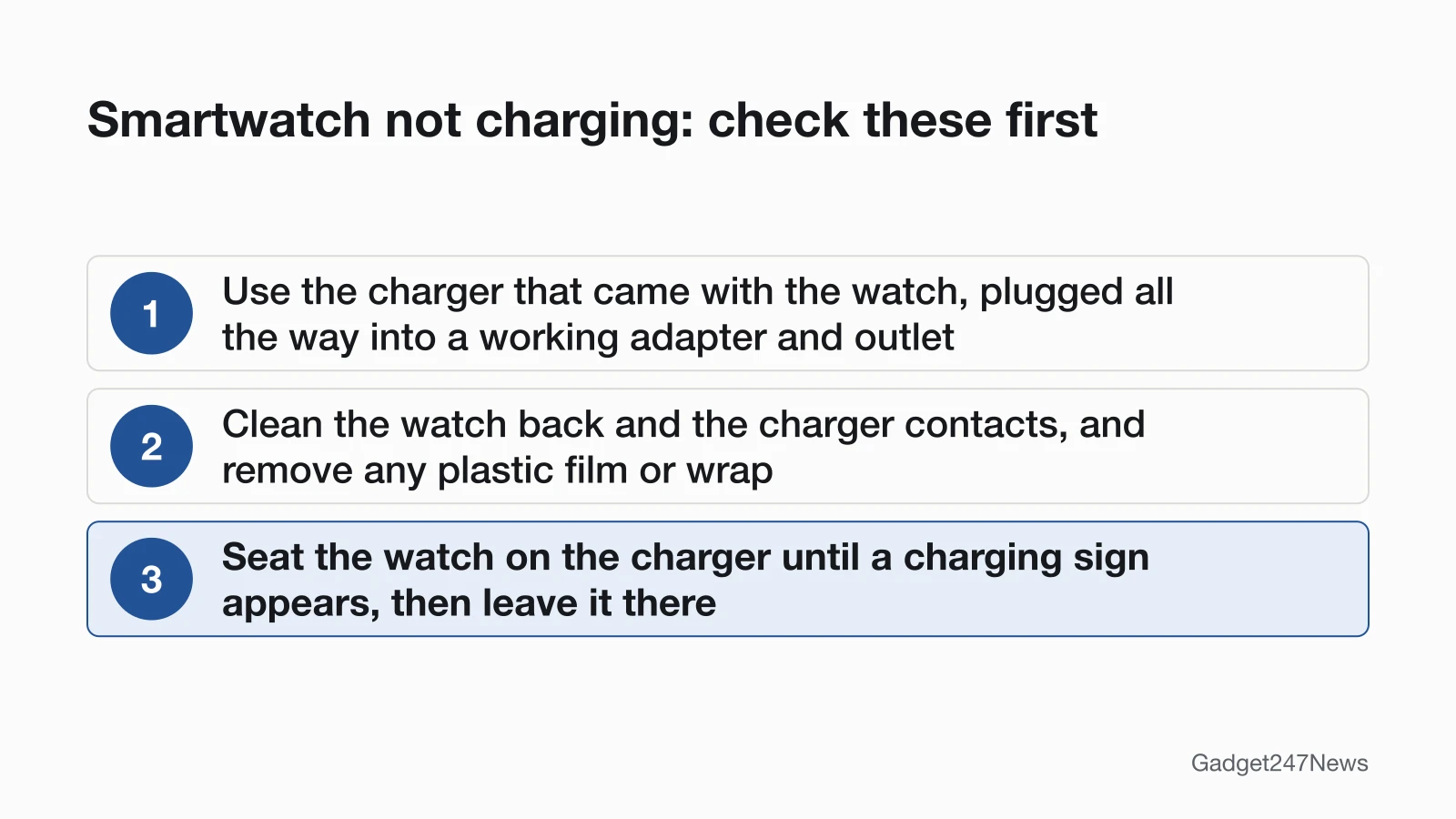
- Use the charger that came with the watch, plugged all the way into a working adapter and outlet.
- Clean the watch back and the charger contacts, and remove any plastic film or wrap.
- Seat the watch on the charger until a charging sign appears, then leave it there.
On a Galaxy Watch, the band can matter as well. Samsung says some metal watch bands may interfere with charging, causing slow charging or excess heat, and suggests removing the band while charging if that happens.
How to Charge a Smartwatch (First Time Too)
To charge a smartwatch, plug its charger into a power adapter, set the watch on the charger, and wait for the charging sign. The sign differs by brand. An Apple Watch shows its battery charging icon once the charger's magnets line it up. A Galaxy Watch shows a charging indicator; if it doesn't, Samsung says to press the Home key (Power key) once. A Pixel Watch that is off shows its charging status when you press the crown after 10 to 30 minutes on the charger. The full Apple Watch steps are on How to Charge an Apple Watch.
Can You Charge a Smartwatch Without Its Charger?
Some Galaxy Watch models can, using Samsung's Wireless power sharing on the back of a Galaxy phone. Samsung says the Galaxy Watch7, Watch Ultra and Watch8 series are not compatible. Apple's safety page allows third-party chargers that meet USB 2.0 or later and safety standards, but its charging fixes start with the cable that came with your watch. Google says to charge a Pixel Watch only with the charger in its box, and reverse wireless charging from Pixel phones isn't supported.
Apple Watch Not Charging
A red lightning bolt on an Apple Watch means the battery is too low to turn on; once the watch is on its cable, the bolt sits inside a ring. If no bolt appears, Apple's order starts with the Apple Magnetic Charging Cable or USB-C Magnetic Fast Charging Cable that came with the watch, plugged fully into the adapter and outlet. Reposition the watch until a lightning bolt appears, clean the back and the charger, and remove all plastic wrap. Next, try a different Apple cable and adapter, and leave a drained watch on the charger for up to 30 minutes. The last step is a force restart: hold the side button and Digital Crown for at least 10 seconds, or until the Apple logo appears.
A 44mm, 45mm or 49mm watch on the Apple Watch Magnetic Charging Dock or MagSafe Duo Charger may need the charger at another angle or lying flat. If an Apple Watch Ultra or later still won't connect reliably with the charger lying flat, Apple suggests removing the band first. The red bolt case has its own page, Apple Watch Stuck on the Red Lightning Bolt.
Galaxy Watch, Pixel Watch, Fitbit, Garmin and Oura Not Charging
Each paragraph adds the brand's own step to the three checks above, then links its full page.
Samsung Galaxy Watch. Use the charging dock designed for your model with an approved Samsung wall adapter, and place the watch facing upward on the magnetic dock for at least 1 hour. If the charger's LED flashes red or the watch shows an error message, take it off and place it back on the center of the charging surface. If it heats up, disconnect it and wait until it cools. The full steps are in Samsung Galaxy Watch charging fixes.
Pixel Watch. Line the crown up with the cable; a Pixel Watch 2 or 3 fits the dock only one way. If the screen stays dark, charge it for 10 more minutes. A Pixel Watch 2, 3, 4 or 5 shows a lightning bolt after about 8 seconds and the colored "G" after 7 minutes. The first Pixel Watch shows the bolt after about 1 minute and the colored "G" after 7 to 16 minutes. Google also lists a firmware update. See Pixel Watch Not Charging.
Fitbit. Clean the gold contacts and the charger pins with a cotton swab and rubbing alcohol, then rub stubborn buildup off the contacts with a pencil eraser. Sense and Versa watches restart on the charger when you hold the side button for 10 seconds. See Fitbit Not Charging.
Garmin. Garmin's order starts with a forced restart, covered below. Its second step checks the power: try a different outlet, check that the cable's pins aren't bent or missing, and clean the gold contacts on the watch and the charger with a cotton swab or pencil eraser dipped in rubbing alcohol. See Garmin Watch Not Charging.
Oura Ring. Test the charging dock without the ring first. If its light stays dark, rotate the cable ends 180 degrees, then try another power source and another USB-C cable. Oura's chargers are size- and generation-specific, so use the one made for your ring. Oura Ring Not Charging has the full order.
Charging but Won't Turn On?
A watch that charges but stays dark needs power first, then a restart. Apple says a blank Apple Watch may need up to 30 minutes on the charger before it turns on, and its last step for a watch that still won't charge is a force restart. Garmin combines the two: its first step for a blank screen is holding the power button for a full 60 seconds on a proven power source. The brand pages carry the rest, starting with Apple Watch Won't Turn On.
Battery, Updates and Repairs
When the charger, contacts and alignment all check out, the next suspects are the battery itself, a software update, or a fault that needs service.
Could It Be the Battery?
On an Apple Watch, open Settings, tap Battery, then Battery Health: Maximum Capacity shows the battery's capacity relative to when it was new. A Battery Needs Service message there means Apple says to contact Apple Support, and Apple Watch battery service options sets out the routes. Samsung offers a battery diagnostic in the Samsung Members app when the Galaxy Watch is paired with a Samsung phone; a passed test means the battery is in good condition.
Stopped Charging After an Update?
A watch that stops charging right after a software update may have a known issue, so check smartwatch updates on the Update Tracker before you reset anything. Updating can also be the fix: Google lists a Pixel Watch firmware update as step 4 of its charging fixes, and Samsung says to check for watch software updates after a reboot.
When to Contact the Manufacturer
Contact the maker once the first fix and the brand page have both failed, in this order:
- Try the next fix for your brand in the table above.
- Follow the steps to reset your smartwatch; on an Apple Watch, you set the watch up again once the erase finishes.
- Contact the maker's support team (Apple, Samsung, Google, Garmin or Oura) with your model name ready.
- Ask about service. Samsung says that if the charging dock isn't damaged, you send in both the watch and the dock.
Stop charging a watch that heats up: Samsung says to disconnect it and wait until it cools. Apple says not to use a damaged Apple Watch, such as one with a cracked case or visible liquid intrusion.
Smartwatch Charging: Quick Answers
The four Apple Watch questions below each have a fuller page of their own.
Why is my Apple Watch plugged in but not charging?
Start with three of Apple's checks for a plugged-in Apple Watch that isn't charging: reposition it until a lightning bolt appears, clean the back and the charger, and use the Apple cable that came with it. Apple Watch Not Charging has the full order.
Why is my Apple Watch stuck on a red lightning bolt or red charging icon?
The red lightning bolt means the battery is too low for the watch to turn on; on the charger, the bolt appears inside a ring. Leave it charging for up to 30 minutes, and see Apple Watch Stuck on the Red Lightning Bolt for the next steps.
How do you revive a dead Apple Watch?
Charge it for up to 30 minutes. If it still won't charge, force a restart by holding the side button and Digital Crown for at least 10 seconds, or until the Apple logo appears. Apple Watch Won't Turn On covers a screen that stays blank.
How do you know if your Apple Watch battery is bad?
Open Settings, tap Battery, then Battery Health: Maximum Capacity compares the battery with when it was new, and a Battery Needs Service message means it's time to contact Apple Support. The service routes are on Apple Watch battery service options.
Sources
We checked this page against the pages below, most recently on . How we verify fixes
- If your Apple Watch won't turn on or won't charge (Apple, support.apple.com)Official
- Check your battery and charge your Apple Watch (Apple, support.apple.com)Official
- If the battery in your Apple Watch drains too quickly (Apple, support.apple.com)Official
- Important safety information for Apple Watch (Apple, support.apple.com)Official
- Samsung smart watch will not hold charge or power on (Samsung, samsung.com)Official
- How to charge your Samsung Galaxy smart watch (Samsung, samsung.com)Official
- Reduced battery life on your Samsung smart watch (Samsung, samsung.com)Official
- Fix a Google Pixel Watch that won't charge (Google, support.google.com)Official
- Charge Google Pixel Watch and tips to improve battery life (Google, support.google.com)Official
- Why isn't my Fitbit device's battery charging? (Google, support.google.com)Official
- My Garmin Wearable or Edge Device Will Not Turn On (Garmin, support.garmin.com)Official
- Troubleshooting Oura Ring Charging Docks (Oura, support.ouraring.com)Official
- Use Your Oura Ring Charger (Oura, support.ouraring.com)Official