What to Do If AirPods Get Wet

By Suraj Giri, Founder & Publisher. Reviewed by Suraj Giri on .
Published · 6 min read
How this page was made
- Sources. Checked against 6 official pages from Apple, most recently on . See the sources.
- No device testing. We don't test fixes on physical devices, so nothing on this page is a hands-on result. A fact counts as verified only when it matches an official source page.
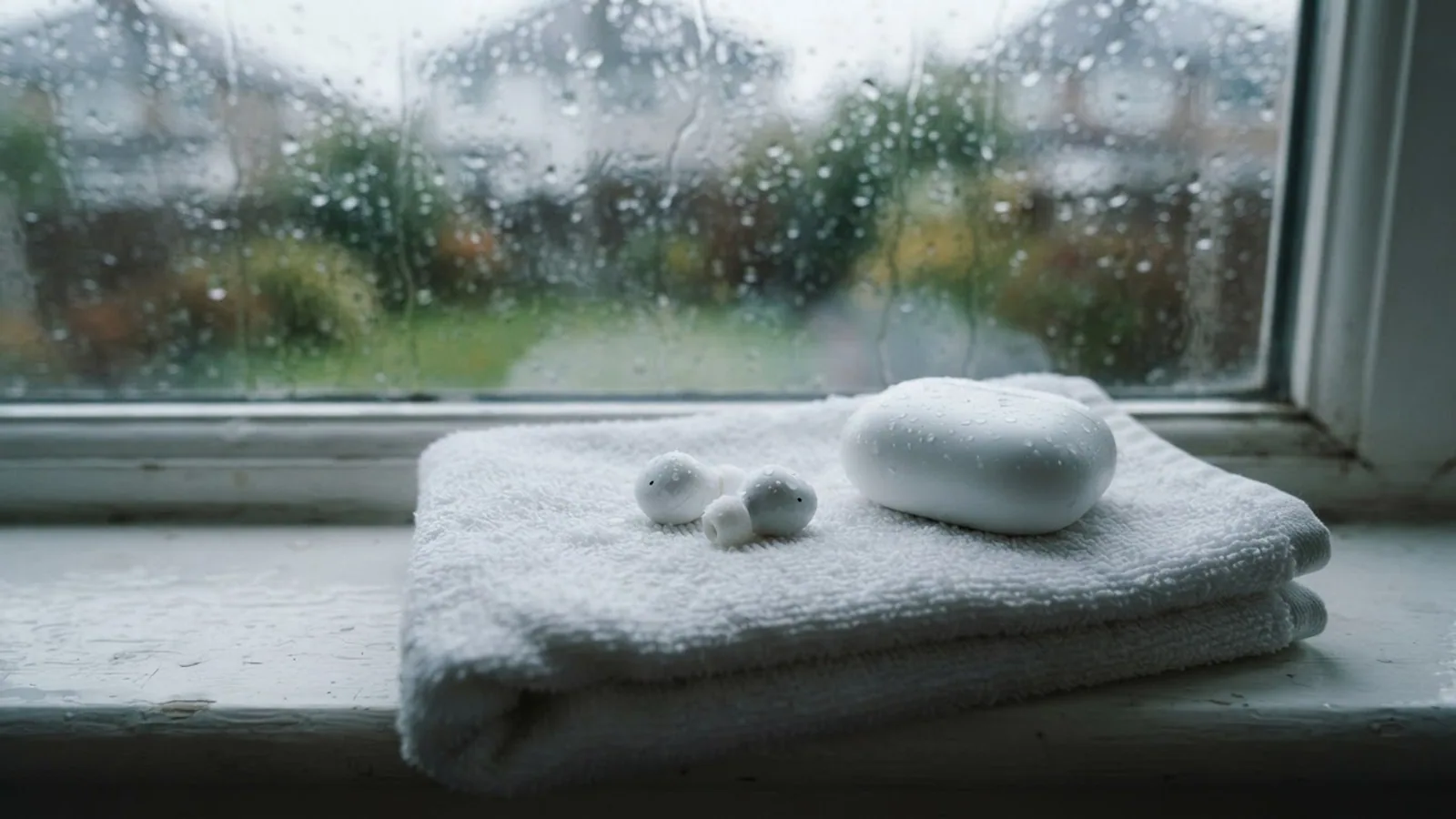
- AI use. As with every page on Gadget247News, AI tools helped research, outline, draft and edit this page, and re-read the official pages to flag facts that didn't match. The illustration at the top was generated with Runway and is labelled under the image.
- Human sign-off. Suraj Giri, Founder & Publisher, read this page and signed it off on . The site won't publish a page without that sign-off.
- Changes. The published and updated dates move only when the content changes, and every change gets a dated note. Spot an error or a fix that didn't work? Email info@gadget247news.com.
Read our AI use policy, editorial policy and corrections policy.
Water resistant isn't waterproof. Apple says AirPods Pro, AirPods 3, AirPods 4 and AirPods 5 resist sweat and water but are "not waterproof or sweatproof", and AirPods Max aren't water resistant at all. That resistance also wears: Apple says it "can diminish over time", and AirPods and their cases can't be rechecked or resealed, so drying them completely comes first.
If one AirPod stays quiet or silent once it's dry, use the steps for a right AirPod not working. If they got dirty as well as wet, for example with soap or sunscreen, our cleaning guide shows how to clean the AirPods charging case and the earbuds with Apple's method.
What to Do Right After AirPods Get Wet
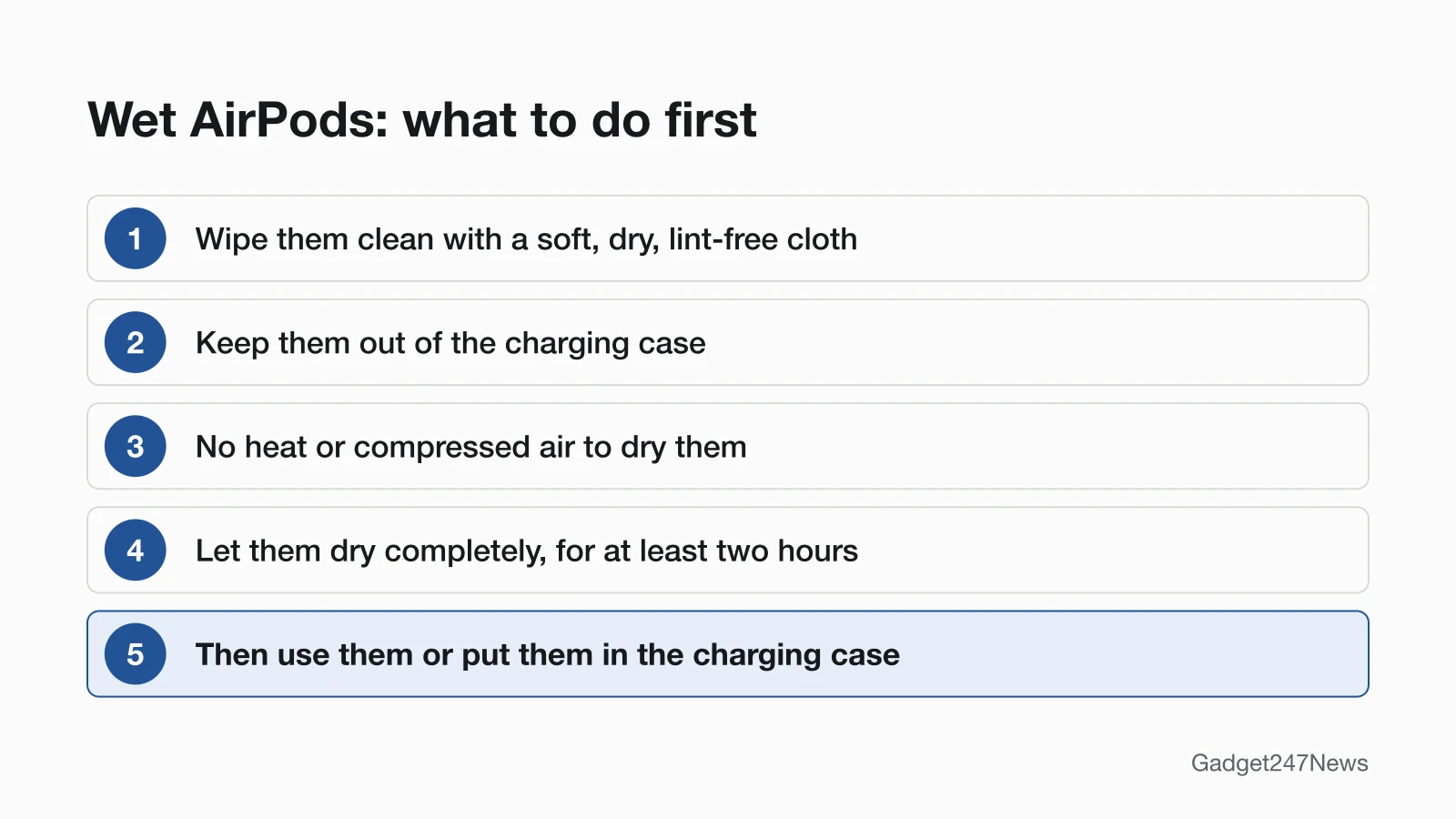
If your AirPods get wet, wipe them, keep them out of the case and wait at least two hours:
- Wipe your AirPods clean with a soft, dry, lint-free cloth.
- Keep them out of the charging case, and don't use heat or compressed air to dry them.
- Let them dry completely, for at least two hours, before you use them or put them in the charging case.
Apple gives these steps for AirPods Pro, AirPods 3, AirPods 4 and AirPods 5 after exposure to liquid in any of the situations it warns about, such as a shower, a swim, a washing machine or a sauna.
What Not to Do
Apple's AirPods articles warn against each of these:
- Don't dry them with heat or compressed air.
- Don't put them under running water, such as a shower or faucet.
- Don't get liquid in the charging ports, or put anything into them.
- Don't clean them with sharp objects or abrasive materials.
- Don't put them back in the charging case until they're completely dry.
- Don't submerge them if you have AirPods Pro 1, AirPods Pro 2, AirPods 3 or AirPods 4.
Apple's articles don't mention rice, silica gel or other drying tricks, so this guide sticks to Apple's steps.
If the Charging Case Got Wet
Apple has no separate procedure for a wet charging case. Its case-cleaning steps are the closest match: wipe the case with a soft, dry, lint-free cloth, keep liquid out of the charging ports, and let the case dry. Keep the AirPods out of it until they've dried for at least two hours. Case ratings differ by model: the MagSafe Charging Case and Wireless Charging Case for AirPods Pro 1 aren't water or sweat resistant, while the AirPods Pro 3 MagSafe Charging Case (USB-C) and the AirPods 5 cases are rated IP57.
If AirPods Max Got Wet
If AirPods Max or the Smart Case come in contact with liquid, wipe them down with a dry microfiber cloth. Apple says AirPods Max and the Smart Case "aren't waterproof or water resistant", so keep moisture out of every opening. If your AirPods Max are damaged after they get wet, Apple says you can order a replacement.
If They Touched Soap, Shampoo or Sunscreen
Clean them with Apple's method: wipe them with a cloth slightly dampened with fresh water, dry them with a soft, dry, lint-free cloth, then wait at least two hours. Apple says soaps, shampoos, conditioners, lotions, perfumes, solvents, detergent, acids or acidic foods, insect repellent, sunscreen, oil and hair dye can all negatively affect water seals and acoustic membranes.
Which AirPods Are Water Resistant?
AirPods Pro, AirPods 3, AirPods 4 and AirPods 5 are sweat and water resistant for non-water sports and exercise; AirPods Max aren't water resistant. Not sure which you have? First identify your AirPods model.
| Model | Rating (Apple) | Case |
|---|---|---|
| AirPods Pro 1 | IPX4 | MagSafe and Wireless Charging Case: not water or sweat resistant |
| AirPods Pro 2 with MagSafe Charging Case (Lightning); AirPods 3 (Lightning or MagSafe case) | IPX4 | Case also IPX4 |
| AirPods Pro 2 with MagSafe Charging Case (USB-C); AirPods 4; AirPods 4 (ANC) | IP54, also dust resistant | Case also IP54 |
| AirPods Pro 3; AirPods 5 (both models) | IP57, maximum depth of 1 meter up to 30 minutes | Case also IP57 |
| AirPods Max | Not waterproof or water resistant | Smart Case: not waterproof or water resistant |
Every rating is under IEC standard 60529. Apple says the rated models aren't designed for water sports like swimming, or for showering. AirPods 1 and AirPods 2 don't appear in Apple's water resistance article, so Apple publishes no rating for them there.
AirPods Went Through the Washing Machine?
Apple lists the washing machine and dryer among the things to avoid, and it gives no separate steps for a wash cycle. Follow the same three steps above: wipe them, keep them out of the case, and let them dry for at least two hours. Then run the checks below. If they still don't work once they're dry, get service from Apple (see Still not working?). Apple's cleaning article adds that if your AirPods become damaged, you can order a replacement.
How to Check Your AirPods Once They're Dry
Once at least two hours have passed, check the case light, the battery levels and the sound:
- Put the AirPods in the charging case and open the lid. The status light on the case then shows the charge status of your AirPods: green for fully charged, amber for less than one full charge remaining. If no light appears, you may need to charge them first.
- With the lid open, go to Settings on your iPhone, tap Bluetooth, tap the name of your AirPods, then tap the Info button next to them to see the battery levels.
- Put your AirPods in your ears and make sure they're connected to your iPhone or iPad. If one side stays quiet or silent, use the fixes below.
If Your AirPods Don't Work After Drying
Once they're fully dry, work through the usual AirPods fixes in order, and leave a reset for last.
Fixes to Try, in Order
- One side quiet or silent: use the one-side steps linked near the top of this page.
- Debris or residue on the speaker mesh: clean it with Apple's mesh method, covered in our AirPods cleaning guide.
- Still not right: follow How to Reset AirPods (Soft and Factory Reset), then pair them again.
Still not working?
If your AirPods still misbehave after drying and the fixes above:
- Try the next fix: one AirPod not working, linked in the intro.
- Reset your AirPods: How to Reset AirPods, linked above (you'll need to pair them again afterwards).
- Contact Apple Support: get service and mention that the AirPods got wet.
- Check repair or warranty options: our guide on how to get your AirPods battery replaced also lists Apple's service prices for a damaged AirPod or case.
Started after an update? Check the Update Tracker for known issues.
Related Care Guides
Two more care guides for the devices you wear:
- Oura Ring owners: Oura Ring Sizing
- Apple Watch owners: How to Clean an Apple Watch Band
Wet AirPods Questions
Short answers from Apple's support articles on water resistance, cleaning and service.
Can I charge wet AirPods?
Not until they're dry. Apple says to let wet AirPods dry completely, for at least two hours, before you place them in the charging case, and to keep liquid out of the charging ports.
Are AirPods waterproof?
No. Apple says AirPods Pro, AirPods 3, AirPods 4 and AirPods 5 are sweat and water resistant for non-water sports and exercise, but not waterproof, and they aren't designed for swimming or showering. AirPods Max and the Smart Case aren't water resistant at all.
Does AppleCare+ cover water damage?
Yes, as accidental damage. Apple's AppleCare page says "Liquid damage is covered as part of accidental damage protection," and its headphones section lists repairs for accidents like liquid damage under AppleCare+ and AppleCare One. Apple's AirPods service page adds: "Your AirPods and charging case are covered for unlimited repairs for drops and spills." Plan details are on our page about AppleCare+ for AirPods.
Sources
We checked this page against the pages below, most recently on . How we verify fixes
- About the sweat and water resistance of AirPods Pro, AirPods 3, AirPods 4, and AirPods 5 (Apple, support.apple.com)Official
- How to clean your AirPods (Apple, support.apple.com)Official
- How to clean your AirPods Max (Apple, support.apple.com)Official
- Charge your AirPods (Apple, support.apple.com)Official
- Apple Service and Repair for AirPods (Apple, support.apple.com)Official
- AppleCare (Apple, apple.com)Official