Oura Ring Sizing: How to Find Your Size

By Suraj Giri, Founder & Publisher. Reviewed by Suraj Giri on .
Published · 4 min read
How this page was made
- Sources. Checked against 5 official pages from Oura, most recently on . See the sources.
- No device testing. We don't test fixes on physical devices, so nothing on this page is a hands-on result. A fact counts as verified only when it matches an official source page.
- AI use. As with every page on Gadget247News, AI tools helped research, outline, draft and edit this page, and re-read the official pages to flag facts that didn't match. The illustration at the top was generated with Runway and is labelled under the image.
- Human sign-off. Suraj Giri, Founder & Publisher, read this page and signed it off on . The site won't publish a page without that sign-off.
- Changes. The published and updated dates move only when the content changes, and every change gets a dated note. Spot an error or a fix that didn't work? Email info@gadget247news.com.
Read our AI use policy, editorial policy and corrections policy.
To find your Oura Ring size, use the sizing kit for your Oura Ring generation and wear the sizer for at least 24 hours, including while you sleep, before you confirm your size. Start with your index finger, and if you're between two sizes, choose the smaller one. Oura uses whole sizes that "differ slightly from standard US ring sizes", so don't size from a ring you already own. For a ring you already wear, see Oura Ring problems and fixes.
Once the ring arrives, follow How to pair an Oura Ring with your iPhone or Android phone.
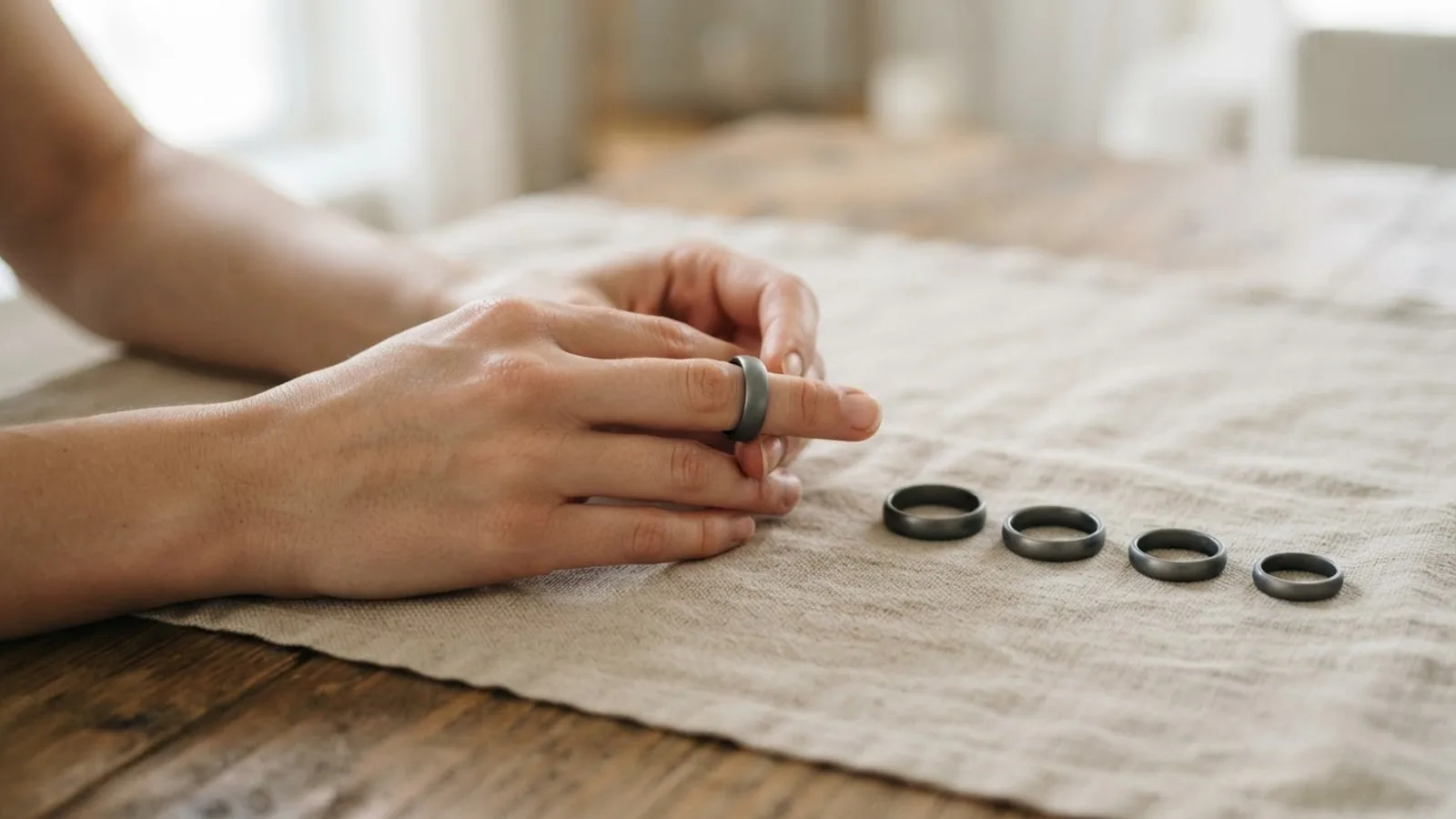
How to Find Your Oura Ring Size
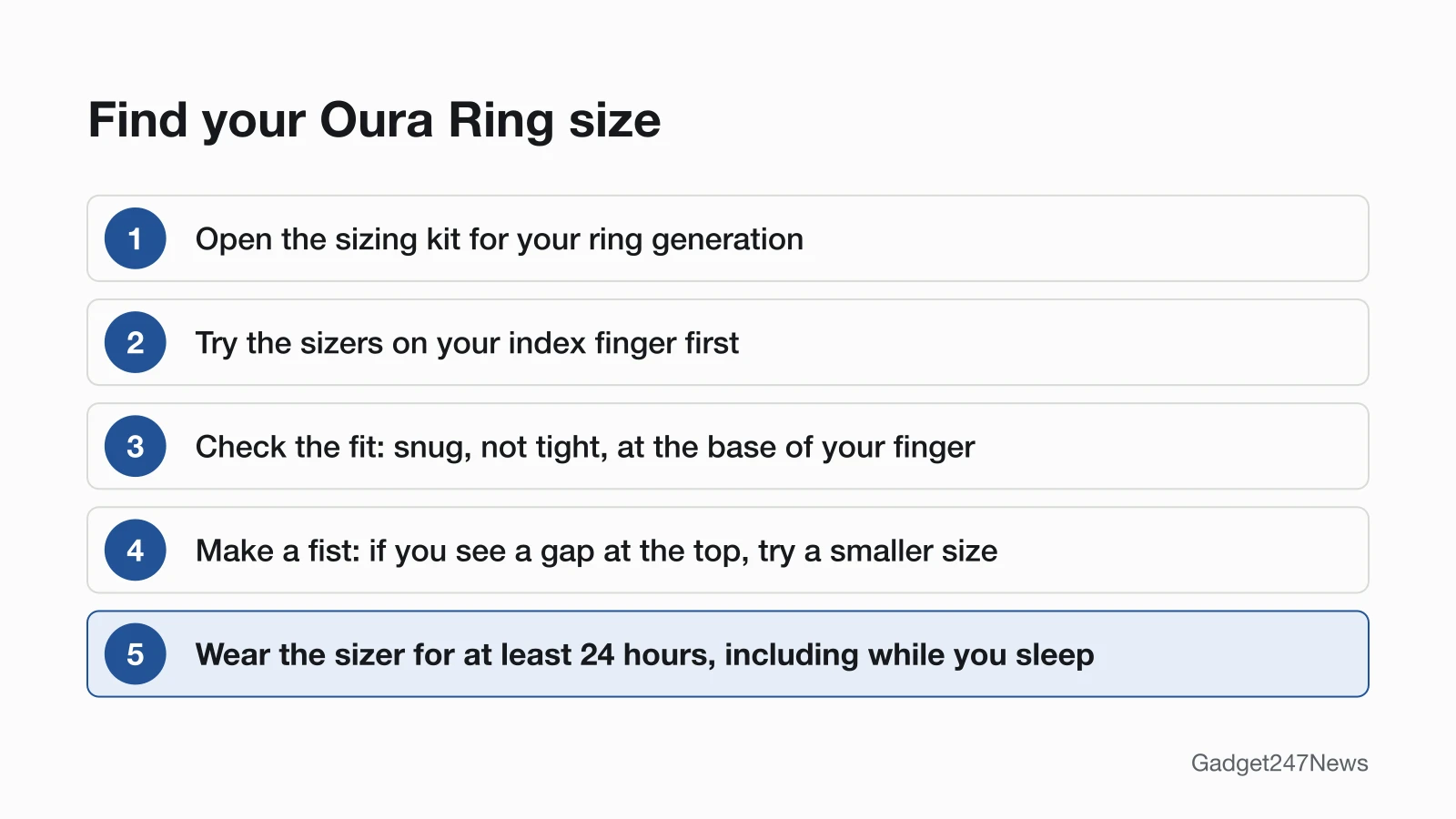
Test the plastic sizers on your index finger first, then wear the best fit for a full day and night:
- Open the sizing kit for your generation. The box is labeled with its generation number.
- Choose a finger. Oura recommends your index finger; the middle or ring finger also works, but avoid fingers where the knuckle is much wider than the base.
- Test the fit. The sizer should feel snug, not tight, and sit securely at the base of your finger. Try the sizers on both hands and on different fingers.
- Make a fist. If you see a gap between the ring and the top of your finger, try a smaller size.
- Wear the sizer for at least 24 hours, including while you sleep. Fingers change size throughout the day and night.
The plastic sizers match the ring's width and circumference, but the Oura Ring itself weighs slightly more.
Oura Ring 5 vs Oura Ring 4 Sizing
Oura Ring 5 comes in sizes 6 to 13 and Oura Ring 4 in sizes 4 to 15, and each generation has its own sizing kit. Oura says Oura Ring 5 sizing "is slightly different from Oura Ring 4", so size again with the new kit if you switch generations.
| Ring | Sizes | Sizing kit | Ring width (Oura) |
|---|---|---|---|
| Oura Ring 5 | 6 to 13 | Oura Ring 5 Sizing Kit, white sizers | 6.09 mm |
| Oura Ring 4 and Oura Ring 4 Ceramic | 4 to 15 | Oura Ring 4 Sizing Kit, white sizers | 7.9 mm |
| Oura Ring Gen3 and earlier | Not on Oura's sizing page | No kit listed | Not listed |
Oura's page for Oura Ring 4 covers the Ceramic model and says all Oura Ring 4 models come in sizes 4 to 15. Our calculation from the two ranges: 6 to 13 sits inside 4 to 15, so sizes 4, 5, 14 and 15 are offered only for Oura Ring 4.
Between Two Sizes?
Choose the smaller size. Oura gives three reasons: the sensors inside the ring work best when they stay in close contact with your skin, especially the underside of your finger; a snug fit helps keep your experience consistent; and the plastic sizers can feel a bit "stickier" on your skin, so the actual ring may fit more smoothly.
How to Confirm Your Size and Order
Confirm your size through the place you bought from; the ring can't ship until you do:
- Oura online store: confirm in My Orders. Enter the email used for the order and click Get code; the sign-on code in the confirmation email is single use and expires in 15 minutes.
- Kit from an authorized retailer: return to the retailer and buy your ring size there.
- Employer program: confirm your size through business.ouraring.com.
- Essence Healthcare: scan the QR code on the back of your sizing kit.
Oura emails you once your order has left its warehouse, typically within 1 to 2 days of confirming your size, and says the ring should be delivered within 2 to 5 business days of that email. You don't need to return the sizing kit; pass it on or recycle it.
How to Check the Size of Your Oura Ring
To check the size of a ring you already have, look inside the ring or open My Devices in the Oura app:
- On the ring: the size is marked on the inner side, opposite the sensors.
- In the Oura app: tap the battery icon in the upper-right corner of the Today tab to go to the My Devices page, then tap your ring.
If Your Oura Ring Doesn't Fit
Contact Oura Member Care if your ring feels too tight or too loose even after you used the sizer; Oura says its team will work with you to find the right size or solution. Oura lists a ring that was too loose as one cause of gaps in nighttime heart rate graphs, and says you can tell you have a snug fit if the ring resists when you try to rotate it. For gaps in your sleep data, see Oura Ring sleep tracking fixes.
Related Care Guides
Our other care guides cover earbuds:
- AirPods: clean AirPods and the charging case.
- Other earbuds: How to Clean Earbuds Safely.
Sizing Questions
Short answers from Oura's sizing and order articles.
Can I size an Oura Ring without the sizing kit?
Oura doesn't give a way to size without its kit. It says to test with its sizers "even if you know your usual ring size", and to avoid sizing from other rings because they likely use different measurements. If you already know your Oura Ring size, you can select it on the Oura online store without a kit and skip the confirm step.
How do I get an Oura Ring sizing kit?
Choose Size Later when you buy a ring from Oura, or buy a kit from an authorized retailer. Oura doesn't sell individual kits on its online store; it says the Size Later option includes a complimentary kit as part of your Oura Ring purchase. A retailer kit comes with a credit toward a future Oura Ring purchase from that same retailer.
Are Oura Ring sizes the same as regular ring sizes?
No. Oura uses only whole sizes, with no half sizes, and they differ slightly from standard US ring sizes, so size with the kit for your generation.
Sources
We checked this page against the pages below, most recently on . How we verify fixes
- How to Choose the Right Oura Ring Size (Oura, support.ouraring.com)Official
- How to Confirm Your Oura Ring Size (Oura, support.ouraring.com)Official
- Discover Oura Ring 5 (Oura, support.ouraring.com)Official
- Oura Ring 4 (Oura, support.ouraring.com)Official
- Troubleshooting Gaps in Heart Rate Graphs (Oura, support.ouraring.com)Official