How to Turn Skullcandy Earbuds On and Off

By Suraj Giri, Founder & Publisher. Reviewed by Suraj Giri on .
Published · 4 min read
How this page was made
- Sources. Checked against 9 official pages from Skullcandy, most recently on . See the sources.
- No device testing. We don't test fixes on physical devices, so nothing on this page is a hands-on result. A fact counts as verified only when it matches an official source page.
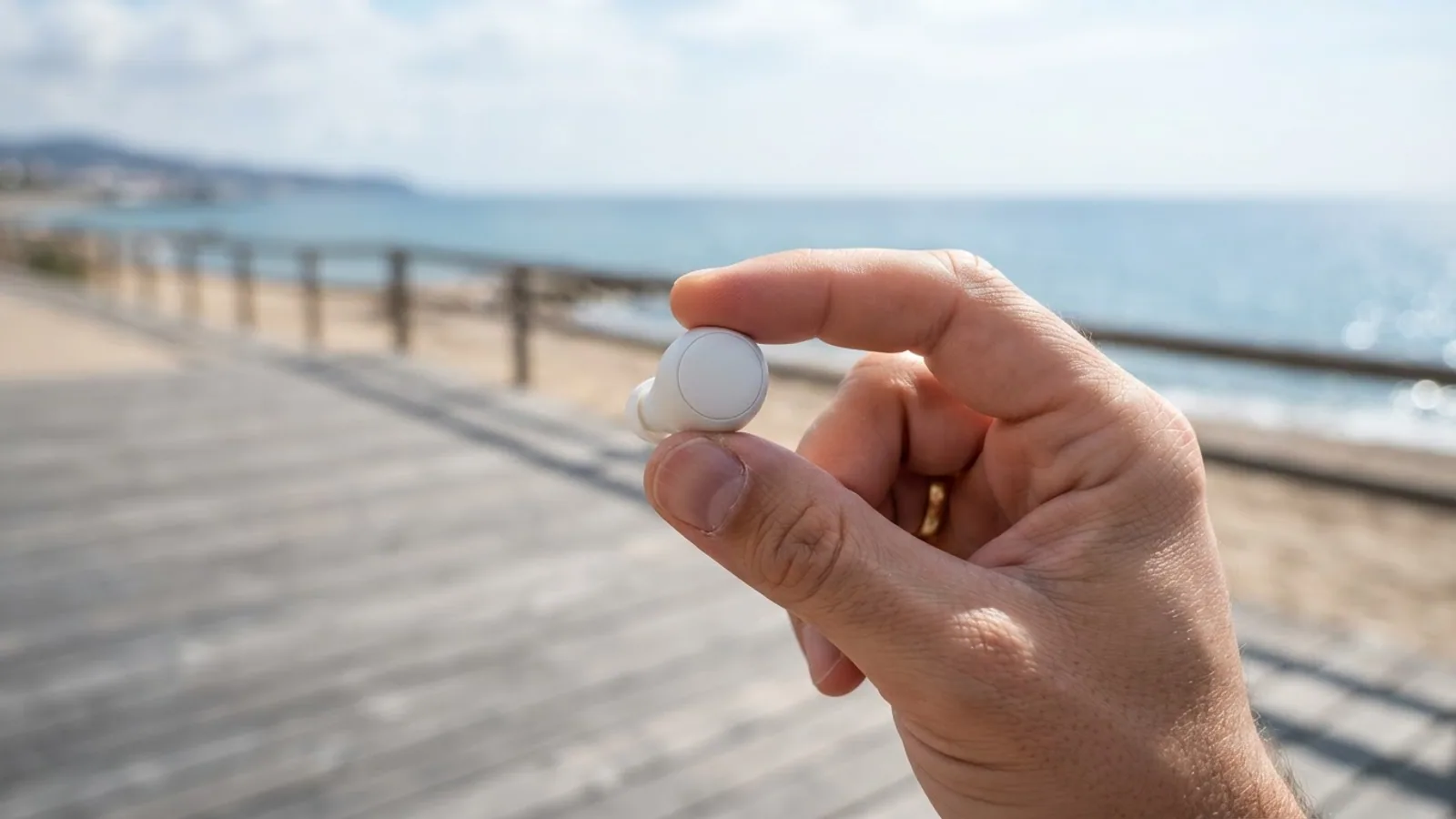
- AI use. As with every page on Gadget247News, AI tools helped research, outline, draft and edit this page, and re-read the official pages to flag facts that didn't match. The illustration at the top was generated with Runway and is labelled under the image.
- Human sign-off. Suraj Giri, Founder & Publisher, read this page and signed it off on . The site won't publish a page without that sign-off.
- Changes. The published and updated dates move only when the content changes, and every change gets a dated note. Spot an error or a fix that didn't work? Email info@gadget247news.com.
Read our AI use policy, editorial policy and corrections policy.
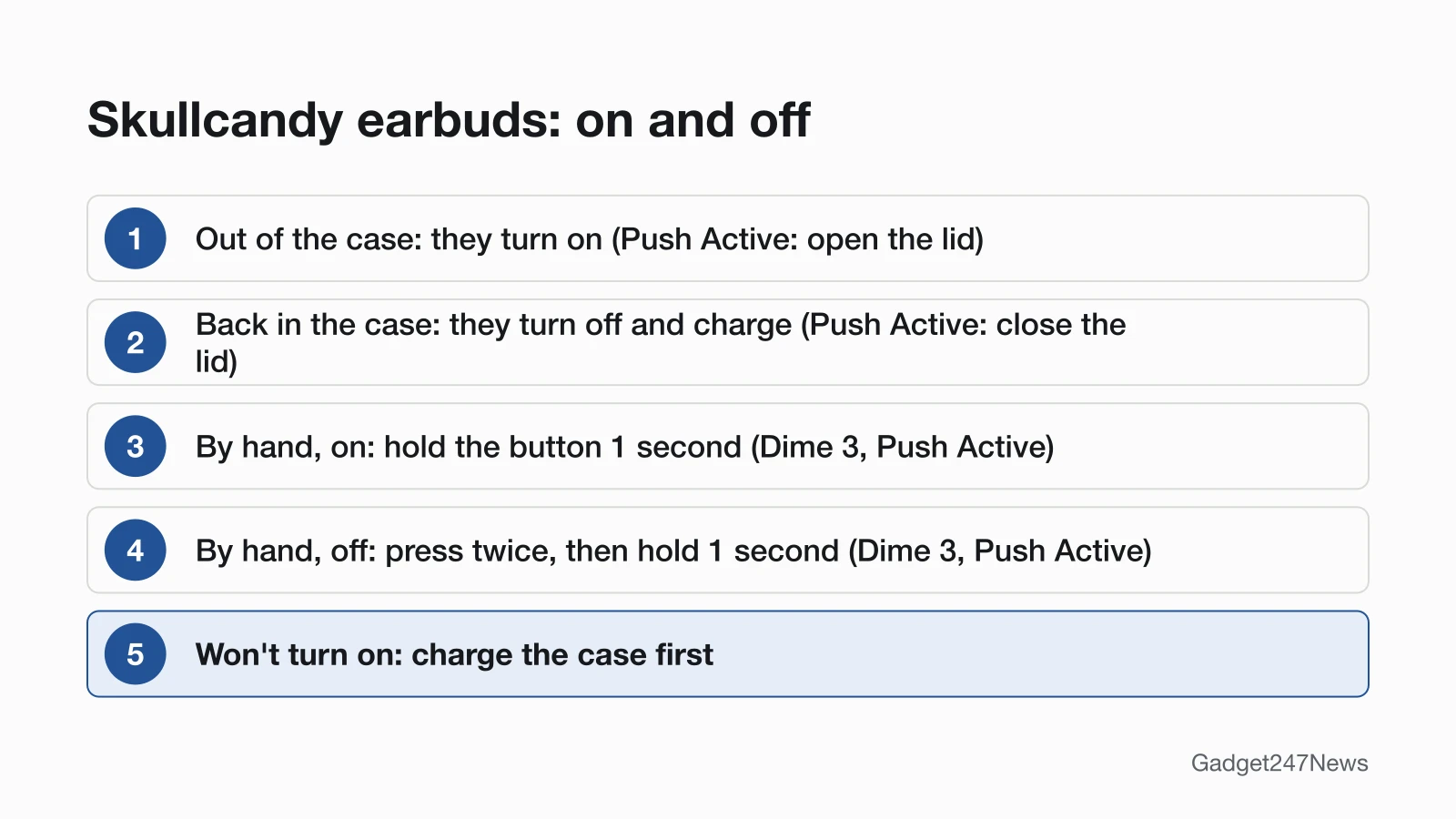
Skullcandy earbuds turn on when you take them out of the charging case and turn off when you put them back in (on Push Active, closing the lid switches them off). Crusher ANC 2 headphones turn on when you hold the power button for 1 second and turn off when you press it for 3 seconds. Other faults are listed on Skullcandy Earbuds Problems and Fixes.
If nothing lights up at all, or your earbuds come from another brand, start with earbuds not charging in the case.
How to Turn On Skullcandy Earbuds
To turn on Skullcandy earbuds, take them out of the charging case: they power on automatically.
- Open the case and take both earbuds out. Dime 3 plays the power-on "ping" tone as its lights turn blue for 2 seconds; Rail ANC adds a battery life voice prompt. Push Active switches on when you open the lid, with a "pling" tone.
- If an earbud is out but off, turn it on by hand:
| Model | Turn on by hand |
|---|---|
| Dime 3, Push Active | Hold the button on either earbud for 1 second |
| Rail ANC | Press and hold the touch sensor on both earbuds for 1 second |
| Indy Evo, Sesh Evo | No manual step given; put both in the case until the lights show red, then pull them out and both power on |
Method 360 ANC's page gives no manual power-on step in its text.
How to Turn Off Skullcandy Earbuds
To turn off Skullcandy earbuds, put both back in the charging case; on Push Active, close the lid too.
- Seat both earbuds in the case. Red lights mean they're powered off and charging (Dime 3, Rail ANC). Dime 3 lights go out once charged; Rail ANC and Push Active lights turn blue when full. Push Active's page says "CLOSE THE LID to power off and begin charging".
- Away from the case, switch them off by hand:
| Model | Turn off by hand |
|---|---|
| Dime 3, Push Active | Press either earbud's button twice, then hold for 1 second |
| Rail ANC | Tap the touch sensor on either earbud twice, then press and hold for 1 second |
| Indy Evo | Touch and hold both earbuds for 6 seconds |
| Sesh Evo | Touch and hold both earbuds for 4 seconds |
Do Skullcandy Earbuds Turn Off Automatically?
Yes, in the case: Skullcandy's "Auto Power On & Power Off" switches the earbuds off to charge when you put them in and on when you take them out (Dime 3, Rail ANC; on Push Active, the lid does it). The Skullcandy earbud pages we read give no idle timer for earbuds left out of the case. Away from the case, Dime 3 and Method 360 ANC power off when the battery runs out, after a "battery low" prompt every 10 minutes.
How to Turn Skullcandy Headphones On and Off
To turn on Crusher ANC 2 headphones, press and hold the power button for 1 second; to turn them off, press the power button for 3 seconds.
- Hold the power button for 1 second. A tone and a blue light mean they're on. The first time, a battery prompt and "ANC ON" follow, then "Ready to Pair" as the lights pulse red and blue.
- Press the power button for 3 seconds to switch them off.
A 6-second hold from off powers them straight into Pairing Mode. Skullcandy's Crusher Evo and Hesh Evo pages give no power-button steps in their text.
How to Check Your Skullcandy Earbuds Are On or Off
To check Skullcandy earbuds are on, listen as they leave the case, then look at your phone:
- Listen for the power-on tone as they come out of the case. Rail ANC and Push Active follow it with a battery life voice prompt.
- Check the battery level on your phone: Rail ANC shows it "from your paired device", and Push Active on the paired device's shortcuts screen.
They're off when their red charging lights show inside the case (Dime 3, Rail ANC).
If Your Skullcandy Earbuds Won't Turn On
Charge the case first. With the case battery completely dead, Skullcandy says the earbuds "will not power ON when removed from the case" (Dime 3, Rail ANC). Plug the case in by USB-C; on Dime 3, a solid red case light means 0% to 25%. If it won't charge, see Skullcandy earbuds not charging. Earbuds that switch on but won't pair belong on Skullcandy earbuds not connecting.
Turning Off Noise Cancelling or Stay-Aware Instead
To switch off a listening mode without powering down, use your model's mode control:
- Rail ANC: triple tap the touch sensor on either earbud to move between ANC ON, Stay-Aware ON and ANC OFF.
- Method 360 ANC: triple tap to step through ANC On, Stay Aware Mode on and ANC Off.
- Dime 3: press the button once, then press and hold for 1 second to turn Stay-Aware Mode on or off (Stereo Mode only).
- Indy Evo: touch the sensor once, then quickly press and hold for 2 seconds to turn Ambient Mode on or off.
- Crusher ANC 2: toggle the ANC switch.
For what the feature does, see what noise cancelling does in headphones.
Skullcandy Power: Quick Answers
Why won't my Skullcandy earbuds turn on?
Skullcandy names a flat case: with its battery dead, the earbuds can't tell they've left it. Charge the case, seat both earbuds until their lights show red, then take them out again (Dime 3, Rail ANC).
Why won't one of my Skullcandy earbuds turn on?
Check that earbud's charging pins for debris, and make sure its ear gel isn't twisted or stopping it sitting correctly in the case. Skullcandy lists both checks for an earbud without its red charging light (Dime 3, Rail ANC). Then re-sync the pair with the steps for one Skullcandy earbud not working.
How do I turn off Skullcandy earbuds without the case?
Press twice, then hold for 1 second (Dime 3, Push Active; Rail ANC uses the touch sensor). On Indy Evo, hold both earbuds for 6 seconds; on Sesh Evo, 4 seconds.
Sources
We checked this page against the pages below, most recently on . How we verify fixes
- DIME® 3 (Skullcandy Product Help) (Skullcandy, skullcandy.com)Official
- RAIL® ANC (Skullcandy Product Help) (Skullcandy, skullcandy.com)Official
- PUSH® ACTIVE (Skullcandy Product Help) (Skullcandy, skullcandy.com)Official
- INDY™ EVO (Skullcandy Product Help) (Skullcandy, skullcandy.com)Official
- SESH® EVO (Skullcandy Product Help) (Skullcandy, skullcandy.com)Official
- METHOD 360 ANC (Skullcandy Product Help) (Skullcandy, skullcandy.com)Official
- CRUSHER® ANC 2 (Skullcandy Product Help) (Skullcandy, skullcandy.com)Official
- CRUSHER® EVO (Skullcandy Product Help) (Skullcandy, skullcandy.com)Official
- HESH® EVO (Skullcandy Product Help) (Skullcandy, skullcandy.com)Official