Fitbit Not Counting Steps

By Suraj Giri, Founder & Publisher. Reviewed by Suraj Giri on .
Published · 6 min read
How this page was made
- Sources. Checked against 10 official pages from Google, most recently on . See the sources.
- No device testing. We don't test fixes on physical devices, so nothing on this page is a hands-on result. A fact counts as verified only when it matches an official source page.
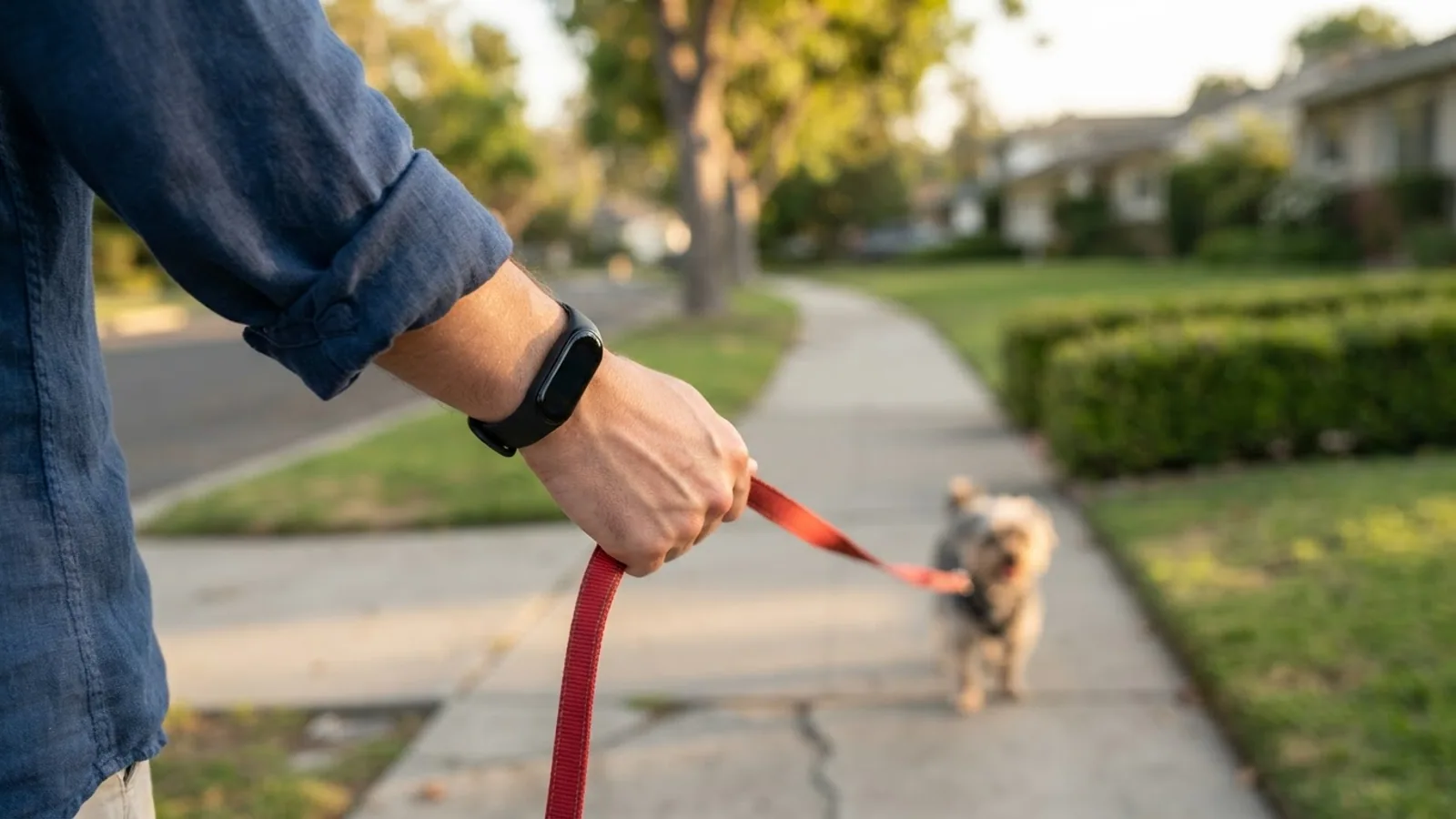
- AI use. As with every page on Gadget247News, AI tools helped research, outline, draft and edit this page, and re-read the official pages to flag facts that didn't match. The illustration at the top was generated with Runway and is labelled under the image.
- Human sign-off. Suraj Giri, Founder & Publisher, read this page and signed it off on . The site won't publish a page without that sign-off.
- Changes. The published and updated dates move only when the content changes, and every change gets a dated note. Spot an error or a fix that didn't work? Email info@gadget247news.com.
Read our AI use policy, editorial policy and corrections policy.
A Fitbit not counting steps shows a step count that stays frozen, stops partway through the day, or runs lower than the walking you did. The fixes here cover syncing with the Google Health app (formerly the Fitbit app), restarting, and the wrist and clip settings Google names. This covers device settings only and isn't medical advice. For pairing, charging or other problems, start at the hub page to fix your Fitbit. If you track your health on an Apple Watch, our guide to Apple Watch sleep tracking is the better starting point.
Google says Fitbit devices use a 3-axis accelerometer to count your steps. Their algorithm is designed to look for the intensity and motion patterns "most indicative of people walking and running." That design explains the odd counts: a Fitbit on your wrist may add some steps when your arms move at a desk, and the total may be slightly lower when your arms stay still. The details are in Google's step-counting help.
Why Your Fitbit Isn't Counting Steps
Six causes from Google's help pages explain a step count that won't move or runs low:
- It hasn't synced. Google lists an app that "doesn't show updated stats, even when you try to manually sync" as a sign the Fitbit has lost its link to your phone.
- It needs a restart. A device that "doesn't register steps or other data" is on Google's list of reasons to restart.
- Wrist preference is set to Dominant. Google says this setting "decreases the sensitivity of step counting."
- An Inspire's clip or wrist setting doesn't match how you wear it. Inspire trackers have separate settings for each.
- Your arms are still. Pushing a stroller or a shopping cart still counts, but the total may be slightly lower than usual.
- You've only taken a few steps. Google says steps catch up after about 10 to 15 continuous steps.
How to Fix a Fitbit That Isn't Counting Steps
Sync and restart first; settings come next.
Fix 1: Sync Your Fitbit
Google says a Fitbit "must remain near your phone to sync," so start with the two close together:
- Keep the Fitbit near your phone.
- Open the Google Health app, tap the Today tab, then tap and hold on the screen and pull down. The other route is Connections at the top left, then Sync.
- Check your step count again.
If the app still doesn't show updated stats after a manual sync, Google says the Fitbit might be disconnected from your phone. Our steps to force a Fitbit sync work through Google's full sync checklist.
Fix 2: Restart Your Fitbit
Restart the Fitbit when the count stays frozen after a sync. Google says a restart doesn't lose any activity data, so your step history stays. Each model restarts its own way. On an Inspire 3, swipe down from the clock screen, open the Settings app, then swipe up and tap Restart Device and Restart. On a Versa 4, press and hold the button for 10 seconds until the Fitbit logo appears on the screen. Keep the option to reset your Fitbit to factory settings for last, after every fix on this page.
Fix 3: Set the Wrist You Wear It On
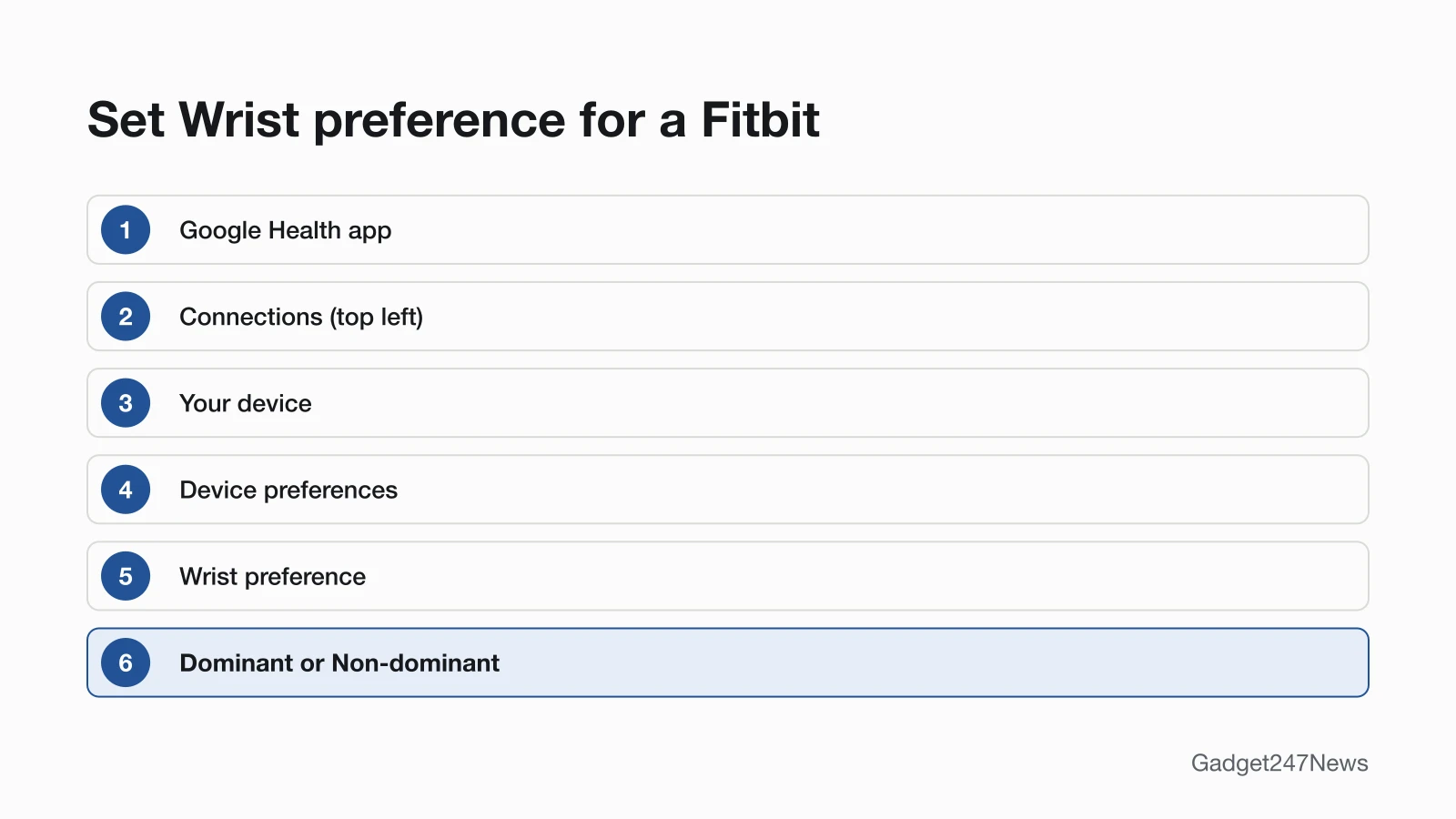
Set Wrist preference to match your wearing hand, in the Google Health app:
- Open the Google Health app.
- At the top left, tap Connections, then your device.
- Tap Device preferences › Wrist preference › Dominant or Non-dominant.
The table shows what each option changes, in Google's words:
| Wrist preference | What Google says it does |
|---|---|
| Dominant | "decreases the sensitivity of step counting and should reduce any over counting of steps when your body is not moving" |
| Non-dominant | "increases the sensitivity of step counting and should reduce any under counting of steps" |
Google starts the Wrist setting on Non-dominant, and your dominant hand is "the one you use for writing and eating." If your count runs low while the setting says Dominant, switch it. Google's same checklist names one more setting to confirm in the app: your height, which it uses to estimate your walking and running stride lengths.
Fix 4: Match the Clip or Wrist Setting (Inspire)
An Inspire needs the setting that matches where you wear it. On the wrist, choose WORN on Wrist on Inspire 3 or On Wrist on Inspire and Inspire 2. In the clip accessory, choose CLIPPED on Body on Inspire 3 or On Clip on Inspire and Inspire 2. Google says to secure the clip with the screen facing outward, on a shirt pocket, bra, pants pocket, belt or waistband.
Fix 5: Wear It the Way Google Recommends
Wear the classic band for workouts, as Google recommends, with a fit that's secure but not too tight. A loose accessory such as a bangle or pendant may show a slightly different step count than the classic band. The same goes for switching between wrist and clip: moving your body while your arms stay still can give a slightly different count than a Fitbit clipped to your clothes.
Fix 6 (Last): Update the App and Your Fitbit
Update once the Fitbit is charged and the Google Health app is on its latest version. Open the app with the Fitbit nearby, tap Connections at the top left, tap your device, then tap Update, which shows only when an update is available. Pick your time: Google warns that an update "right as the day changes (at midnight)" means "your step count might be wrong for a day." Updates may take more than one hour, and the app has to keep running.
Step Counting in Specific Situations
Three situations change the count in ways Google explains.
Steps Lag When You Start Walking
Steps catch up after about 10 to 15 continuous steps. Google says your steps may not update on the device right away when you start walking. After that short stretch, the count updates in real time with each step you take.
Pushing a Stroller or Cart, or Riding a Bike
A wrist Fitbit still counts your steps while you push a stroller or shopping cart, but Google says the total may be slightly lower than usual. Bikes work the other way: on bumpy trails, the Fitbit may add some steps. Before a ride, choose the Bike exercise in the Exercise app if your Fitbit has one. If you rely on automatic tracking, make sure Outdoor Bike is set to be automatically recognized.
After an Update or the Google Health Switch
A step count that went wrong right after an update may come from the timing: Google says updating at midnight can leave the count wrong for a day. The app itself also changed on May 19, 2026, when the Fitbit app became the Google Health app. If your app still uses a Fitbit account, Google says you'll need to move it to a Google Account to use the Google Health app. Known issues for each version sit in the Fitbit and Pixel Watch updates tracker.
Still not working?
If the step count still won't move after the six fixes, work down this list:
- Try the next fix: Fitbit Not Syncing, when the app still doesn't show updated stats after a manual sync.
- Reset your Fitbit: How to Restart or Factory Reset a Fitbit (you'll need to set it up again after a factory reset).
- Contact Google Health Support: Google Health Help.
- Read Google's step-counting documentation: Google's step-counting help.
Started after an update? Check the Update Tracker for known issues.
Related Tracking Problems
Two related guides cover data that goes missing in other ways:
- Sleep missing too: our Fitbit sleep tracking fixes cover the Sleep tab, how to wear it for bed and adding a missed night.
- Using an Oura Ring: see Oura Ring Not Tracking Sleep for the ring's own checks.
Fitbit Step Count: Quick Answers
Short answers from Google's step-counting, restart and activity help.
How do I manually add steps to my Fitbit?
Google documents logging an activity, not typing in a step number. Open the Google Health app, tap the Fitness tab, scroll to Recent activities and tap Log activity, then enter the details and tap Save. Google's help pages don't say whether a logged walk adds to your daily step count.
Why is my Fitbit not counting my steps?
A Fitbit that isn't counting your steps usually hasn't synced or needs a restart, the first two causes in the list above. Sync it from the Today tab, then restart it if the count stays frozen. If it counts but runs low, set Wrist preference to Non-dominant, which Google says should reduce under counting.
Why does my Fitbit count steps when I'm not walking?
Arm movement adds steps. Google says a wrist Fitbit may add some while you work at a desk or cook, and bumpy roads, a car with a stiff transmission or a bumpy bike trail may add some too. Google says the Dominant wrist setting should reduce over counting when your body isn't moving. To take drive steps off your daily total, Google says to log the driving activity for the time you were in the vehicle.
Sources
We checked this page against the pages below, most recently on . How we verify fixes
- Google Health Help: Google's step-counting help (answer 14236920) (Google, support.google.com)Official
- Google Health Help: How does my Fitbit device calculate my daily activity? (Google, support.google.com)Official
- Google Health Help: Restart your Fitbit device (Google, support.google.com)Official
- Google Health Help: How to wear your Fitbit device (Google, support.google.com)Official
- Google Health Help: Why won't my Fitbit device sync? (Google, support.google.com)Official
- Google Health Help: How to fix a blank, unresponsive, rebooting, or flickering Fitbit device screen (Google, support.google.com)Official
- Google Health Help: Update your Fitbit device (Google, support.google.com)Official
- Google Health Help: How to add, edit, or delete Google Health data and activities (Google, support.google.com)Official
- Google Health Help: What is new with the redesigned Google Health app (Google, support.google.com)Official
- Google Health Help Center (Google, support.google.com)Official