How to Find Lost AirPods

By Suraj Giri, Founder & Publisher. Reviewed by Suraj Giri on .
Published · 5 min read
How this page was made
- Sources. Checked against 4 official pages from Apple, most recently on . See the sources.
- No device testing. We don't test fixes on physical devices, so nothing on this page is a hands-on result. A fact counts as verified only when it matches an official source page.
- AI use. As with every page on Gadget247News, AI tools helped research, outline, draft and edit this page, and re-read the official pages to flag facts that didn't match. The illustration at the top was generated with Runway and is labelled under the image.
- Human sign-off. Suraj Giri, Founder & Publisher, read this page and signed it off on . The site won't publish a page without that sign-off.
- Changes. The published and updated dates move only when the content changes, and every change gets a dated note. Spot an error or a fix that didn't work? Email info@gadget247news.com.
Read our AI use policy, editorial policy and corrections policy.
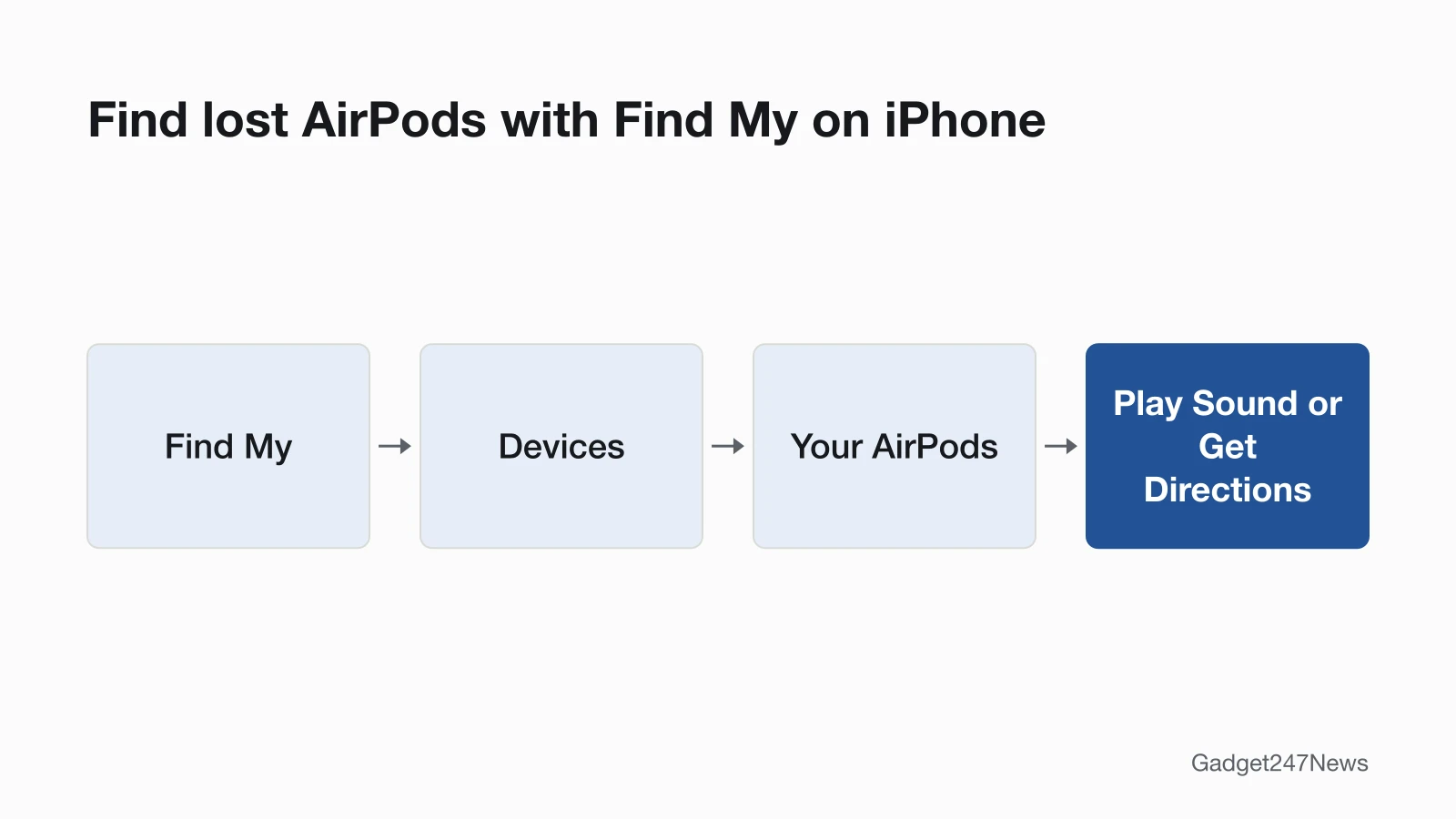
Open Find My, tap Devices, then tap your AirPods. If they're nearby, tap Play Sound; if not, tap Get Directions. "Offline" means they're out of range or need to charge, and Find My might show their last known location. If your earbuds stopped working but aren't lost, start with the fixes.
Find My can track AirPods, AirPods Pro and AirPods Max on a map, play a sound and guide you to them when they're close. Once you find them, How to Connect and Pair AirPods With Any Device covers pairing them again if they won't reconnect.

How to Find Your AirPods With Find My
To find your AirPods, follow Apple's steps on your iPhone:
- Open the Find My app on your iPhone.
- Tap Devices, then tap the name of your AirPods. If they're out of the case, you might have to pick the left bud or right bud.
- Find your AirPods on the map.
- If they aren't near you, tap Get Directions to open their location in Maps.
- If you're nearby, tap Play Sound and listen for a series of beeps. Depending on your AirPods or iPhone model, you might also see Find Nearby: tap it, wait for your AirPods to connect to your iPhone, then follow the prompts.
The sound plays for a few minutes or until you stop it. If the two AirPods are apart, tap Left or Right while it plays to mute one and find them one at a time.
How to Find One AirPod or the Charging Case
To find one AirPod, pick the left or right bud in Find My. On most models, separated AirPods show one at a time: locate that one, put it back in its case, then refresh the map to find the other.
With AirPods 4 (ANC), AirPods 5 with Wireless Charging Case, AirPods Pro 2 or AirPods Pro 3, you see each AirPod and the charging case on the map, can play a sound on the case, and can tap More to mark each AirPod and the case as lost separately. Not sure which model you have? See Which AirPods Do I Have.
How to Find AirPods Without an iPhone
Without an iPhone, go to iCloud.com/find in a web browser, sign in to your Apple Account, select All Devices, then select your AirPods. Some features, such as playing a sound on the charging case, aren't available there. Apple's guide doesn't mention an Android app for Find My.
How to Find AirPods That Are Offline or Dead
Offline or dead AirPods might show their last known location in Find My, or no location at all. Find My might label them "Offline" or "No location found" when they're out of range or need to charge. You might still get directions to that spot, but you can't play a sound or use Find Nearby. When they come back online, you get a notification on your iPhone or other Apple device.
With the Find My network on, AirPods 3, AirPods 4 (ANC), AirPods 5 with Wireless Charging Case, AirPods Pro and AirPods Max show in Find My for up to 24 hours after they last connect to your device, even when they're not nearby.
What to Do If You Still Can't Find Them
Put your AirPods in Lost Mode so whoever finds them can contact you:
- Open the Find My app, choose your AirPods, then swipe up.
- Under Lost [device], tap Lost Mode or Show Contact Info.
- Follow the onscreen steps to display your contact information.
Lost Mode covers AirPods 3, AirPods 4 (ANC), AirPods 5 with Wireless Charging Case, AirPods Pro and AirPods Max, and needs the Find My network turned on before they went missing.
How to Check It Worked
Put the AirPods back in their case once you have them, since the case charges them. If they won't reconnect, pair them again with the connect and pair guide linked above.
Beeping, Being Ready Next Time, and Replacing Lost AirPods
This part covers the beeps you may hear, the settings for next time, and replacing AirPods that stay lost. Other problems start at AirPods battery and sound fixes or fix earbuds that won't connect. Bought a used pair as a replacement? See how to factory reset second-hand AirPods.
Why Do My AirPods or the Case Keep Beeping?
Three things can make AirPods or their case beep or chirp: Play Sound, the case speaker and the low-battery tone. Play Sound in Find My makes a series of beeps. The MagSafe Charging Case (Lightning or USB-C) for AirPods Pro 2, the MagSafe Charging Case for AirPods Pro 3, the Wireless Charging Case for AirPods 4 (ANC) and the Wireless Charging Case for AirPods 5 play a sound when the case begins to charge or its battery is low, and you can turn that sound off. In the AirPods themselves, a tone chimes once at 10 percent and again right before they turn off.
How to Be Ready Next Time
Apple names two settings that help you find AirPods next time:
- Find My network: on iPhone, open Settings, tap Bluetooth, tap the More Info button next to your AirPods, tap Find My, then make sure Find My network is on.
- Notify When Left Behind: in Find My, tap Devices, select your AirPods, then turn on Notify When Left Behind. Your iPhone or Apple Watch alerts you when you leave supported AirPods at an unknown location.
The Find My network might be unavailable in some countries and regions due to local laws.
Other Lost-Device and ID Guides
- How to Find a Lost Apple Watch
- Samsung earbuds: find lost Samsung Galaxy Buds
- How to Tell If AirPods Are Fake
- Which Apple Watch Do I Have
- How to Rename AirPods
Can you find AirPods without Find My?
Not with Apple's tools: Apple's guide says that to locate your AirPods, you must turn on Find My on a paired device before they're lost. The Apple pages we read describe no other method; if you still can't find your AirPods, Apple's next step is a replacement.
How much does it cost to replace a lost AirPod?
Apple's AirPods service page lists separate prices for a lost AirPod (left or right) and a lost case, and says that if you lose your AirPods or case, you can order a replacement. We keep the figures off this page; see AirPods service and battery options.
Sources
We checked this page against the pages below, most recently on . How we verify fixes
- Find your lost AirPods with Find My (Apple, support.apple.com)Official
- Find your AirPods (AirPods User Guide) (Apple, support.apple.com)Official
- Charge your AirPods (Apple, support.apple.com)Official
- Apple Service and Repair for AirPods (Apple, support.apple.com)Official