How to Find Lost Galaxy Buds

By Suraj Giri, Founder & Publisher. Reviewed by Suraj Giri on .
Published · 4 min read
How this page was made
- Sources. Checked against 3 official pages from Samsung, most recently on . See the sources.
- No device testing. We don't test fixes on physical devices, so nothing on this page is a hands-on result. A fact counts as verified only when it matches an official source page.
- AI use. As with every page on Gadget247News, AI tools helped research, outline, draft and edit this page, and re-read the official pages to flag facts that didn't match. The illustration at the top was generated with Runway and is labelled under the image.
- Human sign-off. Suraj Giri, Founder & Publisher, read this page and signed it off on . The site won't publish a page without that sign-off.
- Changes. The published and updated dates move only when the content changes, and every change gets a dated note. Spot an error or a fix that didn't work? Email info@gadget247news.com.
Read our AI use policy, editorial policy and corrections policy.
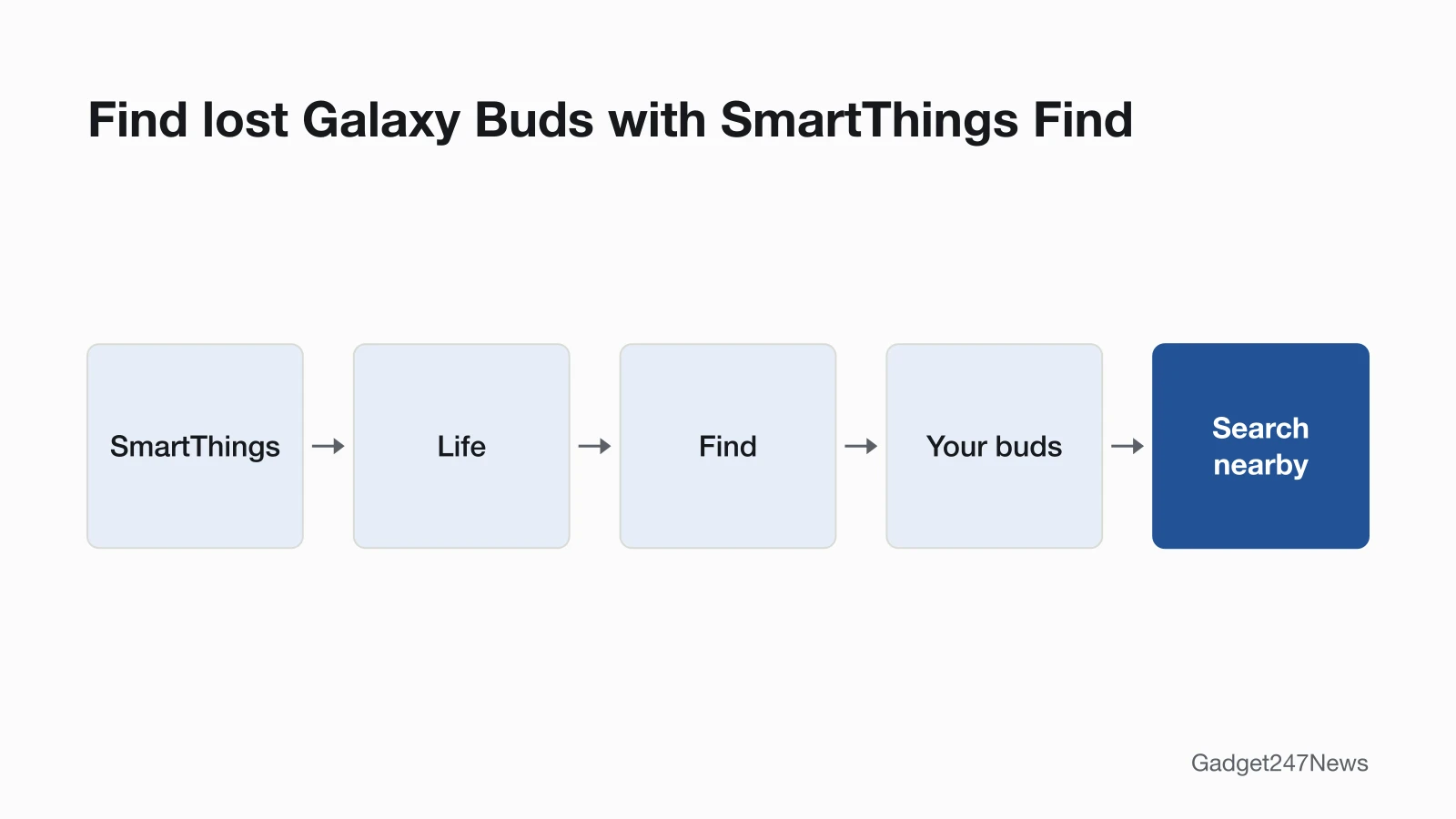
Open the SmartThings app, tap Life, then Find, and select your buds to see them on the map. Tap Search nearby to track them down, or use Ring in Samsung Find to make them play a sound. This page covers finding lost Samsung Galaxy Buds; for pairing, battery and sound problems, see Galaxy Buds Problems and Fixes.
Samsung offers two tools, SmartThings Find and Samsung Find. Both show your buds on a map, can ring them and can tell you when they've been found, and both work in a web browser. Own AirPods too? Here's how to find lost AirPods with Apple's app.
How to Find Galaxy Buds With SmartThings Find
To find Galaxy Buds with SmartThings Find, follow Samsung's steps in the SmartThings app:
- Open the SmartThings app, tap the Life tab, then tap Find to open SmartThings Find.
- Select your buds at the bottom of the screen to see their location on the map. You can also tap Menu (the three horizontal lines) to pick from all your devices.
- Tap Search nearby to search for the buds, or Refresh to reload the location.
- Tap More for Navigate, Notify when left behind and Share this device's location. You can also turn on Lost mode there.
Search nearby scans the area around you and sends a notification when it detects the device. Navigate opens Google Maps Navigation with the fastest route, though Samsung notes it may not be available if the device can't be located. On the Galaxy Buds3 and Buds3 Pro, Samsung says you need to select each earbud individually.
How to Find Galaxy Buds From the Galaxy Wearable App (Samsung Find)
To find Galaxy Buds from the Galaxy Wearable app, open Samsung Find through it:
- Open the Galaxy Wearable app, then tap Find My Earbuds to open the Samsung Find app.
- Tap the Devices tab, then swipe to and select your buds to see them on the map.
- Tap Ring to make your buds play a sound, or Refresh to reload the location.
- Tap More for options such as Notify when left behind, battery life and Lost mode.
You can also open Samsung Find directly: open Settings, tap your Samsung account name, then tap Samsung Find. On the Galaxy Buds3 and Buds3 Pro, tap the switch to select the left or right earbud if needed.
How to Find Galaxy Buds From a Computer
To find Galaxy Buds from a computer, use the Samsung Find website:
- Go to the Samsung Find website and sign in with your Samsung account.
- Select the Devices tab on the left side of the screen.
- Select your buds to see their current location, then select Ring to make them play a sound, or Refresh to reload the location.
On the Galaxy Buds3 and Buds3 Pro, Ring plays a beeping sound, and a switch selects the left or right earbud. The SmartThings Find website works the same way: sign in, select your buds on the left side of the screen, then select Ring.
How to Get an Email When They're Found
On the Samsung Find website, select the switch next to Notify me when it's found, enter your email address, then select Turn on. Samsung then emails you when your buds have been located. Select Device information to see the buds' model number and MAC address.
If Your Galaxy Buds Don't Show Up
When the buds don't appear on the map, check two SmartThings Find settings and your Samsung account sign-in.
Why Can't Find My Earbuds Locate My Buds?
Check that your buds are allowed to be found, that Offline finding is on, and that you're signed in to your Samsung account.
- Allow devices to be found: in SmartThings Find, tap More options (the three vertical dots), then Settings, then Allow devices to be found, and turn on the switch next to your buds. Samsung gives this step for Galaxy Buds3 and Buds3 Pro that are hard to locate.
- Offline finding: on the same screen, turn on the switch next to Offline finding. Samsung says it can help locate a device even when it's turned off or not online.
- Samsung account: you must be signed in to use SmartThings Find.
The Samsung US support pages we read don't say whether buds with flat batteries can still be found. If you think the buds were stolen, Samsung says not to go to the location on the map and to contact the authorities instead.
Lost Your Apple Watch Instead?
Apple's Find My steps are in How to Find a Lost Apple Watch. Find My lists AirPods by name, so here's how to rename AirPods if you use both.
Can I find just the Galaxy Buds case?
The Samsung US find pages we read don't describe locating the charging case on its own. They cover finding the buds, including selecting the left or right earbud on the Galaxy Buds3 and Buds3 Pro. If only the case is missing, Samsung Support is the place to ask.
Sources
We checked this page against the pages below, most recently on . How we verify fixes
- Find your lost Samsung Galaxy earbuds (Samsung, samsung.com)Official
- Use SmartThings Find with the SmartThings app (Samsung, samsung.com)Official
- Connect and use your Galaxy S25 with Buds3 or Buds3 Pro (Samsung, samsung.com)Official