Which Apple Watch Do I Have? How to Check Your Model

By Suraj Giri, Founder & Publisher. Reviewed by Suraj Giri on .
Published · 4 min read
How this page was made
- Sources. Checked against 4 official pages from Apple, most recently on . See the sources.
- No device testing. We don't test fixes on physical devices, so nothing on this page is a hands-on result. A fact counts as verified only when it matches an official source page.
- AI use. As with every page on Gadget247News, AI tools helped research, outline, draft and edit this page, and re-read the official pages to flag facts that didn't match. The illustration at the top was generated with Runway and is labelled under the image.
- Human sign-off. Suraj Giri, Founder & Publisher, read this page and signed it off on . The site won't publish a page without that sign-off.
- Changes. The published and updated dates move only when the content changes, and every change gets a dated note. Spot an error or a fix that didn't work? Email info@gadget247news.com.
Read our AI use policy, editorial policy and corrections policy.
Open the Apple Watch app on your iPhone, tap My Watch › General › About, then tap Model Number so it shows a number starting with "A". Match that number to Apple's list below, then use it to fix your Apple Watch with the steps for your model.
The model number tells you the series, the case size and whether the watch is GPS or GPS + Cellular. If it's AirPods that went missing instead, you don't need a model number first, because Apple's Find My steps start from the device name: see how to find AirPods that are offline or dead.
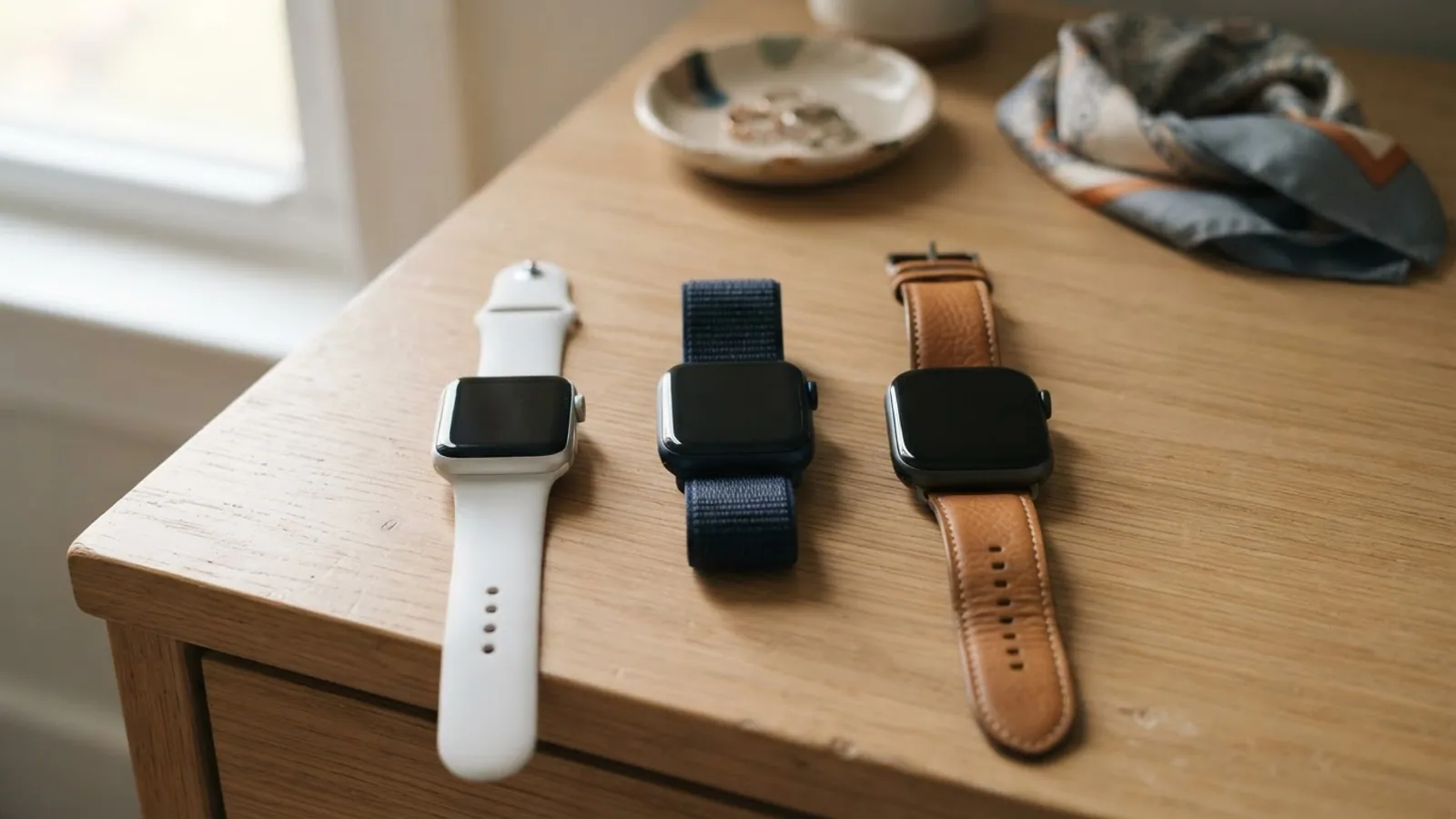
How to Find Your Apple Watch Model Number
To find your Apple Watch model number, use the Apple Watch app on the paired iPhone:
- Open the Apple Watch app on your iPhone.
- Tap the My Watch tab.
- Tap General, then tap About.
- Find the Model Number field. It first shows a part number that begins with "M".
- Tap the Model Number field. It changes to a number that begins with "A", and that is your model number.
Then find that model number in the table below.
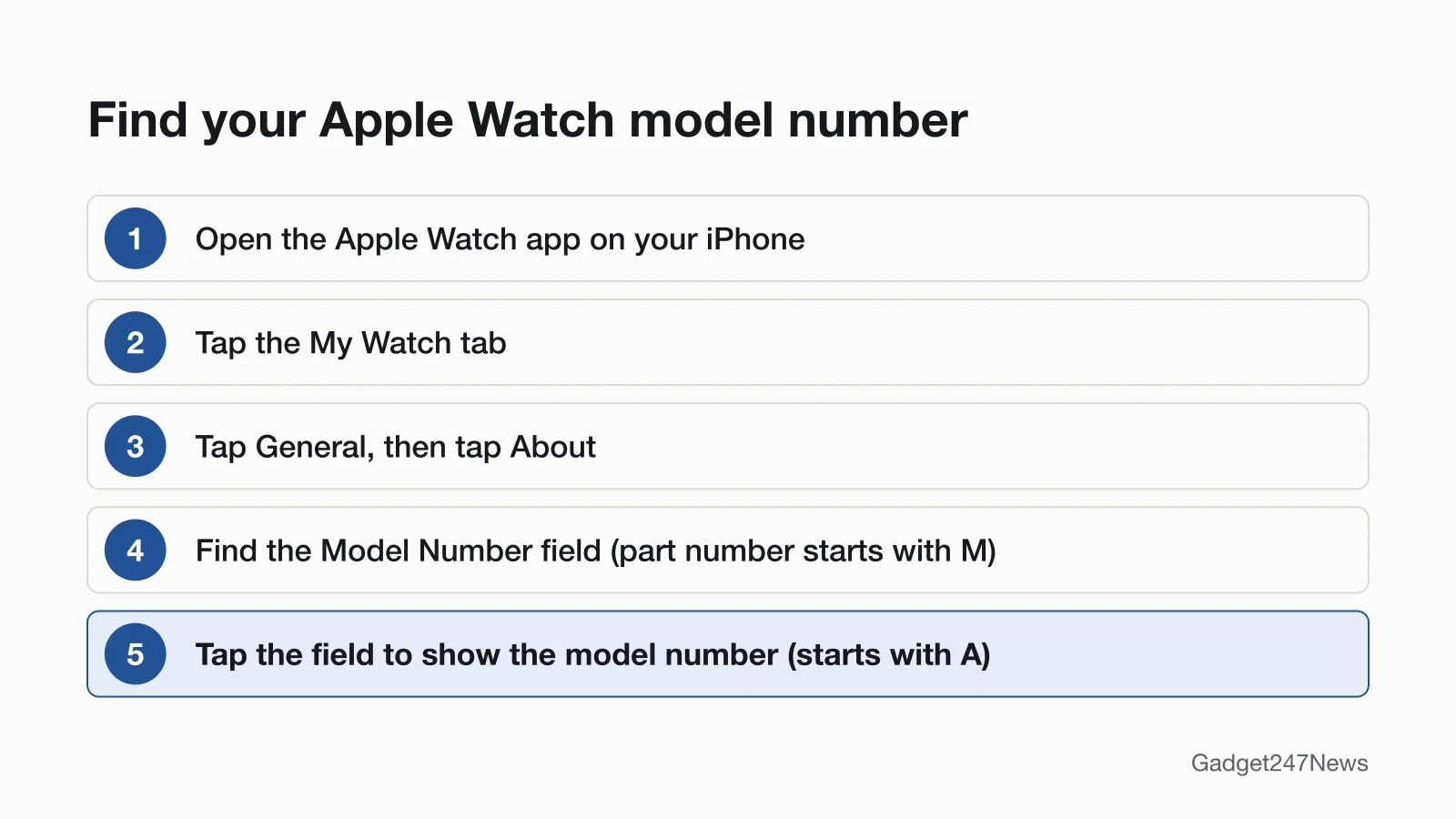
Part Number vs Model Number
The part number and the model number are different codes in the same field: the part number starts with "M" and the model number starts with "A". Apple's model list uses the A-number, so tap the field to show it before you compare.
How to Check Your Apple Watch Without the iPhone
Turn the watch over: in Apple's words, the engraving on the back shows your case size "and more information." Apple's page doesn't say the A model number is part of that engraving, so match the case size to the table and confirm the model number in the app when you can.
Apple Watch Model Numbers by Series
The table lists all 20 Apple Watch families on Apple's page, in Apple's order, with the North American model numbers for GPS and GPS + Cellular.
| Model | Case sizes | Model numbers, North America (GPS / GPS + Cellular) |
|---|---|---|
| Apple Watch Series 12 | 42 mm, 46 mm | A3581, A3584 / A3582, A3587 |
| Apple Watch Ultra 4 | 49 mm | A3579 (GPS + Cellular only) |
| Apple Watch Series 11 | 42 mm, 46 mm | A3331, A3333 / A3335, A3337 |
| Apple Watch SE 3 | 40 mm, 44 mm | A3324, A3325 / A3326, A3328 |
| Apple Watch Ultra 3 | 49 mm | A3281 (GPS + Cellular only) |
| Apple Watch Series 10 | 42 mm, 46 mm | A2997, A2999 / A3001, A3003 |
| Apple Watch Ultra 2 | 49 mm | A2986 (GPS + Cellular only) |
| Apple Watch Series 9 | 41 mm, 45 mm | A2978, A2980 / A2982, A2984 |
| Apple Watch Ultra | 49 mm | A2622 (GPS + Cellular only) |
| Apple Watch Series 8 | 41 mm, 45 mm | A2770, A2771 / A2772, A2774 |
| Apple Watch SE 2 | 40 mm, 44 mm | A2722, A2723 / A2726, A2727 |
| Apple Watch Series 7 | 41 mm, 45 mm | A2473, A2474 / A2475, A2477 |
| Apple Watch Series 6 | 40 mm, 44 mm | A2291, A2292 / A2293, A2294 |
| Apple Watch SE | 40 mm, 44 mm | A2351, A2352 / A2353, A2354 |
| Apple Watch Series 5 | 40 mm, 44 mm | A2092, A2093 / A2094, A2095 |
| Apple Watch Series 4 | 40 mm, 44 mm | A1977, A1978 / A1975, A1976 |
| Apple Watch Series 3 | 38 mm, 42 mm | A1858, A1859 / A1860, A1861 (Americas) |
| Apple Watch Series 2 | 38 mm, 42 mm | A1757, A1758 (Edition: A1816, A1817) |
| Apple Watch Series 1 | 38 mm, 42 mm | A1802, A1803 |
| Apple Watch (1st generation) | 38 mm, 42 mm | A1553, A1554 |
Source: Apple, Identify your Apple Watch (published September 17, 2026); checked September 26, 2026.
Many models carry a different number in China mainland. Recent models such as Series 12 use one number across North America, Europe and Asia Pacific, while older GPS + Cellular models such as Series 8 list separate Europe and Asia Pacific numbers, so check Apple's page if your watch came from outside North America. Nike, Hermès, titanium and ceramic versions share the numbers in the table, except the Series 2 Edition, which has its own.
How to Check You Matched the Right Model
The case size in your table row should match the engraving on the back of the watch. A 45 mm case with model number A2984, for example, is an Apple Watch Series 9 GPS + Cellular.
Why Your Apple Watch Model Matters
The model decides which watchOS version your watch can run and which fixes apply. Apple lists which models are compatible with the latest watchOS (watchOS 27 on September 26, 2026), and if your watch isn't compatible with the latest version, Software Update shows the newest version it can use. Check that before you treat an Apple Watch update stuck on an older version as a fault.
Bands also fit by case size: Apple says bands for 38mm, 40mm and 41mm cases are compatible with each other, so check the size before you swap Apple Watch straps. If you bought the watch second-hand, see how to reset an Apple Watch from a previous owner. If the display is damaged, have the model number ready when you compare cracked Apple Watch screen options. For charging and battery questions, see our guides How to Charge an Apple Watch and Apple Watch Battery Draining Fast.
Which AirPods Do I Have?
AirPods follow the same idea, with the model number in Settings on your iPhone, and our list of AirPods generations by model number matches each number to its name.
Rename Your Devices
Once you know which model you have, give your AirPods a name you'll recognize in Bluetooth lists with How to Rename AirPods.
Sources
We checked this page against the pages below, most recently on . How we verify fixes
- Identify your Apple Watch (Apple, support.apple.com)Official
- Update your Apple Watch (Apple, support.apple.com)Official
- Change your Apple Watch band (Apple, support.apple.com)Official
- Find your lost AirPods with Find My (Apple, support.apple.com)Official