One Side of Bose Earbuds Not Working? How to Fix It

By Suraj Giri, Founder & Publisher. Reviewed by Suraj Giri on .
Published · 7 min read
How this page was made
- Sources. Checked against 9 official pages from Bose, Apple and Google, most recently on . See the sources.
- No device testing. We don't test fixes on physical devices, so nothing on this page is a hands-on result. A fact counts as verified only when it matches an official source page.
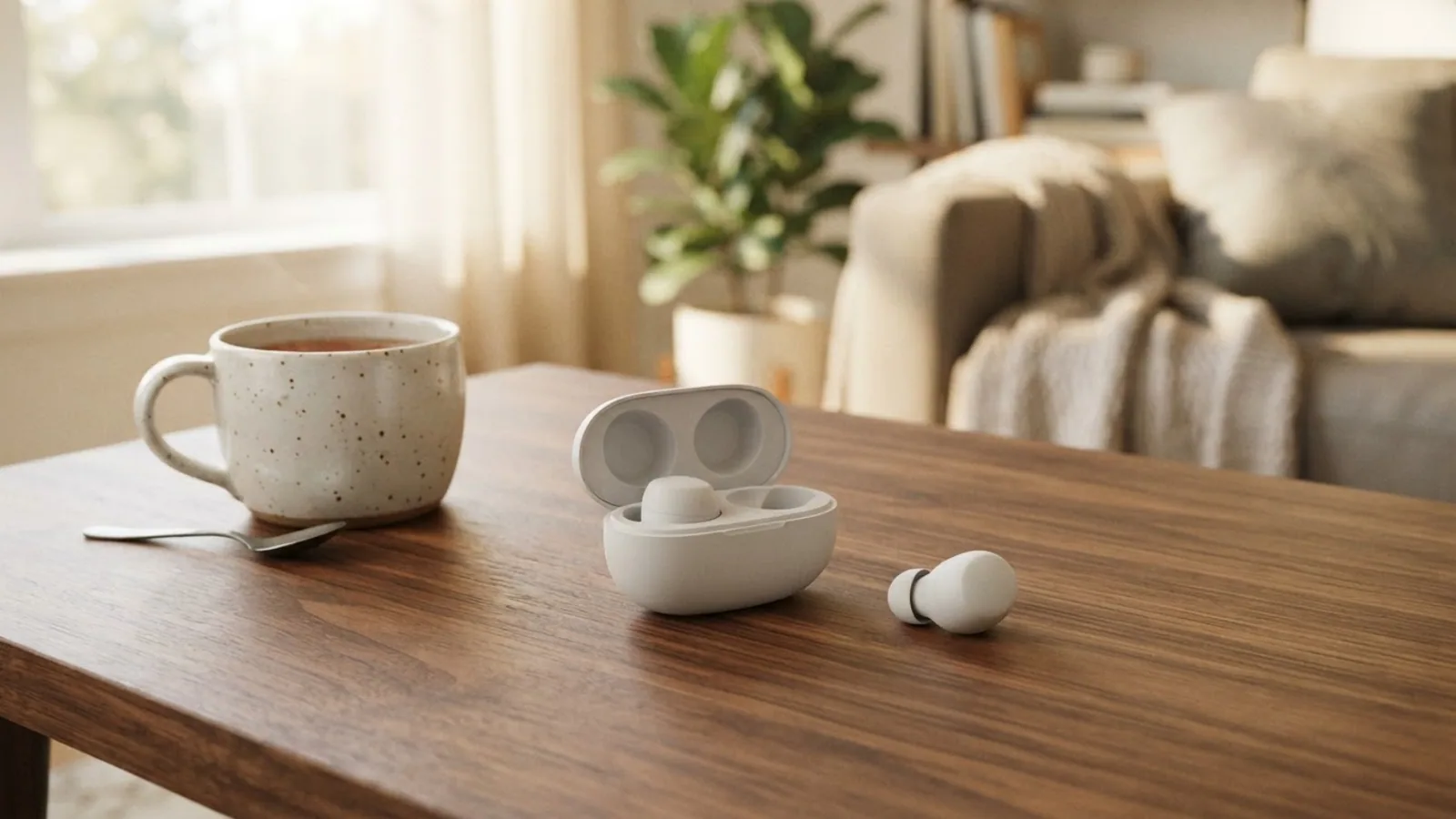
- AI use. As with every page on Gadget247News, AI tools helped research, outline, draft and edit this page, and re-read the official pages to flag facts that didn't match. The illustration at the top was generated with Runway and is labelled under the image.
- Human sign-off. Suraj Giri, Founder & Publisher, read this page and signed it off on . The site won't publish a page without that sign-off.
- Changes. The published and updated dates move only when the content changes, and every change gets a dated note. Spot an error or a fix that didn't work? Email info@gadget247news.com.
Read our AI use policy, editorial policy and corrections policy.
This guide is for one Bose earbud that plays nothing, or won't power on, while the other one works. The fixes follow the "No sound from one earbud" row in Bose's owner's guides for QuietComfort Ultra Earbuds (2nd Gen), QuietComfort Earbuds (2024) and Ultra Open Earbuds, plus one phone setting. If both ears sound quiet or muffled, that's a different problem, listed under Still not working? below. Other Bose problems are on our Bose headphones fixes page.
For earbuds from another brand, the cross-brand guide to sound from only one earbud covers the other makers.
Why Is Only One Bose Earbud Working?
Only one Bose earbud plays when the silent earbud is off, low on charge, blocked or badly seated, or when a second device or your phone's balance setting is the cause. Check these six causes in order:
- One earbud off or flat: QuietComfort Earbuds (2024) earbuds must be powered on individually, and Bose's one-earbud row for that model includes making sure the earbud is charged.
- The earbuds need a restart in the case: all three guides tell you to seat both earbuds in the charging case, then close and reopen it.
- Wax or debris: Bose lists clearing buildup from the eartips and earbud nozzles, or from the speaker ports on Ultra Open Earbuds.
- A poor fit: the wrong eartip or band size for that ear, or an earbud rotated too far back.
- A second device or the balance setting: two connected devices (QuietComfort Ultra Earbuds (2nd Gen)), or your phone's left-right balance moved off center.
- Out-of-date firmware: every one-earbud row asks you to make sure the software in the Bose app is up to date (the Bose QCE app for QuietComfort Earbuds (2024)).
Treat a hardware fault as the last explanation, after the eight fixes below.
How to Fix Bose Earbuds That Only Work on One Side
Fixes 1 to 5 and Fix 7 are the checks Bose lists under "No sound from one earbud", quickest first. Fix 6 is a phone setting. Bose's support page places a reset after other troubleshooting has failed, so it comes last.
Fix 1: Put Both Earbuds Back in the Case, Then Reopen It
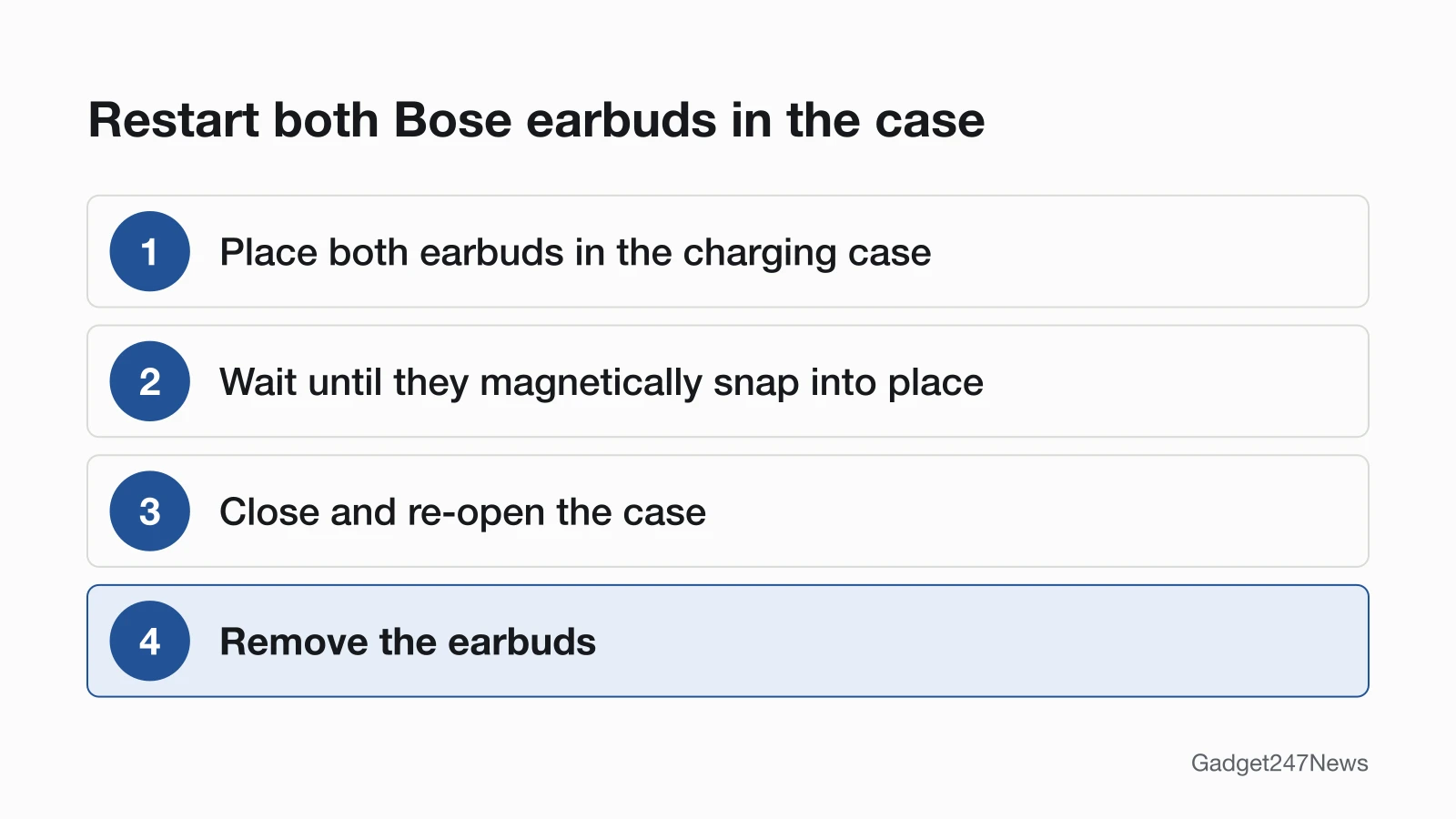
Restart both earbuds together in the charging case:
- Place both earbuds in the charging case until they magnetically snap into place.
- Close the case, then open it again. The status light shows the charging status (on QuietComfort Earbuds (2024), the status light glows).
- Remove both earbuds, put them in your ears and play audio.
The three owner's guides we read describe no separate left-right re-sync for these models. This case restart is the step Bose lists.
Fix 2: Charge Both Earbuds and Check the Contacts
Rule out a flat or powered-off earbud next:
- Charge both earbuds in the case, and make sure no dirt or debris covers the charging contacts on the earbuds or the charging pins in the case. Bose lists this check for QuietComfort Earbuds (2024). To clean the contacts, Bose says to wipe them with a dry, soft cotton swab.
- If you're wearing QuietComfort Earbuds (2024) while they're powered off, touch and hold the silent earbud for 1 second until you hear a tone. Each earbud must be powered on individually.
If the case or the earbuds won't take a charge at all, go to Bose headphones won't charge.
Fix 3: Clear Wax From the Eartip and Nozzle
Clean the silent side with Bose's care steps:
- Remove the eartip and band from that earbud and wash them with a mild detergent and water. Rinse and dry them thoroughly before you put them back on.
- Gently wipe the opening of the nozzle with a dry, soft cotton swab. Bose adds a caution: "Never insert any cleaning tool into the nozzle."
On Ultra Open Earbuds, Bose's check is to clear any debris or wax buildup from the speaker ports instead. For a wider routine, see how to clean earbuds to fix muffled sound.
Fix 4: Check the Fit and Eartip Size
Refit the silent earbud before you change any settings:
- Use the correct eartip and band size for each ear. Bose notes that you may need a different size eartip or stability band for each ear.
- Check the fit with a mirror, or run the Earbud Seal Test in the Bose app, found in the Settings menu (QuietComfort Ultra Earbuds (2nd Gen)).
- Keep your head upright as you insert the earbuds, and don't rotate them too far back.
Fix 5: Disconnect the Second Device
Disconnect the second device if two are connected to your Bose earbuds. For QuietComfort Ultra Earbuds (2nd Gen), Bose's one-earbud row says: "If two devices are connected, disconnect the second device." For QuietComfort Earbuds (2024), Bose's general no-sound checks say to pause audio on your second device first, then disconnect it and play audio from your first device.
Fix 6: Center the Audio Balance
Set your phone's left-right balance back to the middle. This is a phone setting, not a Bose one:
- iPhone: open the Settings app, tap Accessibility, tap Audio & Visual, then scroll down to Balance and make sure the Balance slider is set in the middle. Apple gives this check for one AirPod sounding quieter than the other.
- Android: open Settings, tap Accessibility, and use the Audio adjustment features to change the balance or combine audio channels. Google notes that navigation and feature names may vary by market and device.
Fix 7: Update the Firmware
Install any pending Bose update, as each one-earbud row asks:
- Connect the earbuds to the Bose app (QuietComfort Earbuds (2024): the Bose QCE app).
- Follow the app instructions when an update is available. QuietComfort Ultra Earbuds (2nd Gen) and Ultra Open Earbuds begin updating automatically once connected; on QuietComfort Earbuds (2024), tap the update message on the product control screen.
For timings and the version check, see how to update Bose headphones firmware.
Fix 8 (Last): Reset Your Bose Earbuds
Reset the earbuds only after Fixes 1 to 7. On QuietComfort Ultra Earbuds (2nd Gen), a reset reboots the earbuds and case and doesn't clear any device settings. QuietComfort Earbuds (2024) call it a reboot, and it keeps your settings too. A restore to factory settings clears all settings, and you set the earbuds up again as if they were new. Model-by-model steps are in Bose headphones soft and factory reset steps.
Left, Right and Headphones
Bose's one-earbud checks don't change with the side, but a few built-in behaviors can make one side seem dead:
| Situation | What's different | Source |
|---|---|---|
| Left or right only | The same checks apply to either side. Each earbud is marked with an R (right) or L (left); for Ultra Open Earbuds, Bose's no-sound list includes wearing the correct earbud on the correct ear | QuietComfort Ultra Earbuds (2nd Gen) and Ultra Open Earbuds owner's guides |
| Audio pauses when you take one earbud out | In-ear detection: when you remove an earbud, audio pauses on both. Tap the earbud in your ear to resume with one, or manage in-ear detection in the Bose app's Settings menu | QuietComfort Ultra Earbuds (2nd Gen) owner's guide |
| The other earbud switches to Aware mode | Auto transparency: removing an earbud sets the one in your other ear to Aware mode, and reinserting it restores the previous noise cancelling level | QuietComfort Ultra Earbuds (2nd Gen) owner's guide |
| One QuietComfort Earbuds (2024) earbud stays off while you wear them | The earbuds must be powered on separately, so touch and hold the silent one for 1 second | QuietComfort Earbuds (2024) owner's guide |
| Bose headphones, one earcup silent | The QuietComfort Ultra Headphones (2nd Gen) and QuietComfort Headphones guides we read have no one-earcup row, so check your phone's balance (Fix 6). On QuietComfort Ultra Headphones (2nd Gen), lifting the right earcup off your ear pauses audio | QuietComfort Ultra Headphones (2nd Gen) owner's guide |
Still not working?
If one earbud is still silent after Fix 8, go down this list in order:
- Try the next fix: Headphones muffled or quiet? How to get full sound back (if both sides sound quiet).
- Reset your Bose earbuds: Bose headphones soft and factory reset steps (after a factory restore, you'll pair them again).
- Contact Bose Support: Bose Support (external).
- Check repair or warranty options: Bose headphones repair and warranty options.
Started after an update? Check the Update Tracker for known issues.
One Side Stopped After an Update?
If one side went silent suddenly, right after a firmware update, compare your installed version with the latest Bose headphones firmware and read the release notes and known issues listed there. Your installed version sits under Support, then Technical Info, after you tap the gear icon on your product in the Bose app.
One Bose Earbud: Quick Answers
Why is my left Bose earbud not working?
A silent left Bose earbud gets the same checks as the right one: seat both earbuds in the case, close and reopen it, then take them out. Next, clear wax from the left eartip and nozzle, check the left eartip size and fit, and make sure that earbud is charged. Bose marks the left earbud with an L.
Why is my right Bose earbud not working?
Bose's checks for a silent right earbud match the left: restart both earbuds in the case first, then clean and refit the right one. On QuietComfort Earbuds (2024) that you're wearing while they're powered off, touch and hold the right earbud for 1 second, because they must be powered on separately.
How do I fix a silent Bose earbud?
Fix a silent Bose earbud in this order: reseat both earbuds in the case and reopen the lid, then clear wax, check the fit, disconnect a second device, center your phone's balance and update the firmware. Reset the earbuds last. If it still plays nothing, request service from Bose.
Sources
We checked this page against the pages below, most recently on . How we verify fixes
- Bose QuietComfort Ultra Earbuds (2nd Gen) Owner's Guide (Bose, assets.bosecreative.com)Official
- Bose QuietComfort Earbuds Owner's Guide (Bose, assets.bosecreative.com)Official
- Bose Ultra Open Earbuds Owner's Guide (Bose, assets.bosecreative.com)Official
- Bose QuietComfort Ultra Headphones (2nd Gen) Owner's Guide (Bose, assets.bosecreative.com)Official
- Resetting your product | Bose QuietComfort Ultra Earbuds (2nd Gen) (Bose, support.bose.com)Official
- Updating Your Earbuds | Bose QuietComfort Ultra Earbuds (2nd Gen) (Bose, support.bose.com)Official
- If your left or right AirPod isn't working (Apple Support) (Apple, support.apple.com)Official
- Use accessibility features on Android (Android Accessibility Help) (Google, support.google.com)Official
- Bose Support (Bose, support.bose.com)Official