How to Reset Skullcandy Earbuds

By Suraj Giri, Founder & Publisher. Reviewed by Suraj Giri on .
Published · 4 min read
How this page was made
- Sources. Checked against 10 official pages from Skullcandy, most recently on . See the sources.
- No device testing. We don't test fixes on physical devices, so nothing on this page is a hands-on result. A fact counts as verified only when it matches an official source page.
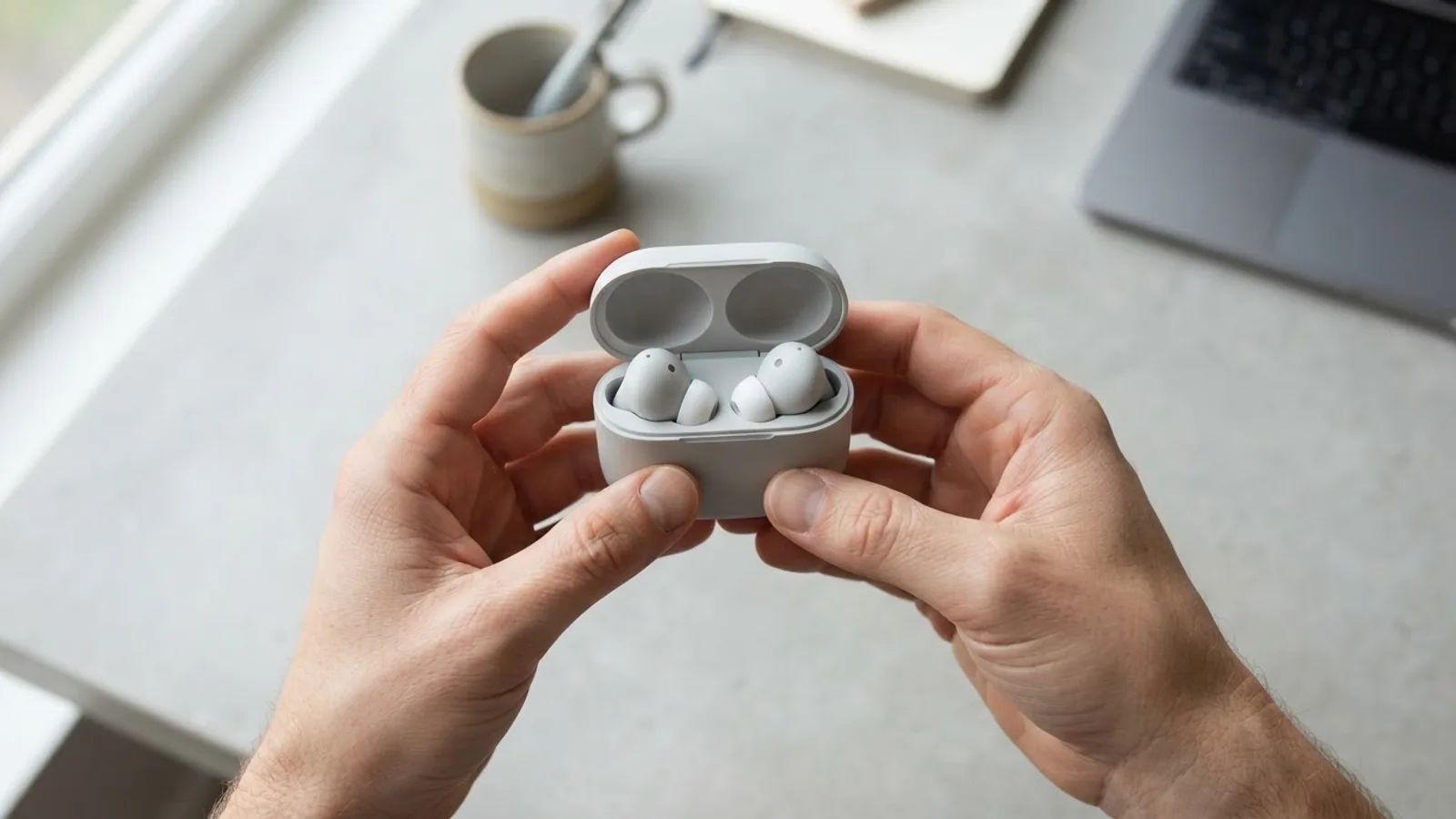
- AI use. As with every page on Gadget247News, AI tools helped research, outline, draft and edit this page, and re-read the official pages to flag facts that didn't match. The illustration at the top was generated with Runway and is labelled under the image.
- Human sign-off. Suraj Giri, Founder & Publisher, read this page and signed it off on . The site won't publish a page without that sign-off.
- Changes. The published and updated dates move only when the content changes, and every change gets a dated note. Spot an error or a fix that didn't work? Email info@gadget247news.com.
Read our AI use policy, editorial policy and corrections policy.
To reset Skullcandy earbuds, forget them on your phone, turn Bluetooth off, take both earbuds out of the case and hold your model's reset control until you hear "Ready to pair": both earbuds for 6 seconds on Dime 3 and Rail ANC. Then pair again. Other problems are on our Skullcandy earbuds fixes.
For AirPods, Galaxy Buds and other earbuds, see the earbud reset steps by brand.
Restart vs Reset: What's the Difference?
A restart turns Skullcandy earbuds off and on and keeps your pairings; a reset clears the device paired list, so you pair them again.
| Action | What it does | When to use it |
|---|---|---|
| Restart (soft reset) | Powers the earbuds off and on. They reconnect to your recent devices. | First, before any reset |
| Reset | Clears the device paired list and puts the earbuds back in pairing mode | When pairing or one-side problems remain after the re-sync steps |
Skullcandy's blog calls the reset a factory reset. The model pages we read don't say whether app settings such as EQ survive it.
How to Restart (Soft Reset) Skullcandy Earbuds
To restart Skullcandy earbuds, power them off, then on again:
- Put both earbuds in the case and close the lid for 2 seconds so they fully power off (Rail ANC, Push Active). To power off Dime 3 by hand, press its button twice, then hold it for 1 second.
- Take both earbuds out together to power them on.
Manual controls for the other models are in How to Turn Skullcandy Earbuds On and Off.
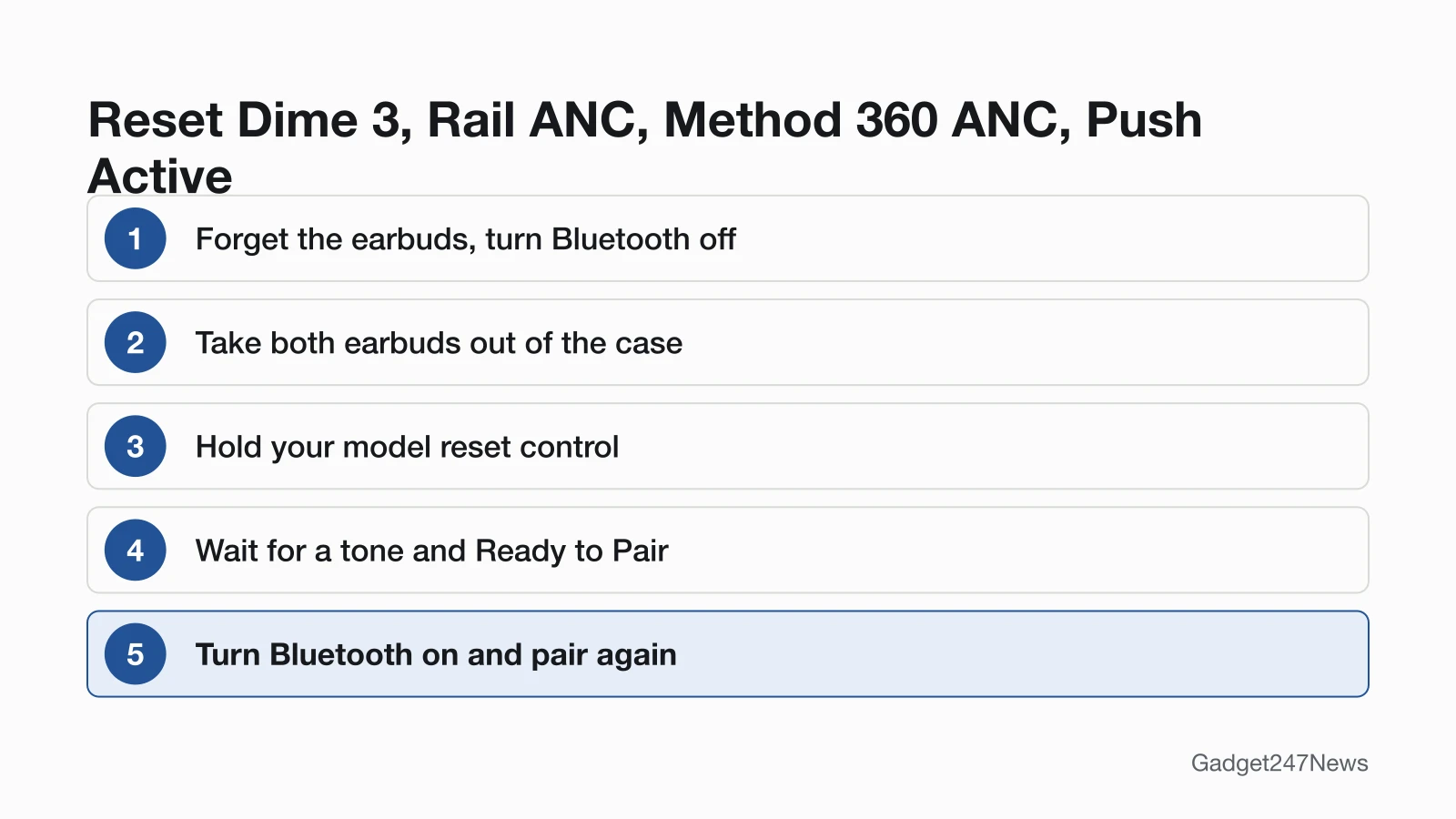
How to Reset Dime 3, Rail ANC, Method 360 ANC and Push Active
To reset Dime 3, Rail ANC, Method 360 ANC or Push Active, hold the reset control with Bluetooth off and the earbuds on:
- Remove the earbuds from your Bluetooth paired list, then turn Bluetooth off.
- Take both earbuds out of the case. A tone tells you they're on (Method 360 ANC: power them on).
- Press and hold the reset control for your model (table below).
- Wait for the tone, the flashing lights and the voice prompt "Ready to Pair".
- Turn Bluetooth on, select the earbuds and accept the "Pair" or "OK" prompt.
| Model | Reset control | Hold | Confirmation |
|---|---|---|---|
| Dime 3 | The button on both earbuds | 6 seconds, until two tones | Both lights flash purple 5 times; "Ready to Pair" |
| Rail ANC | Both earbud touch sensors | 6 seconds | A tone; the right earbud flashes purple 6 times; "Ready to pair" |
| Method 360 ANC | The earbud button | 6 seconds | A tone; a quick blue/red flash; "Ready to Pair", then blue pulses |
| Push Active | The right earbud button only | 3 seconds | A tone; the right earbud flashes purple 3 times; "Ready to Pair" |
The app feature lists on the Rail ANC and Method 360 ANC pages include no reset.
How to Reset Indy Evo and Sesh Evo
Indy Evo and Sesh Evo reset one earbud at a time, for 10 seconds each, after you power them off by hand:
- Forget the earbuds in your phone's Bluetooth device list.
- Out of the case, power them off by touching and holding both earbuds: 6 seconds on Indy Evo, 4 seconds on Sesh Evo.
- Touch and hold each earbud for 10 seconds. Skullcandy says "this will power cycle them on and off again".
- Put both back in the case until both lights show red, then pull them out. They flash blue while they sync; a tone plays and only the left earbud flashes red/blue.
- Turn Bluetooth on, select the name (Sesh Evo: "Sesh Evo", not "Sesh Evo-LE") and accept every "Pair" and "Ok" prompt.
Once paired, Skullcandy says Indy Evo appears twice in your paired devices list.
How to Reset Skullcandy Headphones
To reset Skullcandy headphones, remove them from your phone's Bluetooth paired list, then use the button combination:
| Headphones | Reset control | What happens |
|---|---|---|
| Crusher Evo | Press and hold the top and bottom buttons for 2 seconds | Purple flash, "disconnected", then "pairing" |
| Hesh Evo | Press and hold the main button and volume down for 3 seconds | Purple flash, "Disconnected", then "Pairing" |
| Crusher ANC 2 | Bluetooth off, headphones on: press Volume Down for 6 seconds | A tone, 3 purple flashes, "Ready to Pair", then red/blue pulses |
All three go straight into pairing mode, so pair them again from your phone.
How to Check the Reset Worked
A Skullcandy reset worked when you get the confirmation and the earbuds enter pairing mode:
- Listen for a tone and "Ready to Pair" ("pairing" on Crusher Evo and Hesh Evo).
- Watch the lights: purple flashes, then red/blue pulses (Method 360 ANC: a blue/red flash, then blue).
- Pair them again from Bluetooth settings; the voice prompt "connected" confirms it.
For a laptop or tablet, follow How to connect and pair Skullcandy earbuds with any device.
If Resetting Skullcandy Earbuds Doesn't Work
If the reset worked but pairing still fails, Skullcandy earbuds not connecting to your phone has Skullcandy's full order, including the re-sync presses.
No Tone or Purple Flash / They Still Won't Pair
Charge the case first: with a completely dead case battery, the Dime 3 and Rail ANC pages say the earbuds "will not power ON when removed from the case". Then hold the control for the full time again. If nothing changes, contact Skullcandy through its Product Help pages.
Resetting Skullcandy Earbuds: Quick Answers
How do I reset Skullcandy headphones?
Forget them in your phone's Bluetooth settings, then press and hold the top and bottom buttons for 2 seconds on Crusher Evo, the main button and volume down for 3 seconds on Hesh Evo, or Volume Down for 6 seconds on Crusher ANC 2 with Bluetooth off.
How long do you hold Skullcandy earbuds to reset them?
Hold for 6 seconds on Dime 3 (both buttons), Rail ANC (both touch sensors) and Method 360 ANC (the earbud button), and 3 seconds on Push Active (the right earbud only). Indy Evo and Sesh Evo take 10 seconds on each earbud, after you power them off.
Does resetting Skullcandy earbuds delete my pairings?
Yes. Skullcandy describes the reset as "clearing the device paired list", and its blog says it "clears all stored pairings", so every phone or laptop has to pair again.
Sources
We checked this page against the pages below, most recently on . How we verify fixes
- DIME® 3 (Skullcandy Product Help) (Skullcandy, skullcandy.com)Official
- RAIL® ANC (Skullcandy Product Help) (Skullcandy, skullcandy.com)Official
- METHOD 360 ANC (Skullcandy Product Help) (Skullcandy, skullcandy.com)Official
- PUSH® ACTIVE (Skullcandy Product Help) (Skullcandy, skullcandy.com)Official
- INDY™ EVO (Skullcandy Product Help) (Skullcandy, skullcandy.com)Official
- SESH® EVO (Skullcandy Product Help) (Skullcandy, skullcandy.com)Official
- CRUSHER® EVO (Skullcandy Product Help) (Skullcandy, skullcandy.com)Official
- HESH® EVO (Skullcandy Product Help) (Skullcandy, skullcandy.com)Official
- CRUSHER® ANC 2 (Skullcandy Product Help) (Skullcandy, skullcandy.com)Official
- Why Won't My Skullcandy Earbuds Pair? Step-by-Step Fix (Skullcandy) (Skullcandy, skullcandy.com)Official