How to Turn JBL Earbuds On and Off

By Suraj Giri, Founder & Publisher. Reviewed by Suraj Giri on .
Published · 4 min read
How this page was made
- Sources. Checked against 9 official pages from JBL and Apple, most recently on . See the sources.
- No device testing. We don't test fixes on physical devices, so nothing on this page is a hands-on result. A fact counts as verified only when it matches an official source page.
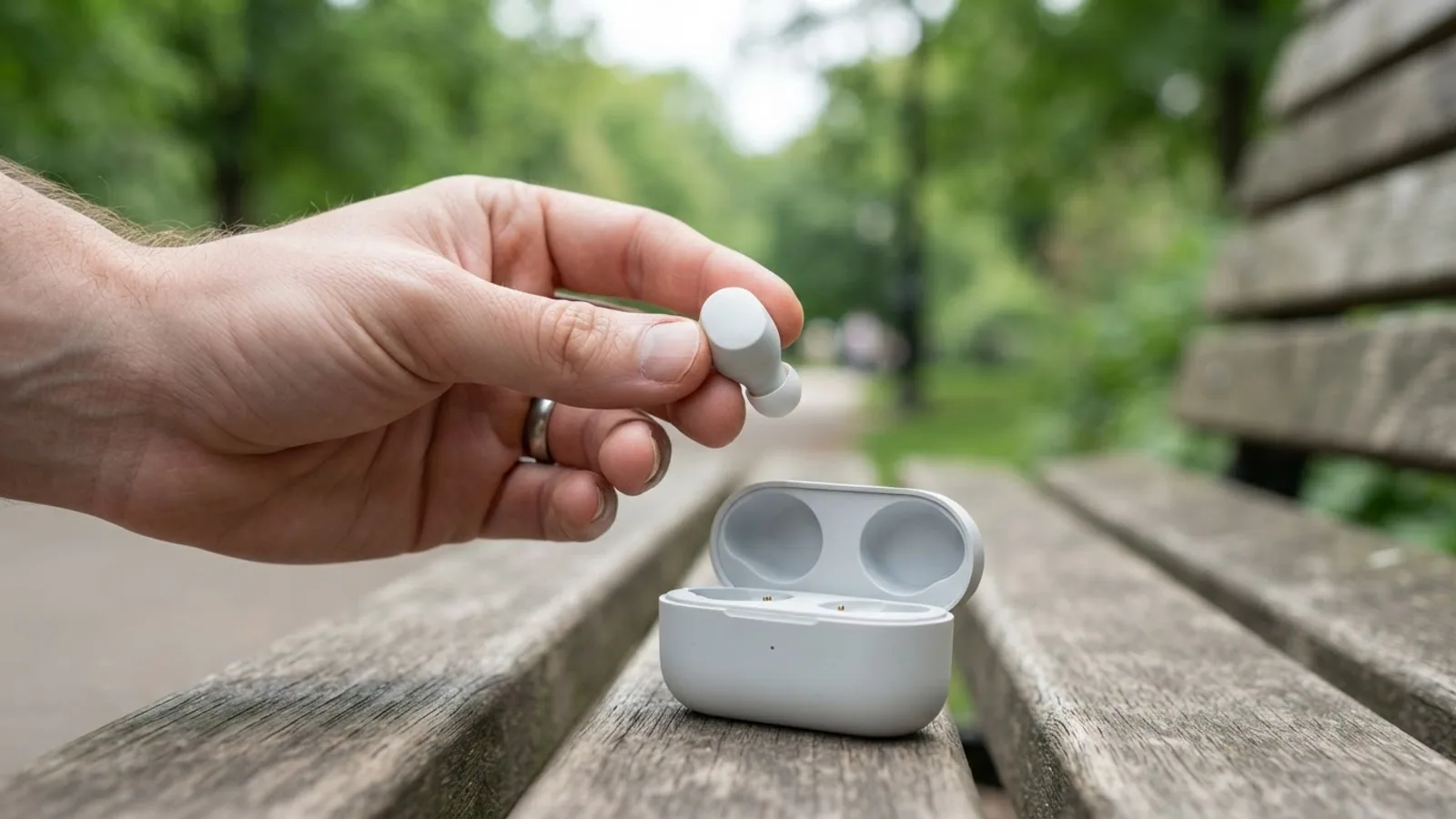
- AI use. As with every page on Gadget247News, AI tools helped research, outline, draft and edit this page, and re-read the official pages to flag facts that didn't match. The illustration at the top was generated with Runway and is labelled under the image.
- Human sign-off. Suraj Giri, Founder & Publisher, read this page and signed it off on . The site won't publish a page without that sign-off.
- Changes. The published and updated dates move only when the content changes, and every change gets a dated note. Spot an error or a fix that didn't work? Email info@gadget247news.com.
Read our AI use policy, editorial policy and corrections policy.
To turn on JBL earbuds, take them out of the charging case; to turn them off, put them back and close the lid. JBL's Tune 520BT headphones use a power button instead, held for 2 seconds. This page belongs to our JBL Earbuds Problems and Fixes section.
If your earbuds won't power on at all, start with the charging checks in earbuds won't charge.
How to Turn On JBL Earbuds
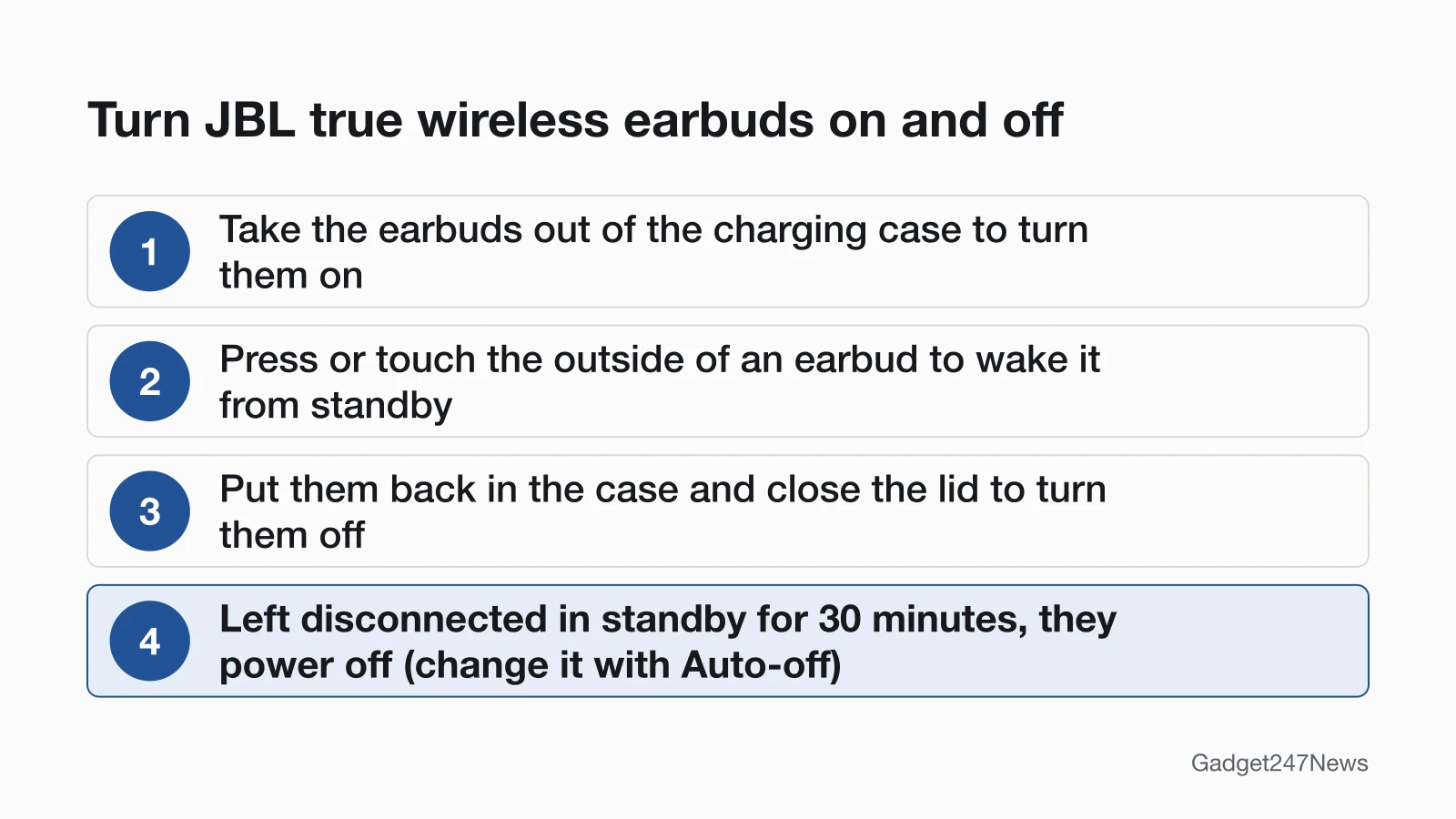
To turn on JBL earbuds, open the charging case and lift them out. Other JBL models and states work like this:
- True wireless earbuds (Tune Beam 2 and similar): open the case and take both earbuds out. JBL's Tune Beam 2 Quick Start Guide draws this step under "POWER ON & CONNECT", with each earbud marked ON.
- Earbuds asleep in standby: press or touch the outside of an earbud. JBL says you can use them again without putting them back in the charging case.
- Tune 520BT headphones: press and hold the power button for 2 seconds. The guide prints it as "HOLD (2S)".
- JBL LIVE headphones: switch the headphones on. The first time, JBL says to "look for the blinking blue light indicating pairing mode." Its LIVE page gives no hold time for powering on.
How to Turn Off JBL Earbuds
To turn off JBL earbuds, use one of the three methods JBL lists for its true wireless models, starting with the case:
- Put the earbuds back into the charging case and close the lid.
- Press and hold the buttons on both the left and right earbuds for more than 2 seconds. Hold one button to switch off only that earbud.
- Set Auto-off in the JBL Headphones app, on models the app supports.
The Tune 520BT guide gives no hold time for switching the headphones off. It mentions powering off only in a pairing note: "power off and hold for 5 seconds" to enter pairing mode again.
Do JBL Earbuds Turn Off Automatically?
Yes. JBL true wireless earbuds power off after 30 minutes in standby once they disconnect from Bluetooth, and you then put them in the charging case and take them out again to reconnect. The time is adjustable under Auto-off in the JBL Headphones app: JBL names 15min and 1hr as choices, plus "Never" to keep the earbuds on at all times. Once set, Auto-off works the same whether the earbuds are connected or not.
How to Check Your JBL Earbuds Are On
To check that JBL earbuds are on, read the earbud light first, then your phone:
- Look at the light. The Tune Beam 2 guide's "LED BEHAVIORS" list has three Bluetooth states: BT connecting, BT connected and BT not connected. The colours appear only in the guide's drawings, so match your earbuds against them.
- Open your phone's Bluetooth list. Earbuds that are on and linked read as connected, like the guide's "JBL Tune Beam 2 Connected" screen.
The Tune 520BT guide adds a separate "POWER ON" state to its own LED list.
If Your JBL Earbuds Won't Turn On
JBL earbuds that won't turn on get three checks, in this order:
- New earbuds: remove the plastic film so the case pins can reach the earbud contacts.
- Dirty contacts: JBL says charging trouble is "almost always caused by dirt on the metal charging contacts". Rub each contact with a cotton swab and a little rubbing alcohol, and let the case dry completely before you close it.
- Flat battery: try another cable and a USB charger "rated at least 2.0a", then "Charge the product overnight for at least 8 hours."
If none of that helps, JBL says the battery may have died and asks you to contact its support team. The full list of charging fixes is on JBL earbuds not charging; earbuds that power on but won't pair belong on JBL earbuds not connecting.
Turning Off JBL Features Instead
Plenty of "turn off" searches mean a feature, not the power: most often noise cancelling or mono sound.
Noise cancelling: the Tune Beam 2 guide lists ANC, Ambient Aware and TalkThru under CONTROLS, each marked with an asterisk that points to this note: "Enable advance controls by connecting your JBL TUNE BEAM 2 to JBL Headphones app." Connect the app first. The guide shows which tap switches each control only in its drawings, so check the one for your model. For what the feature does, see how ANC works in headphones.
Mono mode: the same guide shows "Stereo mode" with the left and right earbuds together and "Mono mode" with either one alone, so wear both earbuds to get stereo back. If an iPhone still plays mono, Apple keeps the switch in Settings > Accessibility > Audio & Visual > Mono Audio; turn it off.
JBL Earbuds Power: Quick Answers
Why won't my JBL headphones turn on?
Charge them first. JBL suggests another cable, a USB charger rated at least 2.0a and charging overnight for at least 8 hours. On brand-new earbuds, remove the plastic film first, or the case can't power them on.
How do I turn off JBL earbuds?
Put JBL earbuds in the charging case and close the lid. Out of the case, hold the buttons on both earbuds for more than 2 seconds instead. Earbuds left out and disconnected from Bluetooth switch off by themselves after 30 minutes in standby.
Do JBL earbuds turn off automatically?
Yes, after 30 minutes in standby once they lose their Bluetooth connection. To change that, open the JBL Headphones app and set Auto-off to another time, such as 1hr, or to Never.
Sources
We checked this page against the pages below, most recently on . How we verify fixes
- JBL Tune Beam 2 Quick Start Guide (JBL, support.jbl.com)Official
- JBL Tune 520BT Quick Start Guide (JBL, jbl.com)Official
- Standby Mode Information (JBL) (JBL, support.jbl.com)Official
- How to Turn off your TWS Headphones (JBL) (JBL, support.jbl.com)Official
- How do I connect my JBL LIVE headphones to my device via Bluetooth? (JBL) (JBL, support.jbl.com)Official
- My new TWS earbud won't power on or charge? (JBL) (JBL, support.jbl.com)Official
- Cleaning Instructions for Re-establishing Charging (JBL) (JBL, support.jbl.com)Official
- Battery and Charging Issues (JBL) (JBL, support.jbl.com)Official
- Play the same sound in both ears on your Beats (Apple) (Apple, support.apple.com)Official