How to Reset Galaxy Buds

By Suraj Giri, Founder & Publisher. Reviewed by Suraj Giri on .
Published · 4 min read
How this page was made
- Sources. Checked against 5 official pages from Samsung, most recently on . See the sources.
- No device testing. We don't test fixes on physical devices, so nothing on this page is a hands-on result. A fact counts as verified only when it matches an official source page.
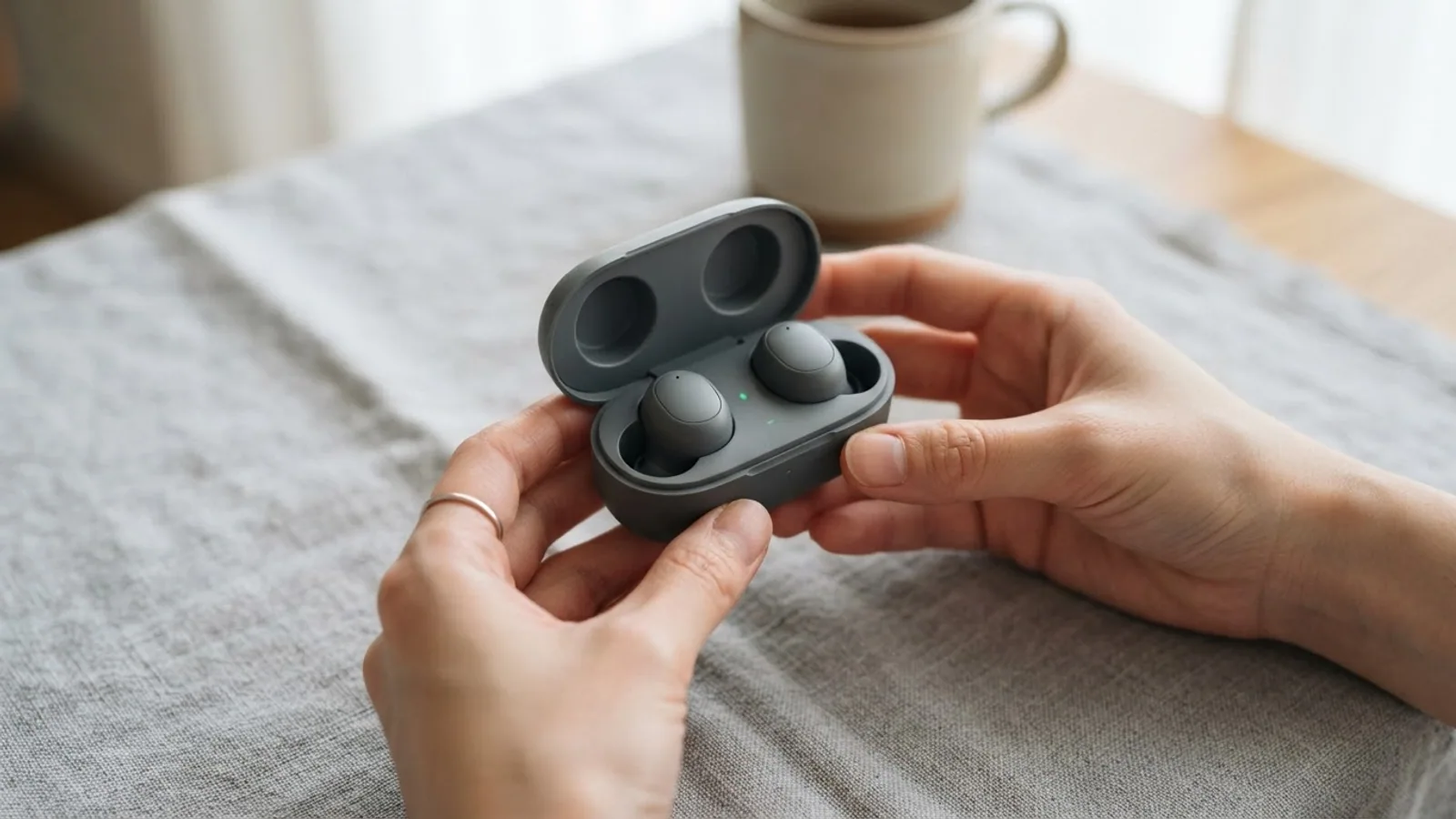
- AI use. As with every page on Gadget247News, AI tools helped research, outline, draft and edit this page, and re-read the official pages to flag facts that didn't match. The illustration at the top was generated with Runway and is labelled under the image.
- Human sign-off. Suraj Giri, Founder & Publisher, read this page and signed it off on . The site won't publish a page without that sign-off.
- Changes. The published and updated dates move only when the content changes, and every change gets a dated note. Spot an error or a fix that didn't work? Email info@gadget247news.com.
Read our AI use policy, editorial policy and corrections policy.
To restart Galaxy Buds, put them in the case, close the lid, wait at least seven seconds, then take them out. To factory reset them, tap Reset in your Galaxy Buds settings on your phone; there's no reset button, and Samsung lists the factory reset after the restart, as the last step before service.
This guide belongs to our Galaxy Buds fixes. For other brands' buttons and timings, see how to reset earbuds.
Restart vs Factory Reset: What's the Difference?
A restart reboots Galaxy Buds in their case and reconnects them; a factory reset returns them to their default settings.
| Action | How | What it does | Use it when |
|---|---|---|---|
| Restart (soft reset) | Case, lid closed for at least seven seconds | The buds restart and reconnect to your device automatically | The buds are unresponsive, or you're moving them to a new phone |
| Factory reset (hard reset) | Reset in your phone's Galaxy Buds settings or the Galaxy Wearable app | Returns the buds to their default settings | A restart didn't help; Samsung says a reset "can help resolve connection or performance issues" |
How to Restart (Soft Reset) Galaxy Buds
To restart Galaxy Buds, use the charging case; no app is needed:
- Insert both earbuds into the charging case.
- Close the lid and wait at least seven seconds.
- Take the earbuds out. They restart and reconnect to your device automatically.
Samsung's connection page gives a second cue: the light on the case goes out after about 7 seconds.
How to Factory Reset Galaxy Buds on a One UI 8 Phone
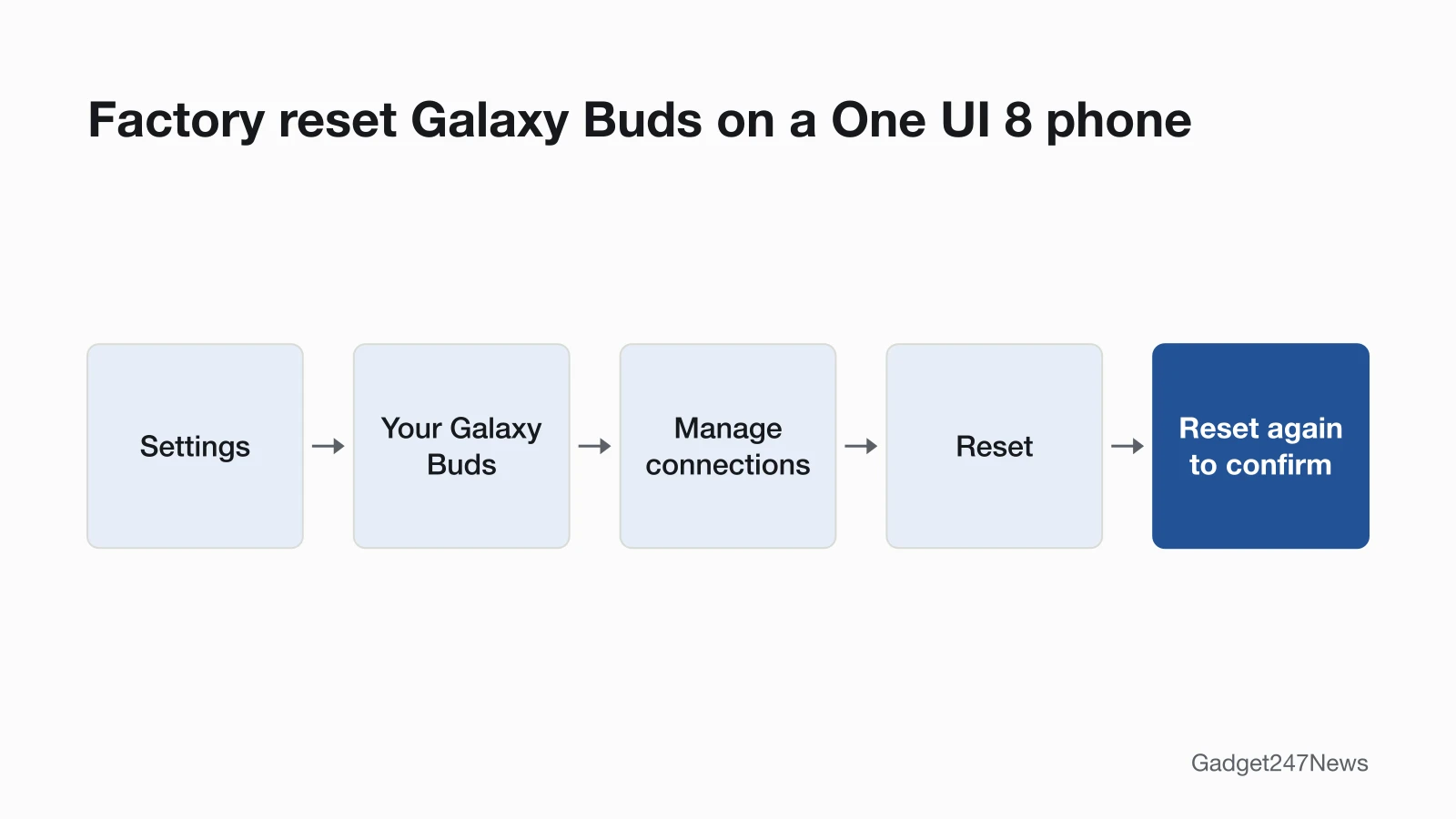
On a Galaxy phone with One UI 8.0 or later, the factory reset sits in the phone's own Settings app:
- With the buds connected, open Settings on your Galaxy phone.
- Tap your Galaxy Buds.
- Tap Manage connections.
- Tap Reset, then tap Reset again to confirm.
How to Factory Reset Galaxy Buds in the Galaxy Wearable App
On phones with One UI earlier than 8.0, the reset is in the Galaxy Wearable app:
- Open Galaxy Wearable on your phone and make sure both earbuds are connected to the app.
- Open your buds' settings screen (label in the table below).
- Tap Reset, then tap Reset again to confirm.
| Model group | Where Reset is | Samsung page |
|---|---|---|
| Galaxy Buds+, Buds Live, Buds Pro, Buds2 | Earbud settings > Reset | US reset page |
| Galaxy Buds (original) | About earbuds > Reset earbuds | US reset page |
| Any Galaxy Buds (models not named) | Manage connections > Reset | UK reset page, updated August 24, 2026 |
The US and UK pages give different labels for the same app. If Earbud settings isn't on your screen, look for Manage connections. Galaxy Buds+ and Buds Live paired to an iPhone reset from Samsung's Buds app instead.
Can You Reset Galaxy Buds Without the App?
Yes, on a Galaxy phone with One UI 8.0 or later: the reset is in Settings (steps above), so Galaxy Wearable isn't needed. Samsung's pages describe no button-based factory reset for Galaxy Buds, and its US page says only the Gear IconX has a physical Power/Restart button. A restart in the case needs no app at all.
How to Check the Reset Worked and Pair Again
After a factory reset, pair the buds again as a new device:
- If your phone still lists the buds, remove the old entry: Settings > Connections > Bluetooth, tap the gear icon next to the earbuds, then tap Unpair.
- In Galaxy Wearable, tap Start, put the buds in the case, close the lid for 5 to 6 seconds, open it and select your buds. On a One UI 8 phone, tap Connect when the QuickPair pop-up appears.
- Open your Galaxy Buds settings and set your preferences again, since the reset returned them to their defaults.
Full pairing steps for phones, tablets and PCs are in How to connect and pair Galaxy Buds.
If Resetting Your Galaxy Buds Doesn't Work
A factory reset returns the buds to their default settings. If they still won't show up on your phone afterwards, the connection fixes come next: see Samsung Galaxy Buds not connecting to your phone.
The Reset Option Is Missing or Greyed Out
Reset needs connected buds: Samsung's Galaxy Wearable steps start by making sure both earbuds are connected to the app. Charge both buds to at least 15%, restart them in the case, reconnect them, then try again. Still stuck? Samsung's reset page points to a Samsung walk-in service center or an online repair request.
Resetting Galaxy Buds: Quick Answers
How do I reset my Galaxy Buds?
Restart them in the case first, with the lid closed for at least seven seconds. If that doesn't help, factory reset them: Settings > your Galaxy Buds > Manage connections > Reset on One UI 8.0 or later, or the Reset option in Galaxy Wearable on older phones. Then pair them again as new.
Where is the reset button on earbuds?
Galaxy Buds don't have a reset button: the factory reset is a setting on your phone. Samsung says only the Gear IconX has a physical Power/Restart button. Other brands put reset controls in different places; the cross-brand reset guide linked at the top covers them.
How do I reset Galaxy Buds3 Pro?
Samsung's UK reset page gives one route for all Galaxy Buds, set by your phone's One UI version, so Galaxy Buds3 Pro follow it: restart them in the case, then tap Reset under Manage connections in Settings (One UI 8.0 or later) or in Galaxy Wearable. Samsung's US reset page doesn't name the Buds3 Pro.
Sources
We checked this page against the pages below, most recently on . How we verify fixes
- How to restart or reset your Samsung earbuds (Samsung, samsung.com)Official
- How to reset your Samsung Galaxy Buds (Samsung, samsung.com)Official
- Samsung earbuds don't connect or won't stay connected (Samsung, samsung.com)Official
- How to connect your Samsung Galaxy earbuds (Samsung, samsung.com)Official
- How to pair Galaxy Buds using Bluetooth in Samsung One UI 8 (Samsung, samsung.com)Official