Beats Not Charging? Causes and Fixes

By Suraj Giri, Founder & Publisher. Reviewed by Suraj Giri on .
Published · 7 min read
How this page was made
- Sources. Checked against 10 official pages from Apple and Beats, most recently on . See the sources.
- No device testing. We don't test fixes on physical devices, so nothing on this page is a hands-on result. A fact counts as verified only when it matches an official source page.
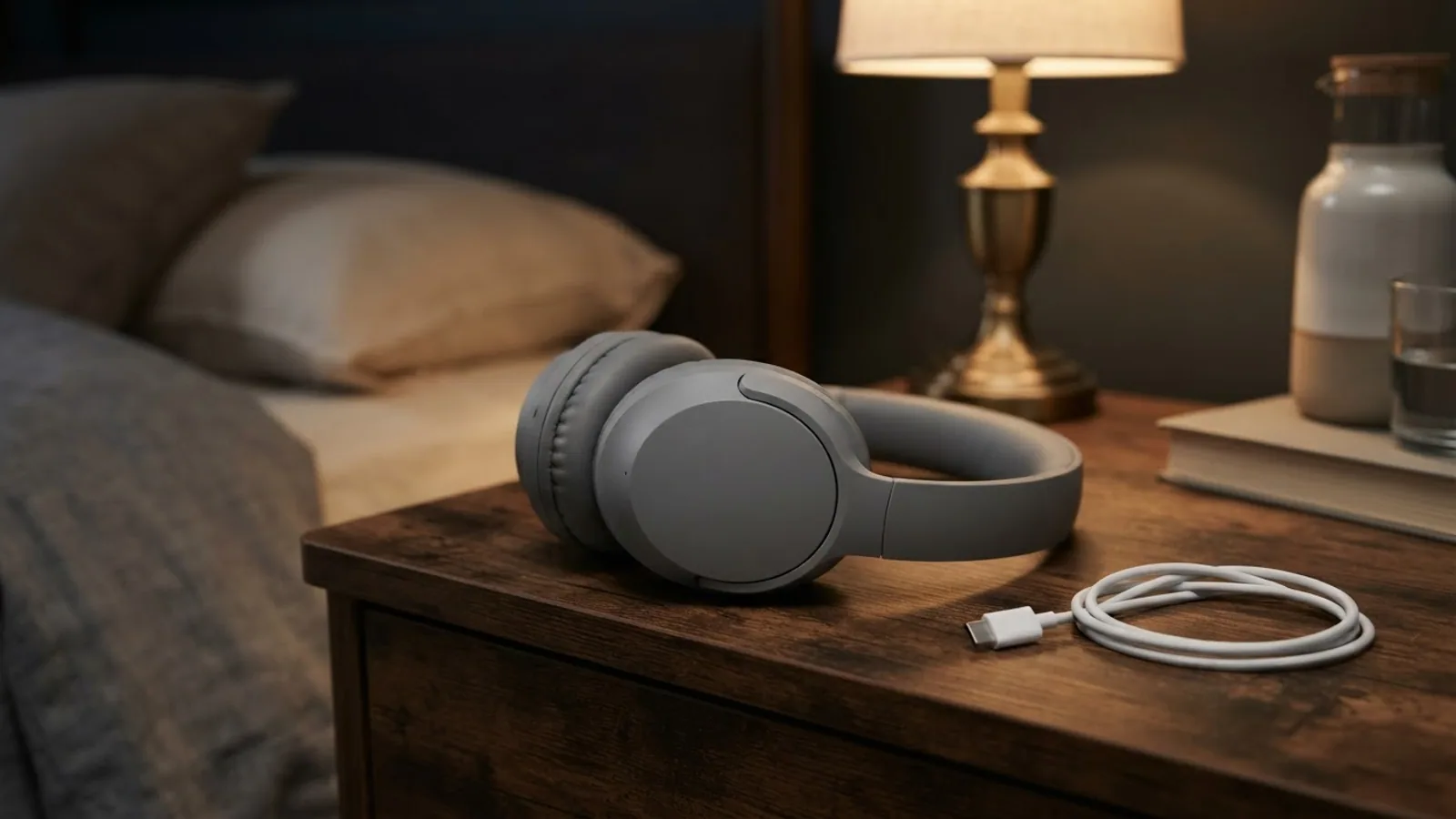
- AI use. As with every page on Gadget247News, AI tools helped research, outline, draft and edit this page, and re-read the official pages to flag facts that didn't match. The illustration at the top was generated with Runway and is labelled under the image.
- Human sign-off. Suraj Giri, Founder & Publisher, read this page and signed it off on . The site won't publish a page without that sign-off.
- Changes. The published and updated dates move only when the content changes, and every change gets a dated note. Spot an error or a fix that didn't work? Email info@gadget247news.com.
Read our AI use policy, editorial policy and corrections policy.
Beats that won't charge either show no charging light or never gain battery, and the fix depends on which part you're charging: the headphones, the earbuds' case, Beats Flex or Beats Pill. If your Beats charge but empty quickly, that's battery drain, a separate problem. For pairing, sound and other issues, start from Beats headphones pairing, battery and sound fixes.
Using earbuds from another maker? Their cases and contacts follow different steps, so see our guide for when earbuds won't charge.
Why Won't My Beats Charge?
Beats headphones and earbuds usually won't charge because power isn't reaching them. These six causes run from most to least likely:
- The cable, adapter or outlet: Apple's method is a USB-C cable and a compatible power adapter plugged into a power outlet.
- Earbuds not seated, or dirty contacts: Apple charges Beats earbuds through the case with both earbuds inside, and its cleaning steps cover the earbud contacts and the case's charging pins.
- A battery too flat to wake: Beats 360 give three red flashes, then go off, when the battery is too low to turn on.
- The wrong cable for an older model: Solo3 Wireless charge from the included micro USB cable, not USB-C.
- Powerbeats Pro 2 placed wrongly on a Qi charger: the case needs its status light facing up.
- A software fault: Apple ties charging issues to the paired device's software first, then to a reset.
How to Fix Beats That Won't Charge
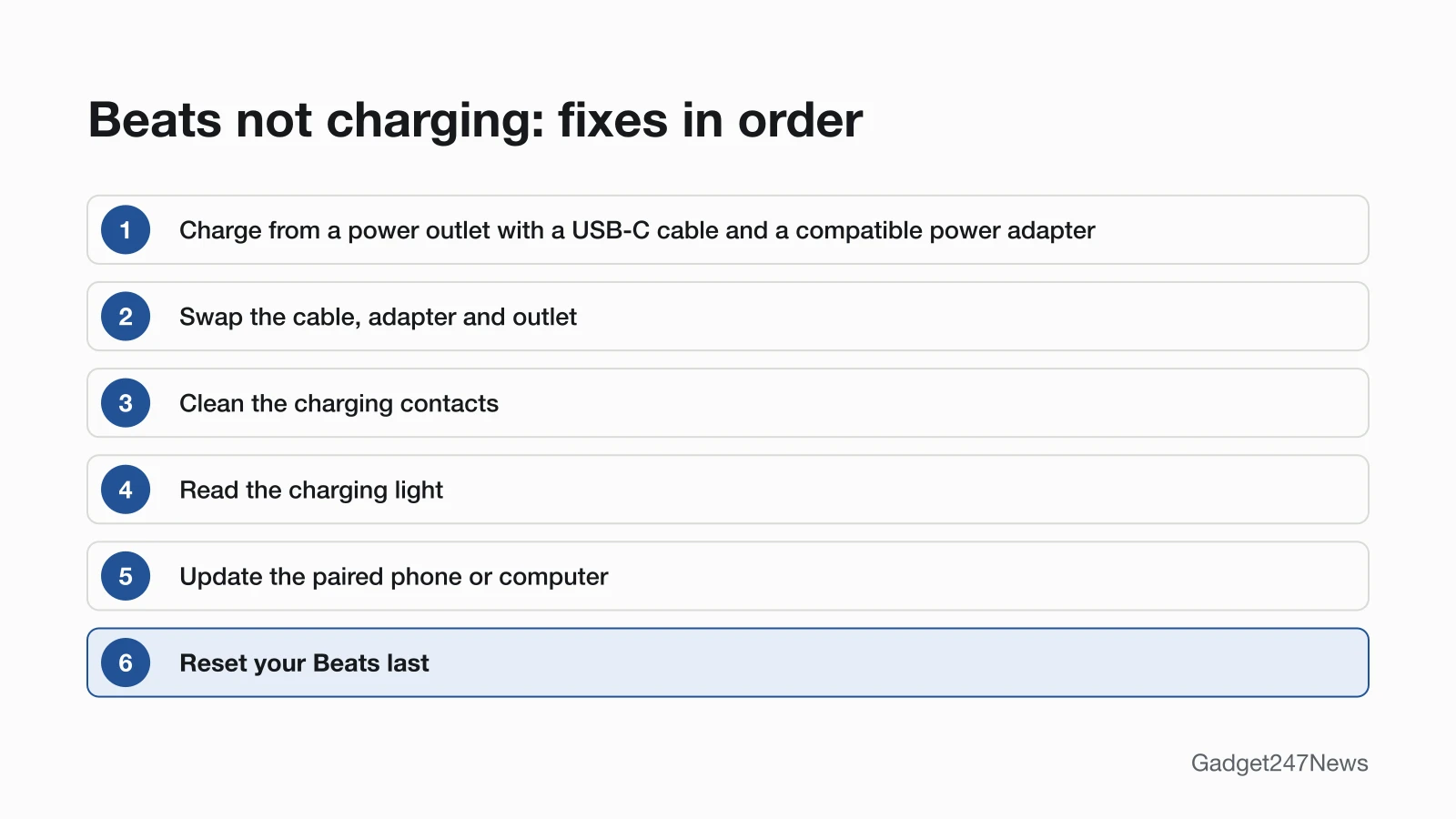
These start with Apple's charging method; reset comes last.
Fix 1: Charge From a Power Outlet With a USB-C Cable
Charge from a wall outlet first, because that is the setup Apple's Charge Beats page describes for every current model:
- Beats earbuds: place both earbuds in the charging case.
- Connect the case, the headphones, Beats Flex or Beats Pill to a power outlet using a USB-C cable and a compatible power adapter.
- Check the light for your model (Fix 4).
Apple gives no minimum charge time for most Beats. The one exception is Beats 360 that are too low to turn on: Apple says to charge them for at least 5 minutes. Between uses, keep Beats earbuds in their case; Apple's tip is that this helps maintain the battery charge.
Fix 2: Swap the Cable, Adapter and Outlet
Rule out the power source by changing one part at a time:
- Try another USB-C cable.
- Try another compatible power adapter.
- Try another wall outlet.
This isolation check is ours, not a Beats step. Apple's safety page backs it: damaged cables or chargers can cause fire or damage, and the adapter should be compliant with USB and your country's regulations. Apple adds one cable step for Beats Studio Buds +, Beats Fit Pro and Powerbeats Fit. If the case won't charge, disconnect the cable and clean its USB-C connector with a soft, dry, lint-free cloth, with no liquids.
Fix 3: Clean the Charging Contacts
Clean the metal contacts on the earbuds and the pins inside the case, using Apple's method for Beats Studio Buds +, Beats Fit Pro and Powerbeats Fit:
- Take the earbuds out of the case and disconnect the charging cable.
- Wipe the earbud contacts with a cotton swab slightly dampened with warm water, and the case's charging pins with a lint-free cloth slightly dampened with warm water. Use 70 percent isopropyl alcohol if necessary.
- Don't dry them with a hair dryer or other heat source, don't use cleaning products or compressed air, and don't push anything into the case's USB-C connector.
Discolored contacts are not a fault in themselves: Apple calls that normal after regular use. For the rest of the earbud, see how to clean earbuds to fix muffled sound.
Fix 4: Read the Charging Light
The charging light tells you whether power is reaching your Beats. This table lists Apple's light meanings for each model:
| Model | While charging | When charged |
|---|---|---|
| Beats Solo 4 | Light on the right earcup pulses red | Turns white at 95 percent or more |
| Beats Studio Pro | Five "fuel gauge" lights on the right earcup flash | All five lights stay lit |
| Beats 360 | Status light on the left earcup pulses red | Turns white at 95 percent or more |
| Beats Flex | Power-button light: white = more than an hour left, red = less than an hour | Blinking red means no time left |
| Beats Pill | Light turns green | Shines white for 10 seconds, then turns off |
| Solo3 Wireless | Fuel Gauge lights flash | All five lights stay lit |
| Beats earbuds cases | Not listed on Apple's Charge page | Check levels on your phone (below) |
If nothing changes on your model, treat it as a power problem and go back to Fix 2. On Beats 360, three red flashes and then nothing means the battery is too low to turn on, so leave it on the charger.
Fix 5: Charging Powerbeats Pro 2 Wirelessly
Powerbeats Pro 2 is the only Beats case with wireless steps on Apple's Charge page:
- Place the Powerbeats Pro 2 case with the status light facing up on a Qi-certified charger connected to a power outlet with a compatible power adapter.
- Keep keys, coins and jewelry off the charger; Apple warns they can get warm or interfere with charging.
Every other Beats case, and all Beats headphones, charge by cable.
Fix 6: Update Your Phone or Computer
Update the phone, tablet or computer your Beats are paired with. Apple's first step for Beats charging issues is to "make sure the device they're paired with is up to date," and only then to reset.
Fix 7: Reset Your Beats (Last Step)
Reset only after the six fixes above; after a reset you pair your Beats again to your Apple or Android device. The button combination differs for each model, so follow the Beats headphones soft and factory reset steps. If the reset itself won't work, Apple says to contact Apple Support.
One Earbud, Headphones or Beats Pill Not Charging
Each of these three setups has one detail the general fixes miss.
One Beats Earbud Not Charging
When one Beats earbud won't charge, check that side's contacts and its level:
- Clean that earbud's contacts and the matching pins in the case (Fix 3).
- Place both earbuds in the case.
- Check each level. On iPhone, leave the case open and hold it close to the phone: the levels for both earbuds and the case appear onscreen. On Android, open the Beats app, tap the menu button, then tap My Beats; the level shows below the image of your Beats.
If one earbud charges but stays silent, see one Beats earbud not working.
Beats Headphones Not Charging
Beats Solo 4, Beats Studio Pro and Beats 360 charge by USB-C. Connected by USB-C to a supported iPhone, iPad, Mac or Android device, the headphones charge while you listen. Solo3 Wireless are different: they use the included micro USB cable, and their Fuel Gauge lights flash while charging. Sound alone doesn't prove the battery is charging: on the 3.5 mm audio cable, Beats Solo 4 and Beats Studio Pro play without needing any battery power.
Beats Pill Not Charging
Beats Pill charges from a power outlet by USB-C: the light turns green while it charges and shines white for 10 seconds when it's done. A brief press of the power button shows green if it has power, red if the battery is low. Plugged into a phone or laptop, Beats Pill can charge that device instead; to let the other device charge the speaker, press the power button on Beats Pill three times.
Still not working?
If your Beats still won't take a charge, work through this order:
- Try the next fix: Beats headphones battery dying fast.
- Reset your Beats headphones with the steps in Fix 7 (you'll need to pair them again afterwards).
- Contact Beats Support: Beats Support (external).
- Check repair or warranty options: Beats headphones repair and warranty options.
Started after an update? Check the Update Tracker for known issues.
Related Battery Problems
Two battery problems look like a charging fault but need different steps:
- They charge but empty fast: that's battery drain, covered in step 1 above.
- They won't turn on even after charging: check the power button and hold time for your model, and how to turn Beats headphones on and off.
Beats Charging: Quick Answers
Why is my Beats Solo 4 not charging?
Beats Solo 4 charge from a power outlet with a USB-C cable and a compatible power adapter. The right-earcup light pulses red while charging and turns white at 95 percent. No light: try another cable and outlet, then reset by holding volume down and the power button for 10 seconds.
How do I know my Beats are charging?
A light changes on most Beats: Beats Solo 4 and Beats 360 pulse red, Beats Studio Pro flash their five fuel-gauge lights, and Beats Pill turns green. Beats earbuds show no case-light meanings on Apple's Charge page, so check each level on your iPhone or in the Beats app.
Can wireless Beats headphones charge on a wireless charger?
No. Beats headphones charge by USB-C cable, and Apple lists wireless charging only for the Powerbeats Pro 2 case, on a Qi-certified charger with the status light facing up. Beats Solo 4, Beats Studio Pro and Beats 360 need a USB-C cable and a compatible power adapter.
Sources
We checked this page against the pages below, most recently on . How we verify fixes
- Charge Beats headphones, earphones, and speakers (Apple, support.apple.com)Official
- Reset Beats (Apple, support.apple.com)Official
- Check the charge status (Beats User Guide) (Apple, support.apple.com)Official
- Use your Beats 360 (Apple, support.apple.com)Official
- Use your Beats Solo 4 (Apple, support.apple.com)Official
- Use your Beats Studio Pro (Apple, support.apple.com)Official
- Clean your Beats Studio Buds, Beats Studio Buds +, Beats Fit Pro, and Powerbeats Fit (Apple, support.apple.com)Official
- Safety and handling information for Beats headphones and earphones (Apple, support.apple.com)Official
- Set up and use your Solo3 Wireless headphones (Apple, support.apple.com)Official
- Beats Support (Beats, beatsbydre.com)Official