How to Use Walkie-Talkie on Apple Watch

By Suraj Giri, Founder & Publisher. Reviewed by Suraj Giri on .
Published · 4 min read
How this page was made
- Sources. Checked against 3 official pages from Apple, most recently on . See the sources.
- No device testing. We don't test fixes on physical devices, so nothing on this page is a hands-on result. A fact counts as verified only when it matches an official source page.
- AI use. As with every page on Gadget247News, AI tools helped research, outline, draft and edit this page, and re-read the official pages to flag facts that didn't match. The illustration at the top was generated with Runway and is labelled under the image.
- Human sign-off. Suraj Giri, Founder & Publisher, read this page and signed it off on . The site won't publish a page without that sign-off.
- Changes. The published and updated dates move only when the content changes, and every change gets a dated note. Spot an error or a fix that didn't work? Email info@gadget247news.com.
Read our AI use policy, editorial policy and corrections policy.
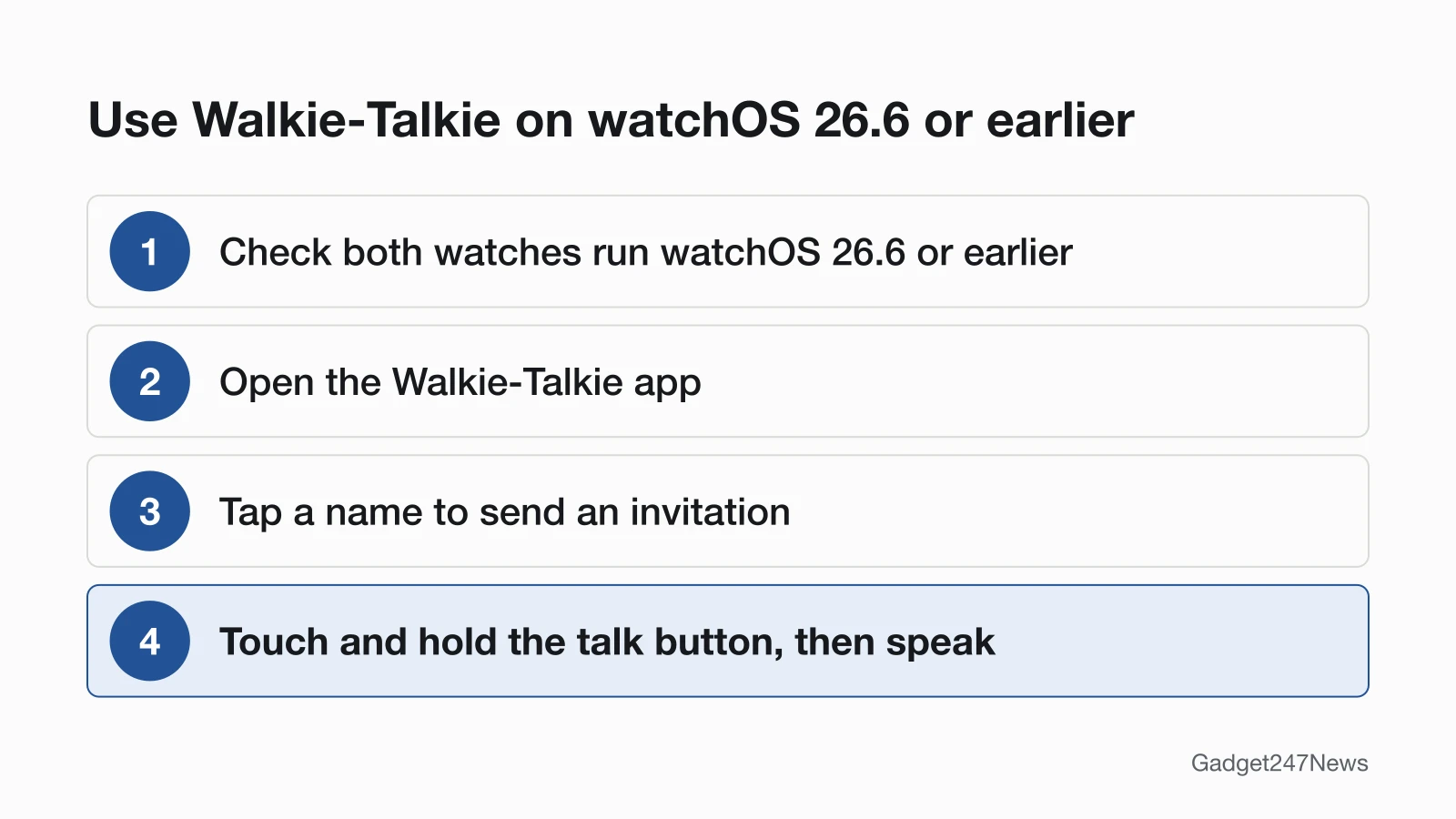
Check that you and your friend both use watchOS 26.6 or earlier, because Apple discontinued Walkie-Talkie in watchOS 27. On those versions it still works between two watches: touch and hold the talk button to speak to a friend's Apple Watch, then let go and they hear you. It belongs to our Apple Watch setup series, alongside the guide to customize Apple Watch faces.
Walkie-Talkie also needs FaceTime set up on your iPhone. If your watch isn't connected to that iPhone, start with how to pair an Apple Watch with your iPhone.

Is Walkie-Talkie Still on Apple Watch?
Not on watchOS 27. Apple says "With watchOS 27, Walkie-Talkie has been discontinued", and what still works depends on the watchOS version on both watches:
| Your watch and your friend's | What happens |
|---|---|
| Both on watchOS 5.3 through watchOS 26.6 | Walkie-Talkie works |
| You're on watchOS 27 | The app no longer appears and isn't available to download from the App Store |
| You're on watchOS 26 or earlier, your friend updated to watchOS 27 | You can't start a Walkie-Talkie conversation with them |
watchOS 27 is compatible with Apple Watch SE 3, Series 9 and later, and Ultra 2 and later. Other watches get the newest version they can use, so by our reading of Apple's two pages, an older watch on watchOS 26.6 or earlier keeps the app. Apple's article doesn't name a replacement. The watchOS 27 User Guide still covers FaceTime audio calls, which you start from the Messages app. If you still rely on Walkie-Talkie, check known watchOS issues before you update your Apple Watch.
How to Add a Friend on Walkie-Talkie
To add a friend on Walkie-Talkie, send an invitation from the app:
- Open the Walkie-Talkie app on your Apple Watch.
- Scroll through the list of contacts, then tap a name to send an invitation.
- Wait for your friend to accept. Their contact card stays gray under Friends You Invited until they do, then turns yellow.
To remove a friend, swipe left on them in the app, then tap the Delete button. On iPhone, open the Apple Watch app, tap Walkie-Talkie, tap Edit, tap the minus button, then tap Remove.
How to Accept an Invitation
Tap Always Allow in the notification that appears when someone invites you. If you miss that notification, look for it in Notification Center; invitations also appear in the Walkie-Talkie app.
How to Talk on Walkie-Talkie
To talk on Walkie-Talkie, hold the talk button while you speak:
- Open the Walkie-Talkie app and tap a friend.
- Touch and hold the talk button, then say something. If you see "connecting" on the screen, wait for Walkie-Talkie to connect.
- Let go when you're done. Your friend instantly hears what you said.
Turn the Digital Crown to change the volume. Your friend gets an alert when you want to talk, as long as they're wearing their Apple Watch and have Walkie-Talkie turned on.
Turn Walkie-Talkie Off or On
Open the Walkie-Talkie app and switch Walkie-Talkie off or on, or tap the Walkie-Talkie button in Control Center. While you're unavailable, a notification asks if you'd like to talk when someone tries to reach you. Silent Mode still lets you hear chimes and your friend's voice, but Theater Mode makes you unavailable automatically.
How to Check It Worked
It worked when your friend's contact card turns yellow: they accepted, and once Walkie-Talkie connects, your friend can hear your voice and talk with you instantly.
If Walkie-Talkie Isn't Working
When Walkie-Talkie isn't working or invitations don't arrive, work through these checks from Apple's help section:
- The app is missing. Check your watchOS version: Walkie-Talkie is no longer available after you update to watchOS 27. On an earlier version, you might have deleted it, so open the App Store on your watch and download it again.
- FaceTime is deleted or off. FaceTime is required for Walkie-Talkie. Download it again from the App Store on your iPhone, then open Settings, tap FaceTime and turn on FaceTime.
- Invitations don't arrive. On your iPhone, open Settings, tap FaceTime and make sure you're signed in to your Apple Account. Under You Can Be Reached By FaceTime At, select your email address.
- Restart both devices. Restart your Apple Watch, then restart your iPhone.
- Invite them again. In the Walkie-Talkie app, swipe left on the contact, tap the Delete button, then tap the plus button and choose the same contact.
Apple also notes that FaceTime isn't available in all countries or regions.
Related Setup Tasks
Two more Apple Watch setup guides:
- How to set an alarm on Apple Watch.
- Silencing the watch: our silent mode guide compares Silent Mode, Theater Mode and Do Not Disturb.
Walkie-Talkie Questions
These answers cover the missing app, updated friends and use away from your iPhone.
Why did Walkie-Talkie disappear from my Apple Watch?
Your watch updated to watchOS 27. Apple discontinued Walkie-Talkie in that version: after the update, the app no longer appears on your watch, and it isn't available to download from the App Store.
Can I use Walkie-Talkie with a friend who updated to watchOS 27?
No. Apple says a watch on watchOS 26 or earlier can't start a Walkie-Talkie conversation with a friend who has updated to watchOS 27. Their watch no longer has the app, so both of you need watchOS 26.6 or earlier.
Does Walkie-Talkie work without my iPhone nearby?
Yes, on watchOS 26.6 or earlier. Apple says that if your iPhone isn't nearby, you can use Walkie-Talkie with a cellular or Wi-Fi connection.
Sources
We checked this page against the pages below, most recently on . How we verify fixes
- Use Walkie-Talkie on your Apple Watch (Apple, support.apple.com)Official
- Update your Apple Watch (Apple, support.apple.com)Official
- Make and receive FaceTime audio calls on Apple Watch (Apple Watch User Guide) (Apple, support.apple.com)Official