How to Turn Bose Headphones On and Off

By Suraj Giri, Founder & Publisher. Reviewed by Suraj Giri on .
Published · 4 min read
How this page was made
- Sources. Checked against 7 official pages from Bose, most recently on . See the sources.
- No device testing. We don't test fixes on physical devices, so nothing on this page is a hands-on result. A fact counts as verified only when it matches an official source page.
- AI use. As with every page on Gadget247News, AI tools helped research, outline, draft and edit this page, and re-read the official pages to flag facts that didn't match. The illustration at the top was generated with Runway and is labelled under the image.
- Human sign-off. Suraj Giri, Founder & Publisher, read this page and signed it off on . The site won't publish a page without that sign-off.
- Changes. The published and updated dates move only when the content changes, and every change gets a dated note. Spot an error or a fix that didn't work? Email info@gadget247news.com.
Read our AI use policy, editorial policy and corrections policy.
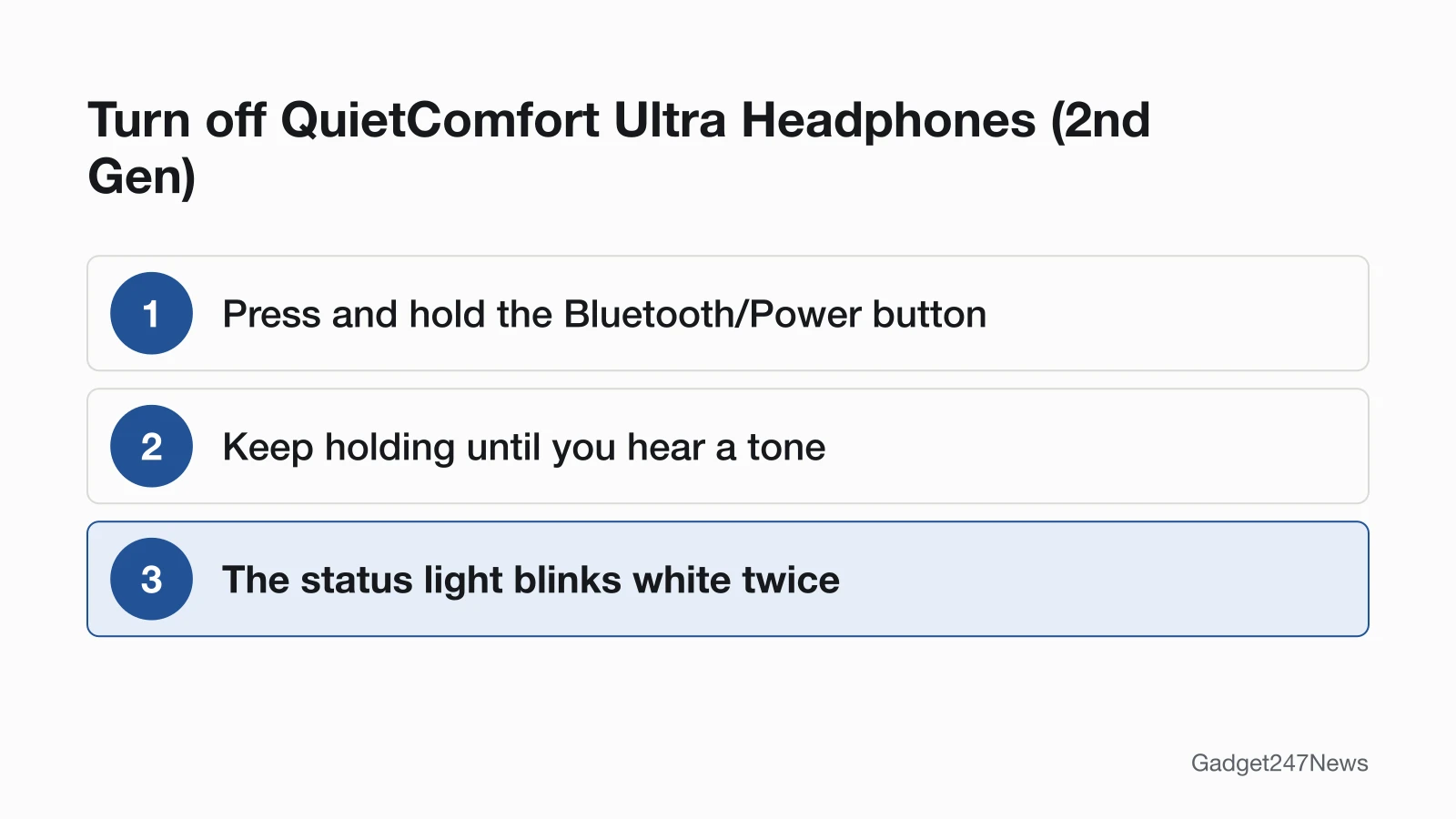
To turn off QuietComfort Ultra Headphones (2nd Gen), press and hold the Bluetooth/Power button until you hear a tone and the status light blinks white twice. QuietComfort Headphones use a switch: slide the Power/Bluetooth switch left for off and right for on. QuietComfort Ultra Earbuds (2nd Gen), QuietComfort Earbuds (2024) and Ultra Open Earbuds power off when you place both earbuds in the charging case and close it, and power on when you open the case. For everything else, see Bose headphones problems and fixes.
If earbuds from another brand won't power up, start with our earbuds charging fixes.
How to Turn Off Bose Headphones and Earbuds
Each model has one power-off action and one cue:
| Model | Turn off | What you'll see or hear |
|---|---|---|
| QuietComfort Ultra Headphones (2nd Gen) | Press and hold the Bluetooth/Power button | A tone, then the status light blinks white twice |
| QuietComfort Headphones | Slide the Power/Bluetooth switch to the left | The guide gives no cue |
| QuietComfort Ultra Earbuds (2nd Gen) | Place both earbuds in the charging case, then close the case | They disconnect, then power off when the lid closes |
| Ultra Open Earbuds | Place both earbuds in the charging case, then close the case | They disconnect and power off once in the case |
| QuietComfort Earbuds (2024) | Both earbuds in the case, lid closed; while wearing them, double-tap then touch and hold each earbud | A tone (each earbud powers off separately) |
On both QuietComfort headphone models, noise cancellation is disabled while the headphones are powered off.
How to Turn On Bose Headphones and Earbuds
Power on uses the same control, pressed briefly or moved the other way:
| Model | Turn on | What you'll hear or see |
|---|---|---|
| QuietComfort Ultra Headphones (2nd Gen) | Press and release the Bluetooth/Power button | A tone after a few seconds, only with the headphones on your head: it calibrates the audio to your ears |
| QuietComfort Headphones | Slide the Power/Bluetooth switch to the right | A voice prompt announces the battery level |
| QuietComfort Ultra Earbuds (2nd Gen), Ultra Open Earbuds | Open the charging case | The earbuds power on and their status lights glow |
| QuietComfort Earbuds (2024) | Open the charging case; if you're wearing them powered off, touch and hold each earbud for 1 second | A tone. First use: wait until the status light starts to glow before removing them, to activate the battery |
Bose updated voice prompts and tones in 2026 firmware for QuietComfort Ultra Headphones (2nd Gen) (version 8.2.20) and QuietComfort Ultra Earbuds (2nd Gen) (version 8.3.12), so the sound you hear may differ from the owner's guide. Other models, such as QuietComfort 45 and QuietComfort Earbuds II, aren't covered: we read only these five guides.
Do Bose Headphones Turn Off by Themselves?
Some Bose models power off by themselves; others only sleep or stand by. QuietComfort Ultra Headphones (2nd Gen) sleep instead: taken off with the earcups flat, they disconnect within 3 seconds and sleep after 20 minutes of disconnection; putting them on wakes them. QuietComfort Headphones have an auto-off feature you turn on in the Bose app's Settings menu. A QuietComfort Ultra Earbuds (2nd Gen) earbud left still out of your ear goes to Standby after 10 minutes. QuietComfort Earbuds (2024) earbuds power off after 30 minutes in Standby.
How to Check Your Bose Are On or Off
Two quick checks confirm the power state:
- Watch or listen for the cue in the tables above: a tone, a voice prompt or the status light.
- Open your phone's Bluetooth list. When QuietComfort Headphones power on, or QuietComfort Ultra Earbuds (2nd Gen) come out of the case, they try to reconnect to the two most recently connected devices.
If Your Bose Headphones Won't Turn On
Start with the charge: for QuietComfort Ultra Headphones (2nd Gen), charge a depleted battery, then press the Bluetooth/Power button. For QuietComfort Headphones, slide the switch right, power them off and on again, and unplug the audio cable and the USB charging cable. For QuietComfort Ultra Earbuds (2nd Gen), insert the earbuds in your ears to wake them from Standby, seat both in the case until they magnetically snap into place, then close and reopen it; after heat or cold, let them return to room temperature. Still dead? See Bose headphones not charging. On but won't pair? See Bose headphones not connecting.
Turning Off Noise Cancelling or Changing Volume Instead
Many "turn on" and "turn off" searches are about a feature, not the power:
- QuietComfort Ultra Headphones (2nd Gen): press and hold the Multi-function button to cycle through modes, and release it at the one you want. Quiet, Aware and Immersion are the default favorites.
- QuietComfort Headphones: press the Action button to switch noise cancelling modes.
- QuietComfort Ultra Earbuds (2nd Gen): touch and hold an earbud to cycle modes (the default shortcut on both earbuds), or tap Modes in the Bose app. Swipe up or down on an earbud for volume.
- Ultra Open Earbuds: double-press and hold the right earbud button to raise the volume, or the left one to lower it.
How the feature itself works is covered in noise cancelling explained for earbuds and headphones.
Bose Power: Quick Answers
Why won't my Bose headphones turn on?
A depleted battery is Bose's first answer: charge them, then press the Bluetooth/Power button (QuietComfort Ultra Headphones (2nd Gen)). Earbuds may be in Standby instead, so put them in your ears, or seat both in the case, close the lid and open it again.
How do I turn off Bose QuietComfort Ultra Headphones?
On the 2nd Gen model, press and hold the Bluetooth/Power button until you hear a tone and the status light blinks white twice. Laying them flat only disconnects them; they sleep later rather than powering off. First-generation steps aren't covered here.
How do I turn up the volume on Bose earbuds?
On QuietComfort Ultra Earbuds (2nd Gen), swipe up on an earbud. On Ultra Open Earbuds, double-press and hold the right earbud button and release it at the level you want. On Ultra Open Earbuds, your device's volume controls or the Bose app work too.
Sources
We checked this page against the pages below, most recently on . How we verify fixes
- Bose QuietComfort Ultra Headphones (2nd Gen) Owner's Guide (Bose, assets.bosecreative.com)Official
- Bose QuietComfort Headphones Owner's Guide (Bose, assets.bosecreative.com)Official
- Bose QuietComfort Ultra Earbuds (2nd Gen) Owner's Guide (Bose, assets.bosecreative.com)Official
- Bose QuietComfort Earbuds Owner's Guide (Bose, assets.bosecreative.com)Official
- Bose Ultra Open Earbuds Owner's Guide (Bose, assets.bosecreative.com)Official
- Updating Your Headphones | Bose QuietComfort Ultra Headphones (2nd Gen) (Bose, support.bose.com)Official
- Updating Your Earbuds | Bose QuietComfort Ultra Earbuds (2nd Gen) (Bose, support.bose.com)Official